Have a damaged print? Restore it free on the web. No account.
Restore one photo freeNo sign-up. One photo, on the web.
See restored examples in the gallery, or walk the Ellis Island museum wall.
RSS feed available · Looking for evergreen how-tos? See Guides.
Origin stories and public photographs that show how a record was made, named, or corrected.
 Story
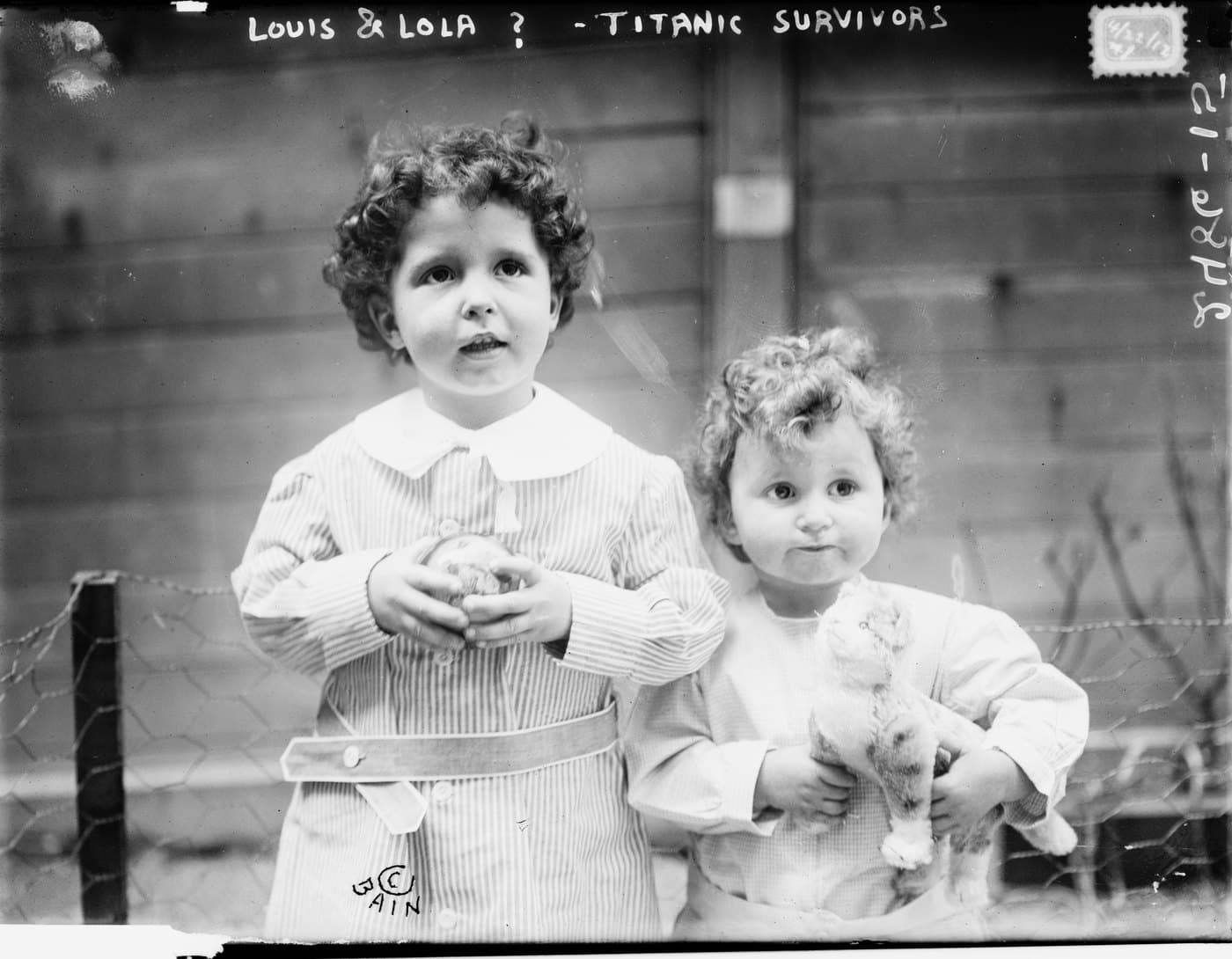
StoryHow a photograph helped reunite the Titanic orphans with their mother
In April 1912 two small boys came off the Carpathia and nobody knew who they were. Their photograph was published as evidence. Somebody recognised them. Fourteen public-domain survivor photographs still carry the archive's own question marks.
 Story
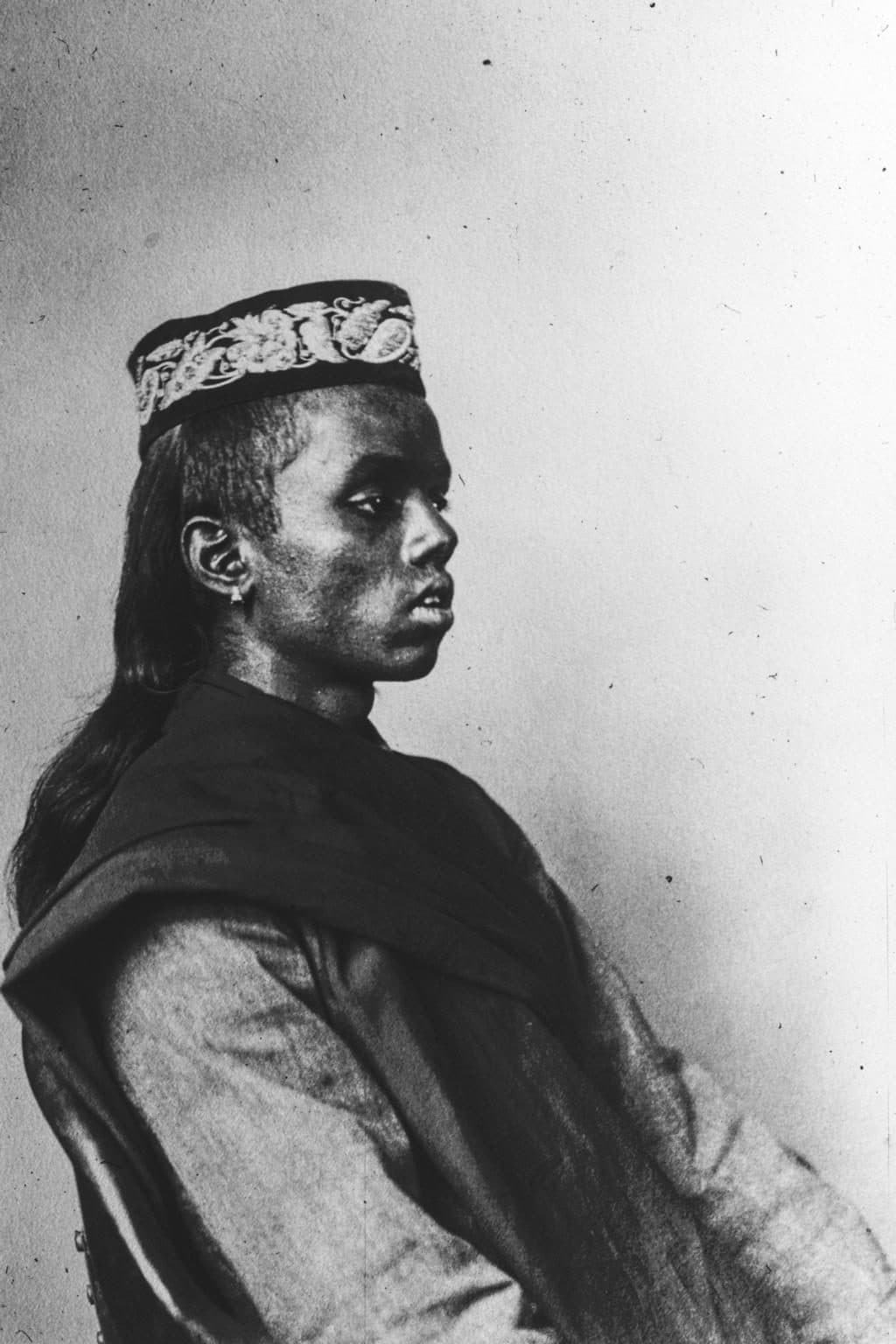
StoryHow a duplicate print helped identify a boy in an archive
Augustus Sherman photographed thousands of arrivals at Ellis Island and recorded almost none of their names. One young man was catalogued by a racial label for a hundred years. A second copy of the same photograph, captioned by somebody else, gave him back his name, his age and his ship.
 Story
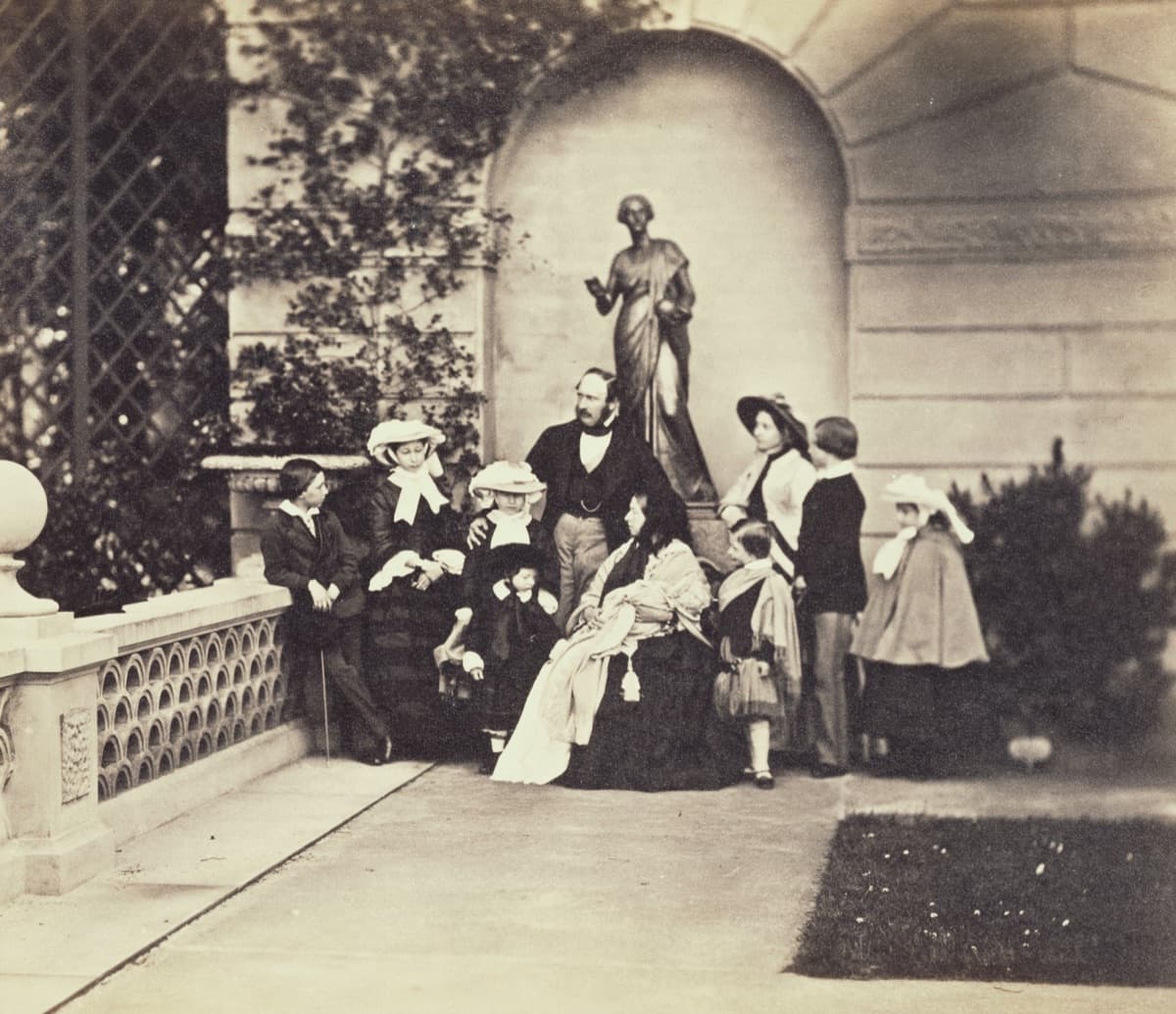
StoryThe royal family photographed across generations
Photography and Queen Victoria's family grew up together. Sixteen photographs from 1854 to 1901 track a medium learning what it was for, a family that could not stop being looked at, and an illness moving through it that nobody in the pictures could see.
 Story
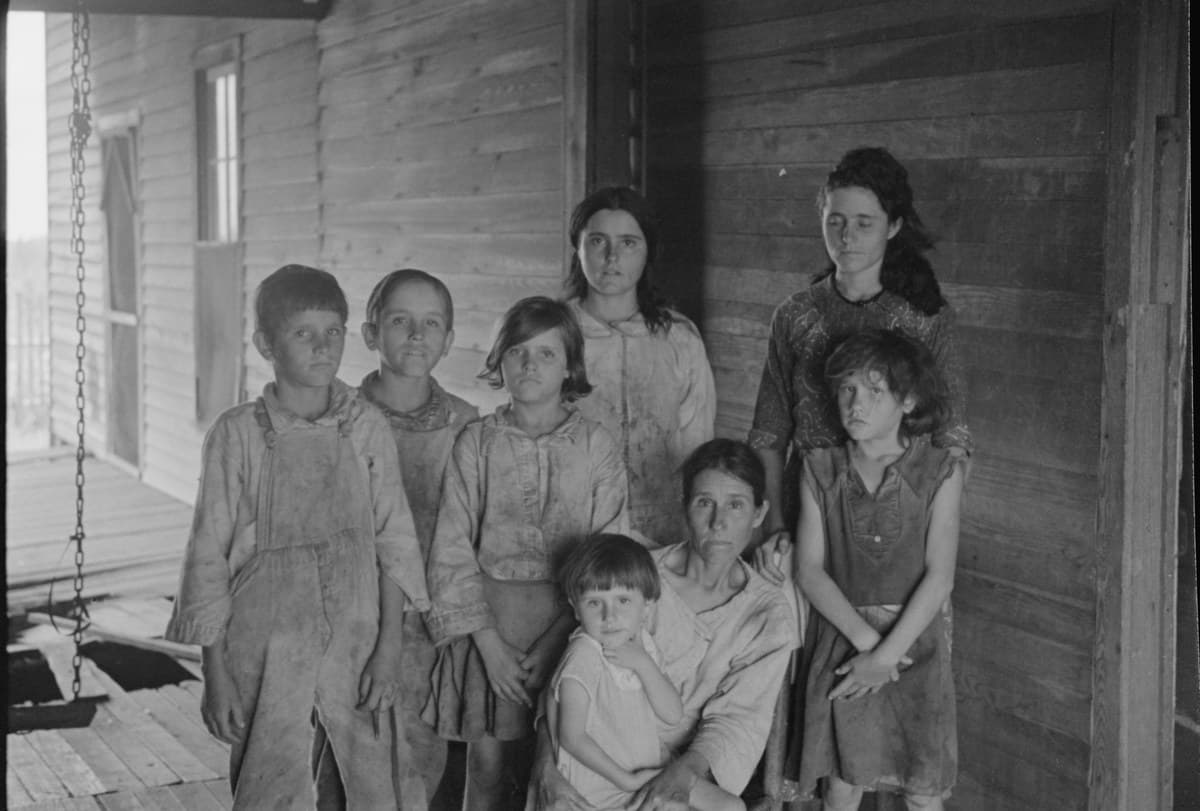
StorySomebody's relative recognised them and wrote in, decades late
In the summer of 1936 two photographers documented the same crisis. One wrote down names, the other did not. Ninety years on, the national archive credits one identification simply to a family member. That is the whole argument for writing names down while somebody still knows them.
How to scan, name, ask, and keep family photographs without turning guesses into facts.
 Guide
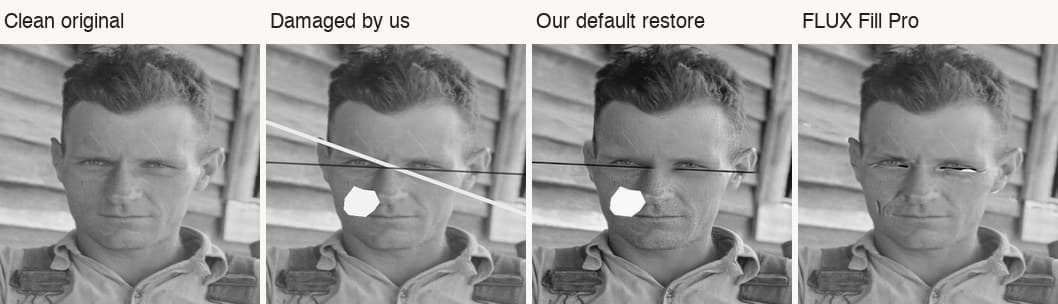
GuideWe damaged eight 1930s portraits to see what restoration does to a face
We scratched eight public-domain portraits and tested four repairs, including our own one-tap restore and FLUX Fill Pro. Our default restore did not pass. What we measured, and what we changed.
 Guide
GuideScan the back of every print: the genealogy metadata most people throw away
When you digitise family prints, the reverse often holds the only names and dates. How to scan fronts and backs on your phone, and keep that handwriting with the photo.
 Guide
GuideHow to restore a scratched or faded family photograph without changing who they are
A practical guide for family historians on repairing scratched, faded, or damaged family photos while keeping likeness intact, Source preserved, and privacy first.
 Guide
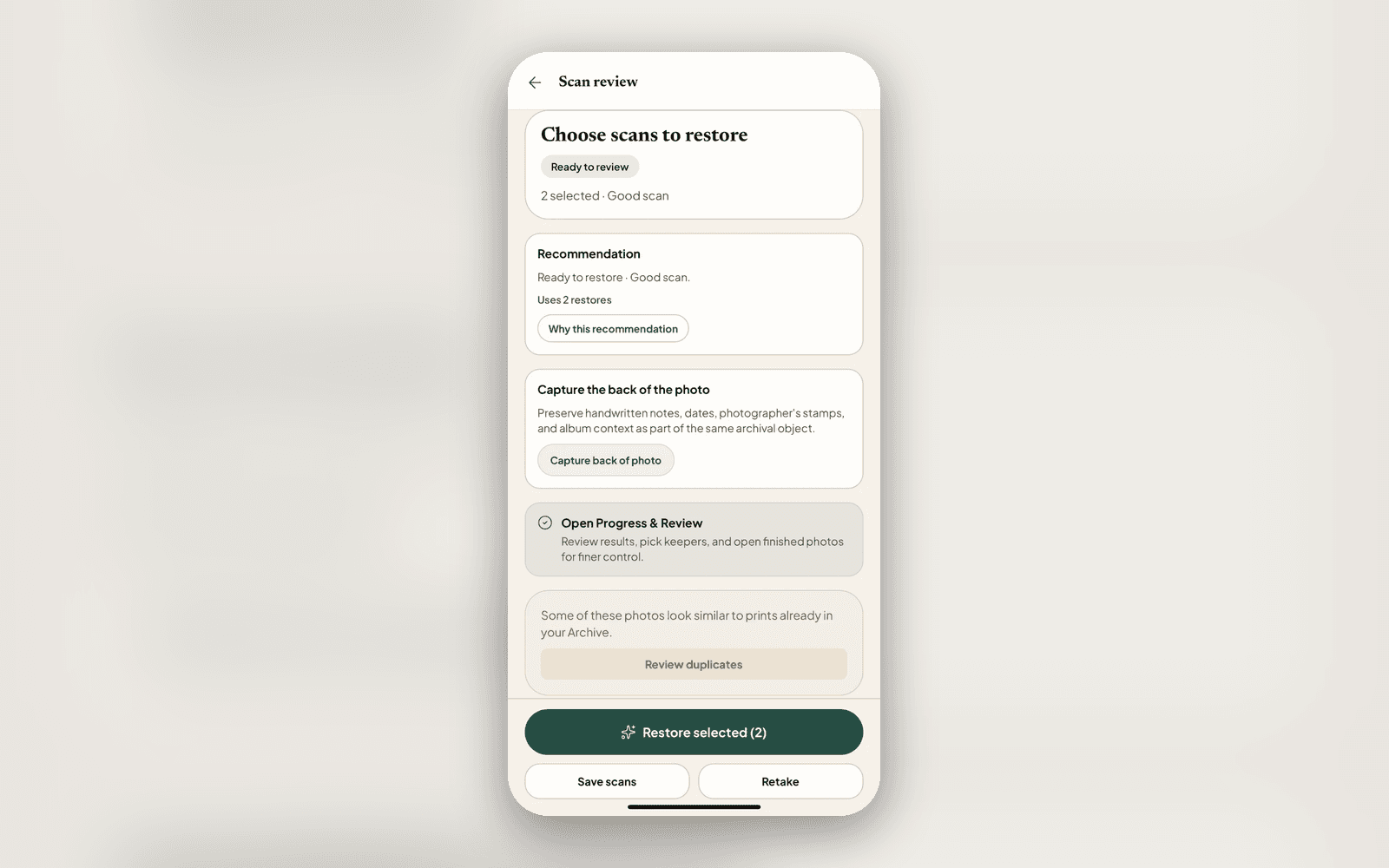
GuideStart digitising your family photos
Choose a few prints, scan them into an album, and add what you remember. A practical way to begin a large family-photo collection.
GuideScanning your parents' albums on your next trip home
If your family's albums live in another country, the trip home is the moment. A simple plan for scanning your parents' old photos with your phone while you're in the room, and capturing the names while someone still knows them.
 Guide
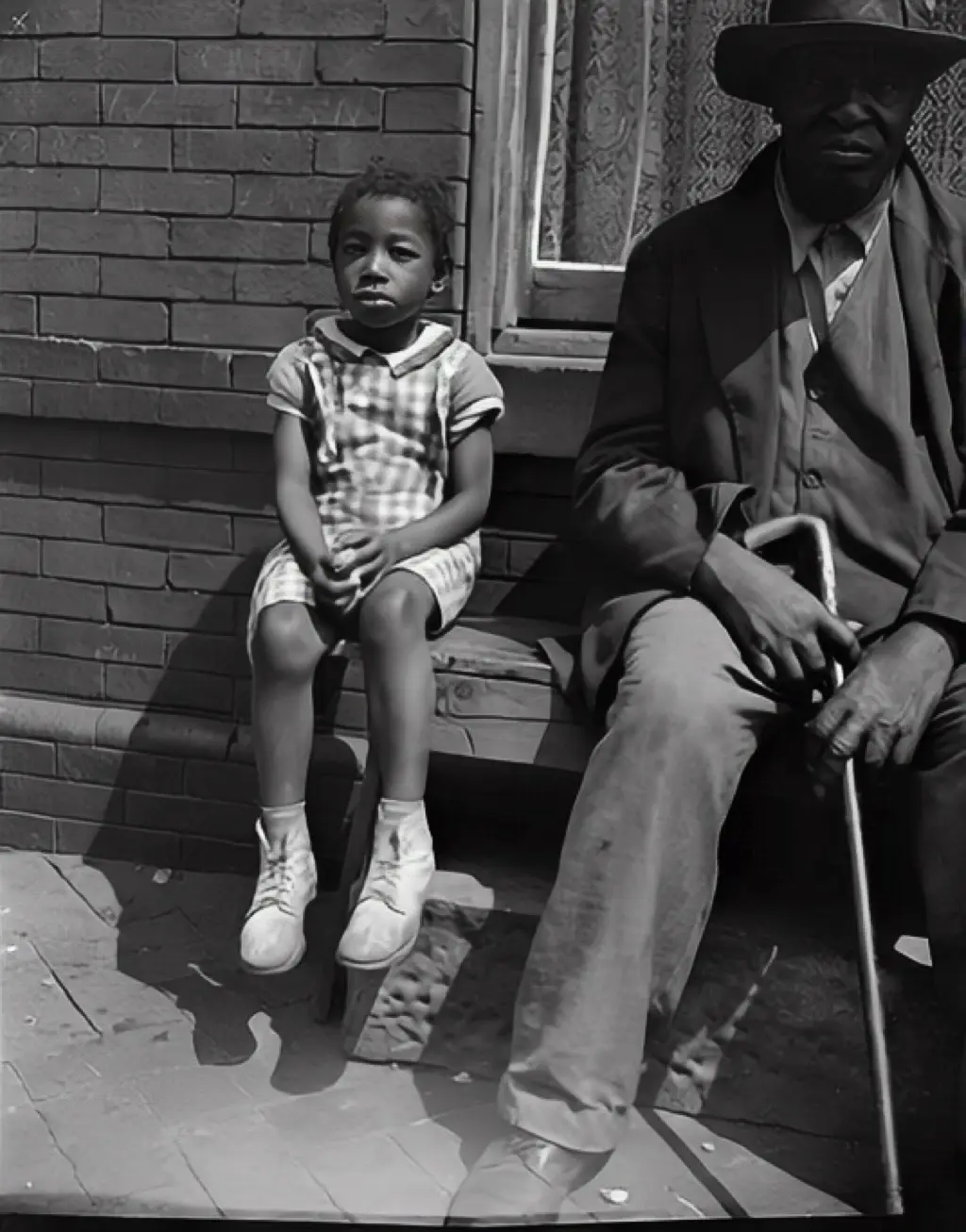
GuideBefore they're gone: writing down the names while someone still remembers
Damage to an old photo is the obvious problem. The quieter one is the name nobody can place. A gentle guide to sitting down with the family and capturing who, where, and when, while the person who knows is still here to ask.
GuidePut a name to every face, and let the right memory find you
Nostalgia groups the same person across the decades so you can name every face once, then resurfaces the right photo with 'on this day.' Here is how People and Memories work, privately.
 Guide
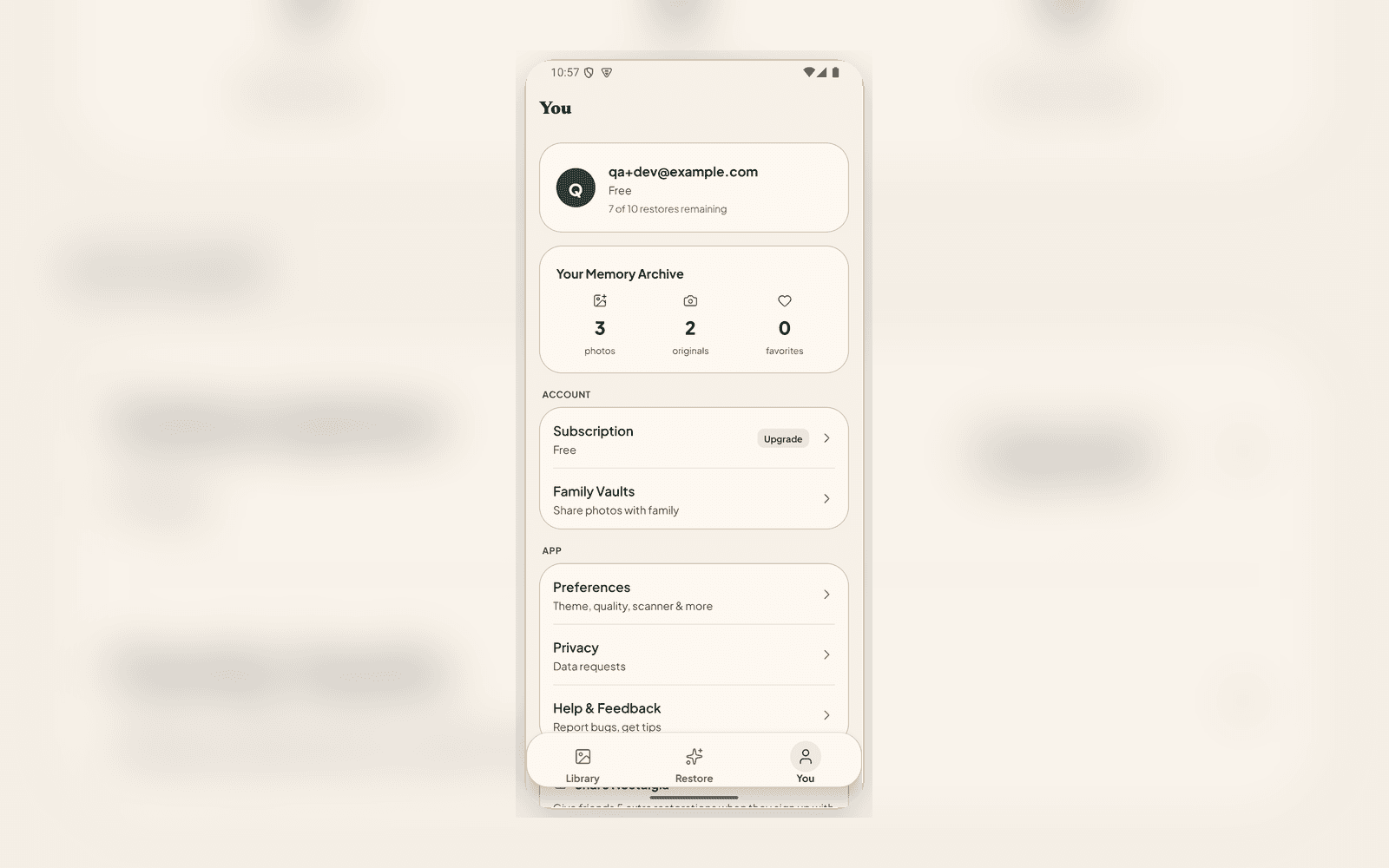
GuideFamily Vaults: a private shared space for a living branch
Memorial vaults honor someone who is gone. A Family Vault is the everyday version: an invite-only space where a living branch browses, adds, and shares restored photos together.
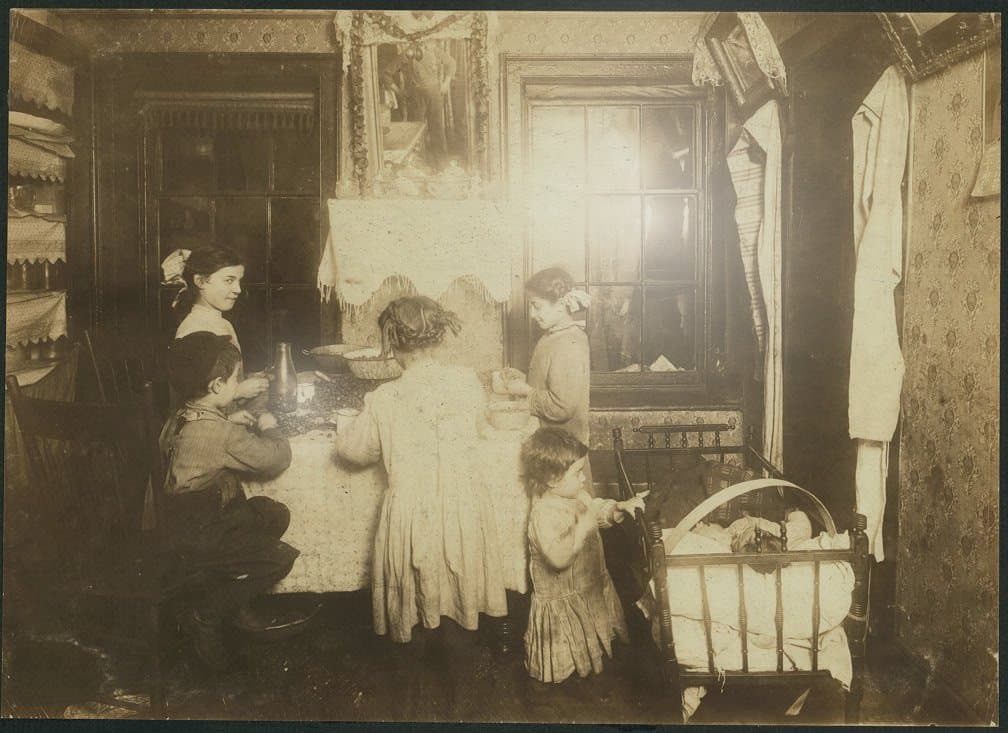 Guide
GuideScanning prints with your phone, done right
Glare, skew, blur, and album pages are what make phone scans bad. Here is how the Nostalgia scanner handles each one at capture time, the honest handling tips that still matter, and when a flatbed is the better call.
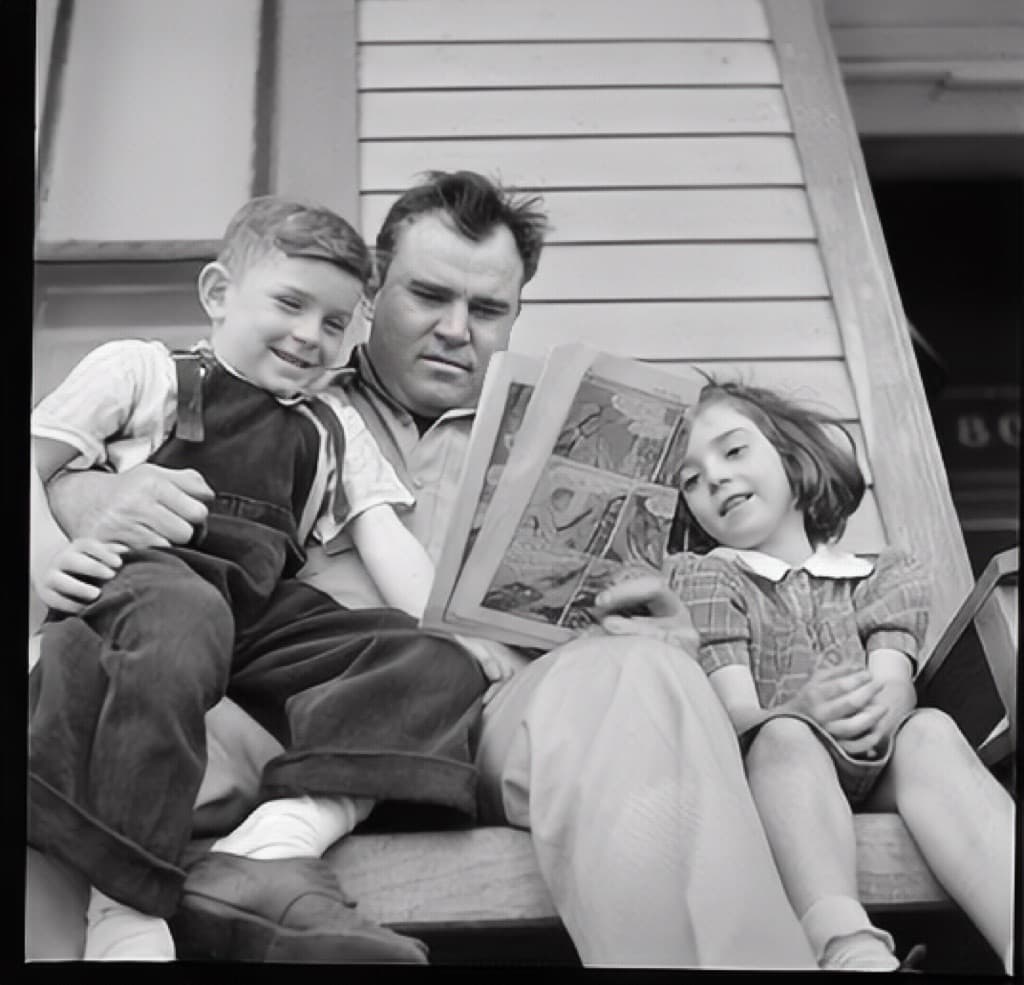 Guide
GuideHow to share a restored family photo so everyone actually sees it
Restoring an old family photo is only half the moment. Sharing it is the other half. Here is how to send a before-and-after that lands, while keeping the Source private.
GuideHow a typical family ends up archiving 1,500 photos together
The work of building a family photo archive isn't a solo photo effort. Here's how the load tends to distribute across three generations, and why the result is richer when nobody tries to do it alone.
GuideWhy we will never sell your family photos
Most photo apps' terms of service quietly grant the right to use your uploads for product improvement, AI training, or marketing. We chose a different stance, and made it the default. Here's why, and what it costs us.
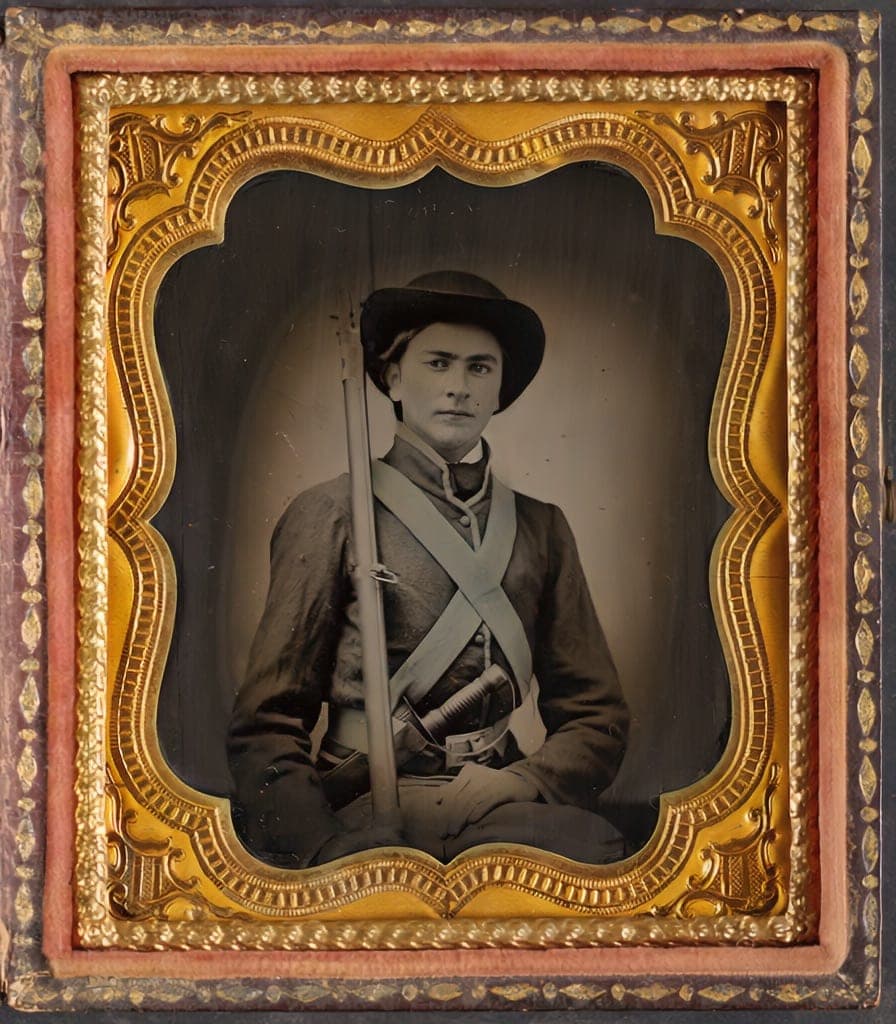 Guide
GuideThe Family Historian's Guide to AI Photo Restoration
If you're building a family archive alongside your tree on Ancestry or MyHeritage, here's how to use AI photo restoration without compromising archival integrity.
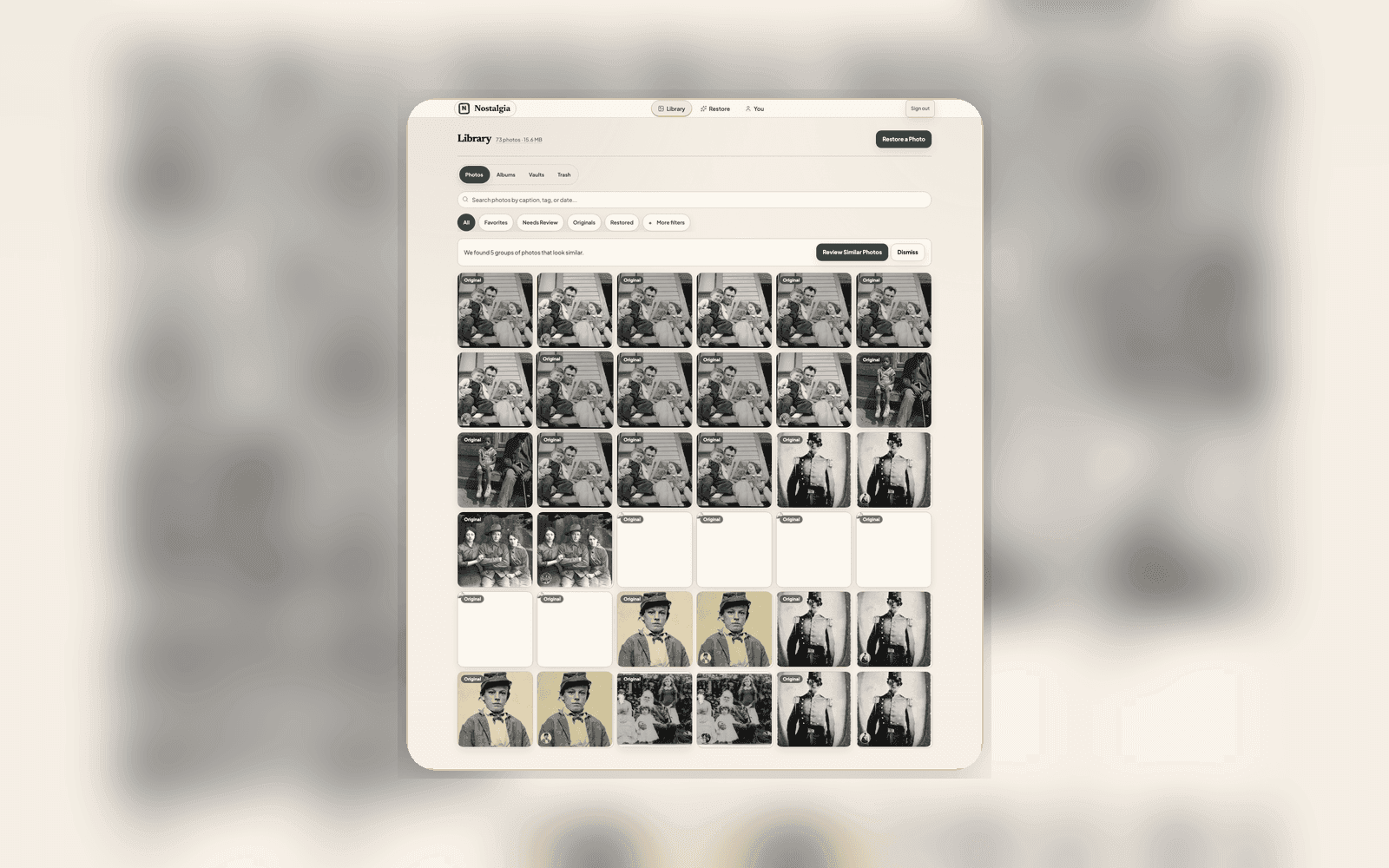 Tips
TipsHow to Find and Merge Duplicate Photos in Your Family Archive
Scanned the same physical photo twice? Nostalgia compares the captures, recommends which Photo record should represent the group, and leaves the merge to you.
TipsWhat AI Photo Restoration Can (and Cannot) Do in 2026
An honest look at what AI restoration is great at, where it struggles, and how to get the best results from your old photos.
How Nostalgia works today: the photo check, tree import, and comparisons.
GuideImport a Family Tree and Nostalgia Will Help Name the People in Your Photos
If you already keep a family tree in FamilyEcho, Ancestry, MyHeritage, RootsMagic, Family Tree Maker, Gramps, or FamilySearch, optional web import ranks people while you scan. You do not need a tree to start.
 Guide
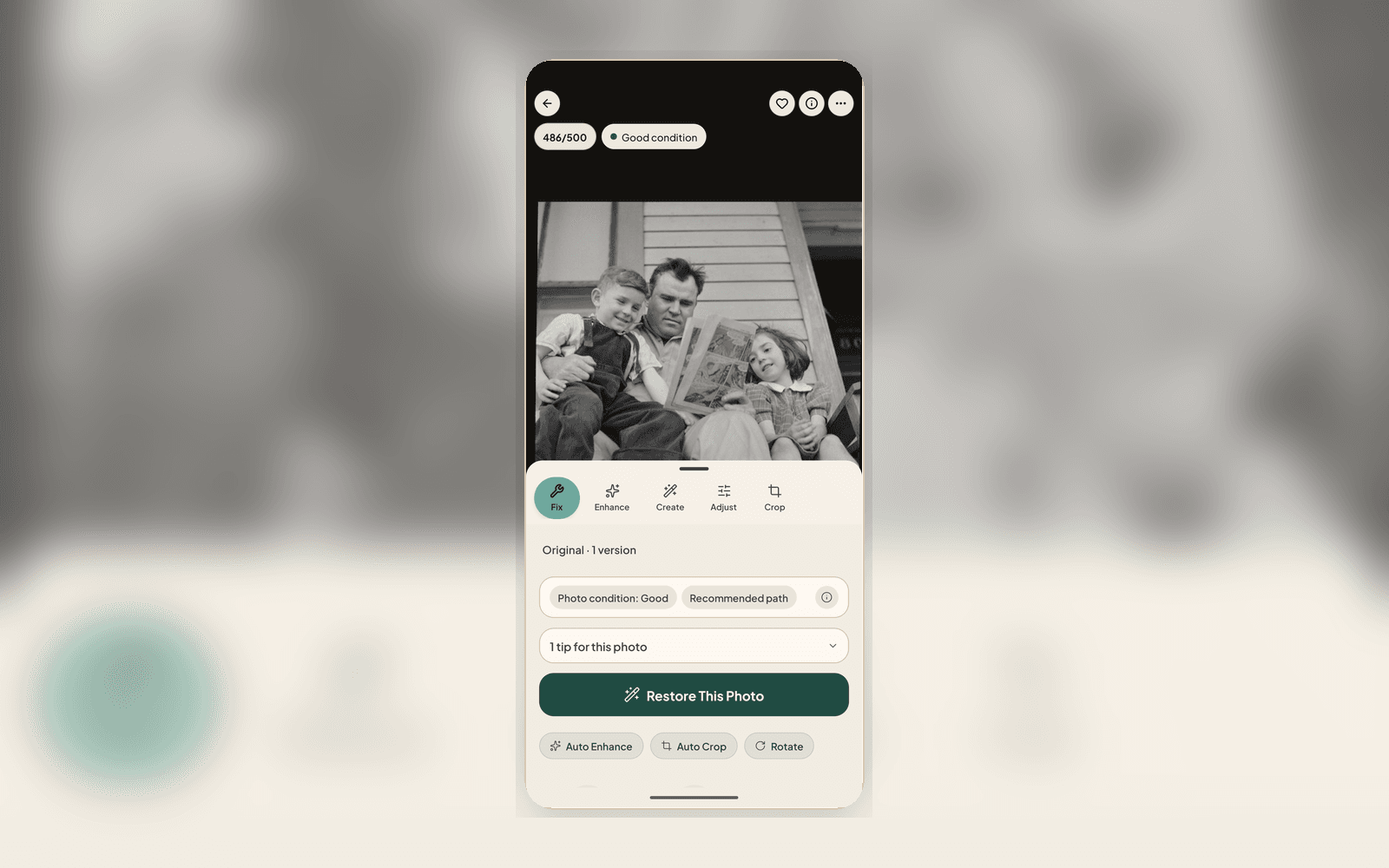
GuideWhat Is the photo check? The AI Report That Checks Your Photo Before You Restore
Every upload gets a photo check report covering damage labels, era estimate, next best actions, and conservation guidance, all before you use a single restore.
ComparisonNostalgia vs Remini: Which Photo Restoration App Is Better?
An honest comparison of Nostalgia and Remini for restoring old family photos. Features, pricing, privacy, and real results compared.
Dated product history. Current answers live in Guides, How it works, and Updates.
 News
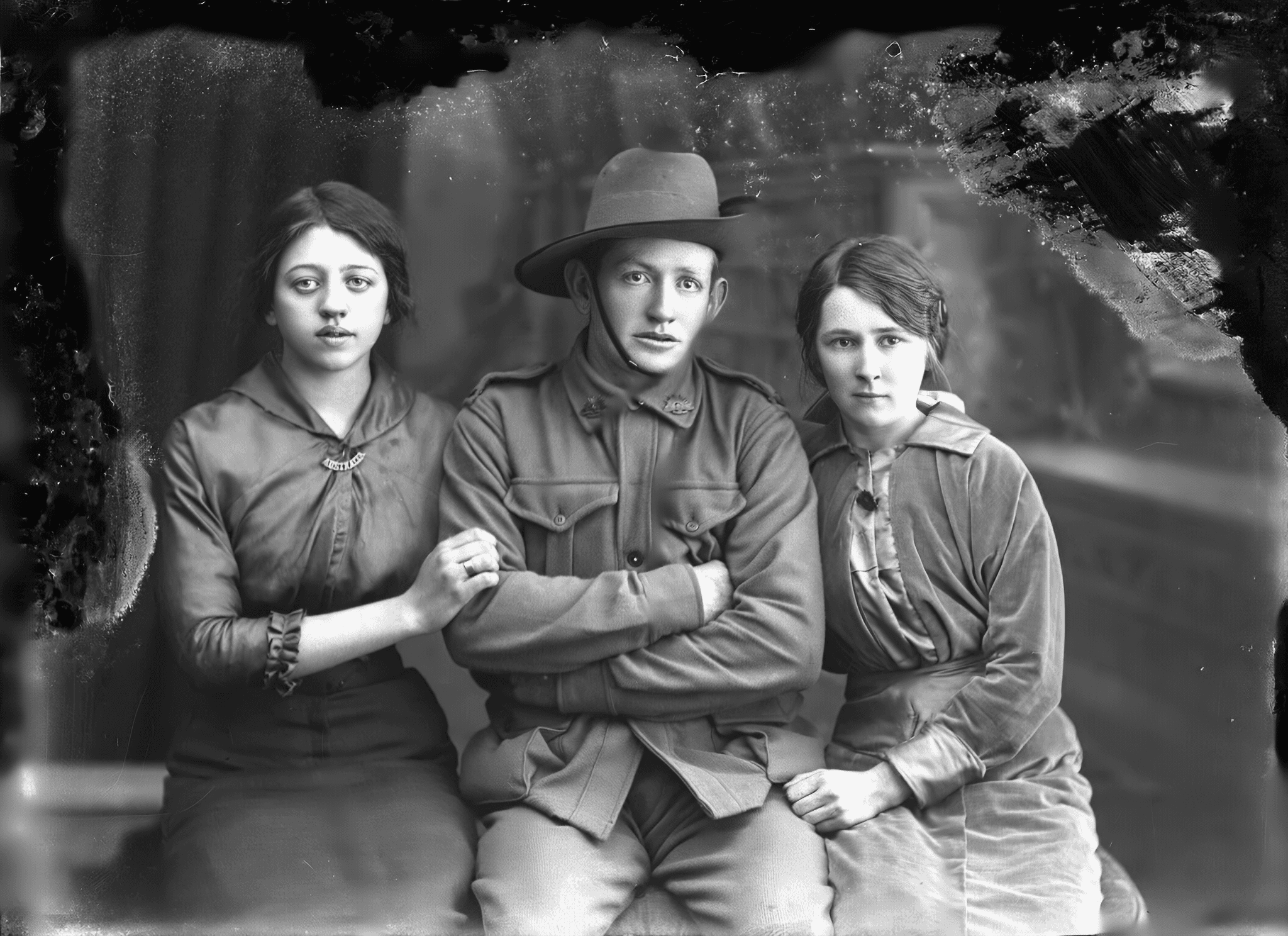
NewsAsk your family to identify a face
A restored photo posted into a family chat with a question gets you names that no software can recover. Here is how to ask, what the person who opens the link sees, and why their answer never enters your Archive until you say so.
NewsWhat your family sees when you share a restored photo
A repaired photo is only half the thing you wanted to send. From today, the names, the year, and the place travel with the link, so the person who opens it gets the memory rather than a before and after they have to ask you about.
NewsWhat's new: restoration advice you can trust
The 2.2.7 update rebuilds how Nostalgia decides what a photo needs. Suggestions now come from the AI that has actually looked at the print, film grain is treated as character rather than noise, and every edit is one tap from a fresh start.
 News
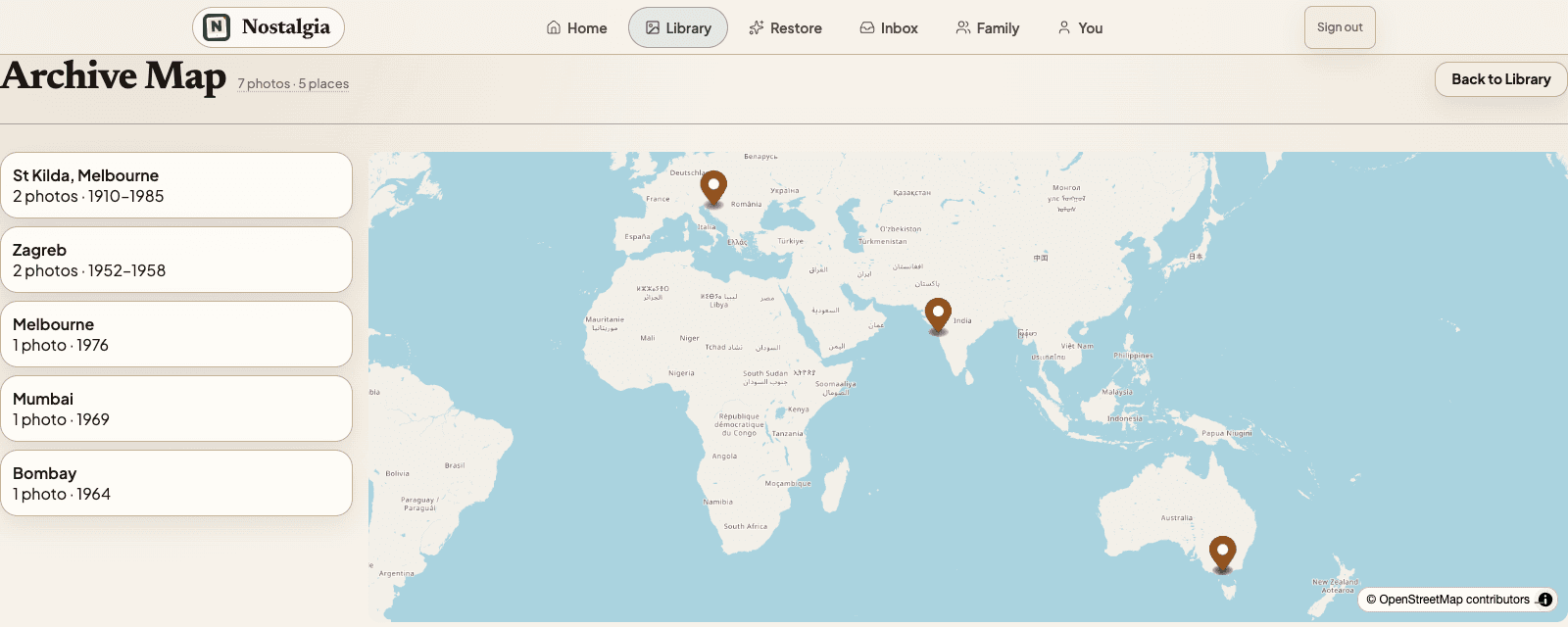
NewsYour family's map, drawn from memory
Your camera roll knows where every photo was taken. The shoebox never did. The new Archive Map draws your family's migration story from the places you confirm: the handwriting on the back, a caption, your family tree.
NewsYour scan and restoration, explained
We rebuilt how every photo is labeled. Source versions and restoration results keep their own identities, while Current Source and Chosen restoration name the two explicit choices.
NewsWhat's new: scan help that actually helps, and batch scanning you can trust
The 2.2.4 update ends the 'rescan first' dead-end with reason-specific guidance, lets you restore anyway when a rescan won't help, and adds a per-shot quality check so a batch never hides a soft scan. Here is what changed.
NewsWhat's new: a calmer Home, hands-free scanning, and a faster way to make it better
The 2.2.3 update reshapes the app around a Home base, adds hands-free auto-capture for ripping through a stack of prints, and puts 'improve it' right on the result. Here is what changed and why.
NewsA fresh look, and the features families love most: People, Memories, and Colorize
Our biggest update yet brings a warmer redesign across the whole app and surfaces the features families love most: find your people by face, relive “on this day” memories, and add color to black-and-white prints.
NewsWhat changed in Nostalgia 2.1.13
Nostalgia 2.1.13 brings faster local scan review, one clear photo check next action, and stronger Progress & Review follow-through.
NewsMemorial Vaults: A Way to Share a Relative's Photos That Survives Them
When a relative dies, their photos usually get scattered, to a Dropbox link, a Facebook album, or nowhere. Memorial vaults are a different approach: a private, auto-populated tribute the family can hold onto.
NewsPhoto Story Reveals: Share a Restored Photo the Right Way
Photo Story turns any restored photo into a private before-after reveal, whether square, story, or short video. Send a link, family watches the restoration unfold, no account needed.
NewsWhat's New in the Nostalgia Editor (April 2026)
A quick tour of the refreshed Nostalgia editor: one unified screen for viewing and editing, a Photo Health banner, five tool tabs (Fix, Enhance, Create, Adjust, Crop), and background processing that doesn't block you.