The old labels got in the way
For a while, the app spoke in words only the app understood. It gave a good repair a special nickname, called the sharpest scan a winner, and described a copy from another copy as a derivative. If you opened a photo and could not immediately tell which image you were looking at, you were not doing anything wrong. The labels were.
Family photos are hard enough to sit with. The tool holding them should never make you stop and decode its own vocabulary.
Choose the scan and restoration you prefer
Every accepted capture or import is a Source version, and every generated or edited output is a restoration result. One Source can be current, and one restoration can be chosen. Those roles are explicit and independent; Versions preserves the files you did not choose.
The same words now appear everywhere: on your phone, on the web, in the shared vaults you open for family. Nothing to relearn as you move between them.
Scan the whole stack first, restore what matters
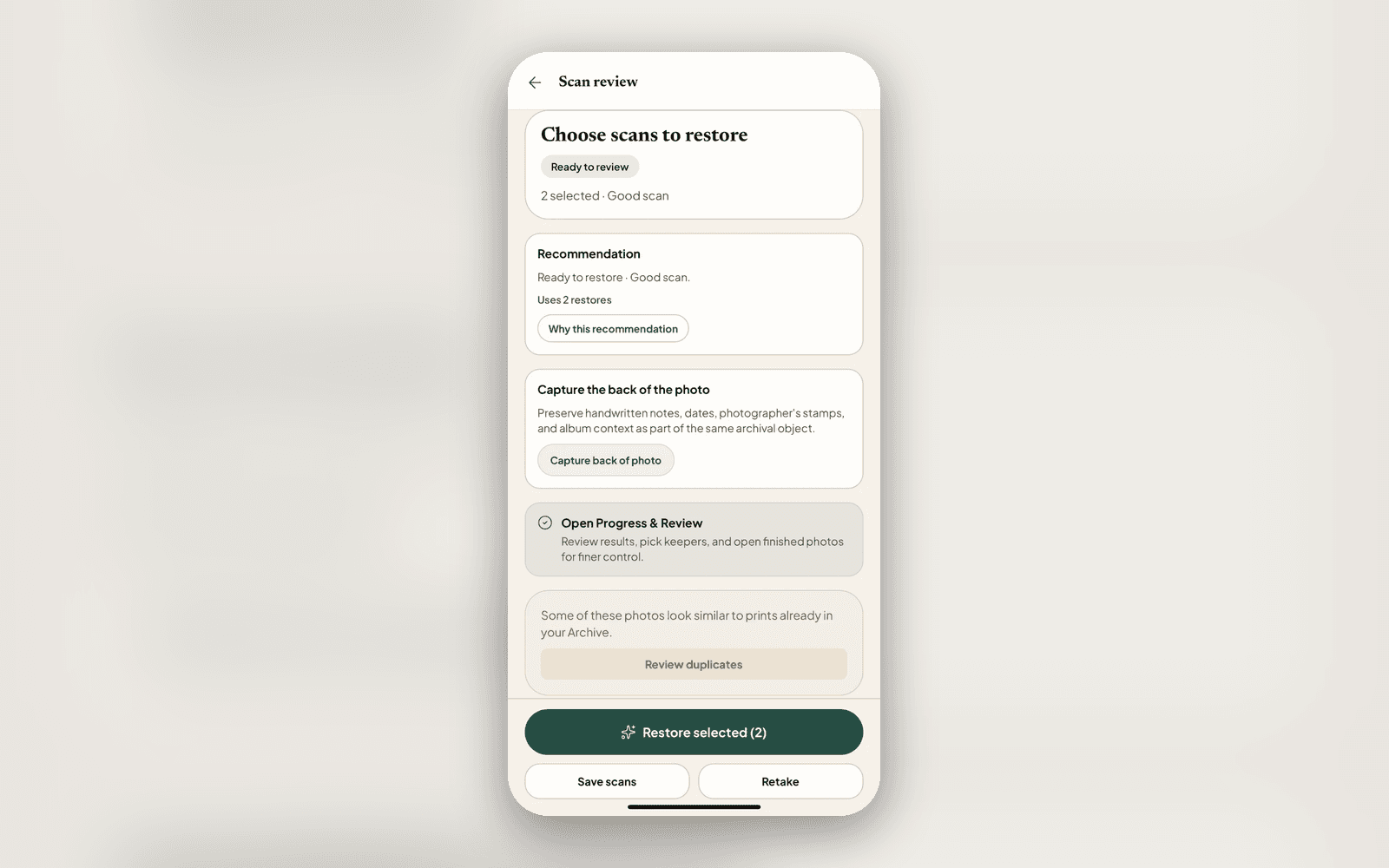
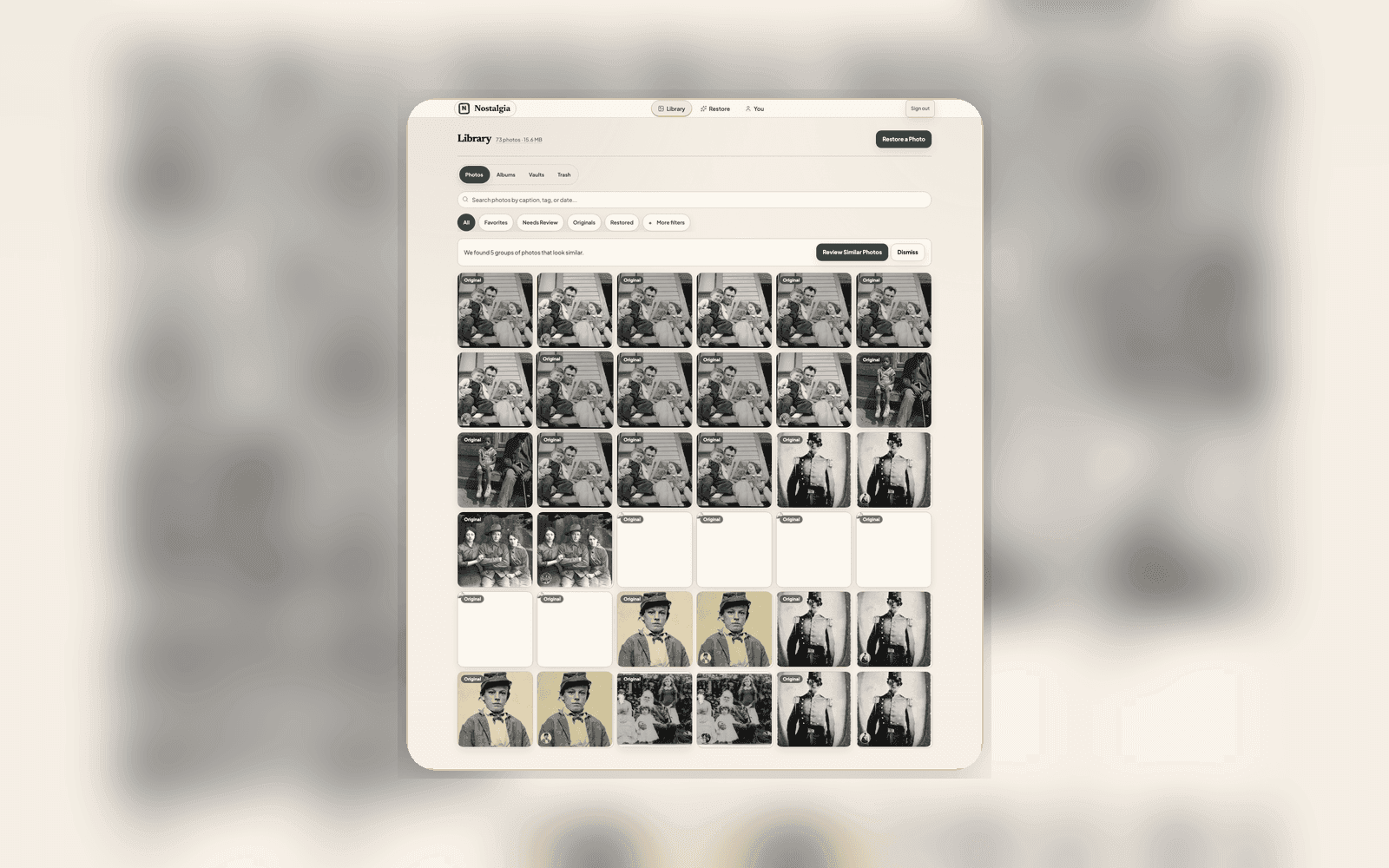
The clearer model let us make the workflow calmer too. You can scan a whole stack in one sitting, hands-free, and none of it costs a credit. Scanning and organizing your archive is free. The batch review flags the few shots worth a better scan, and only then do you decide what is actually worth restoring.
When you do decide, you can restore a whole batch in one tap instead of one photo at a time. The heavier AI work now waits until you open or restore a photo, so your free restores stretch further and the app stays quick while you work through a box.
Keep the photo and its details together
None of this changes what the app does. It changes how obvious it is. A family archive is only useful if the person keeping it can trust what they are looking at, hand it to a relative, and have them understand it too. Source, Restored, In use. That is the whole language now.