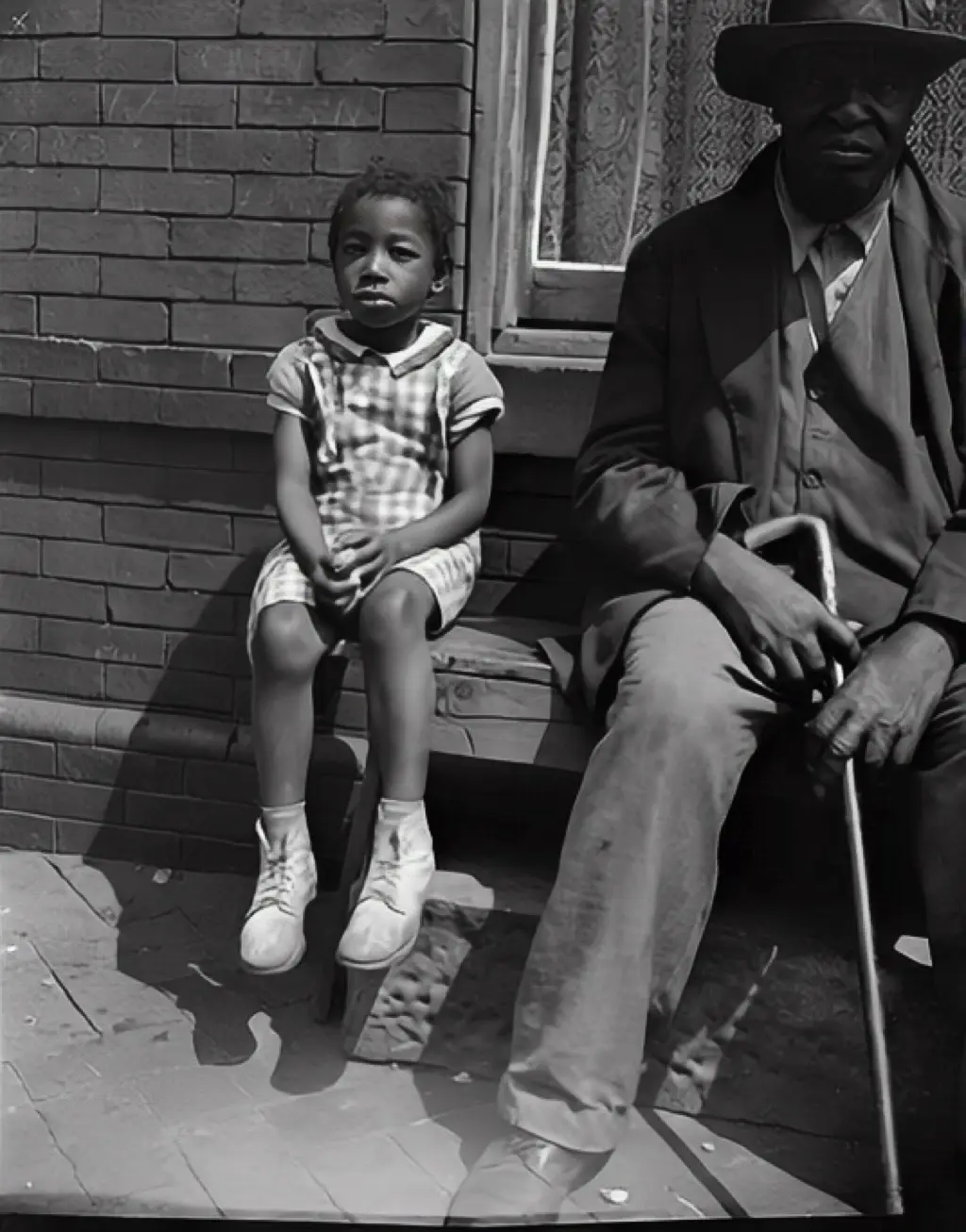
Names are the first thing a family loses
Damage to a photo is obvious. The quieter loss is the name: the aunt nobody can place, the friend in the back row, the child who is now the grandparent telling the story. Once the people who remember are gone, a restored photo is only half a memory.
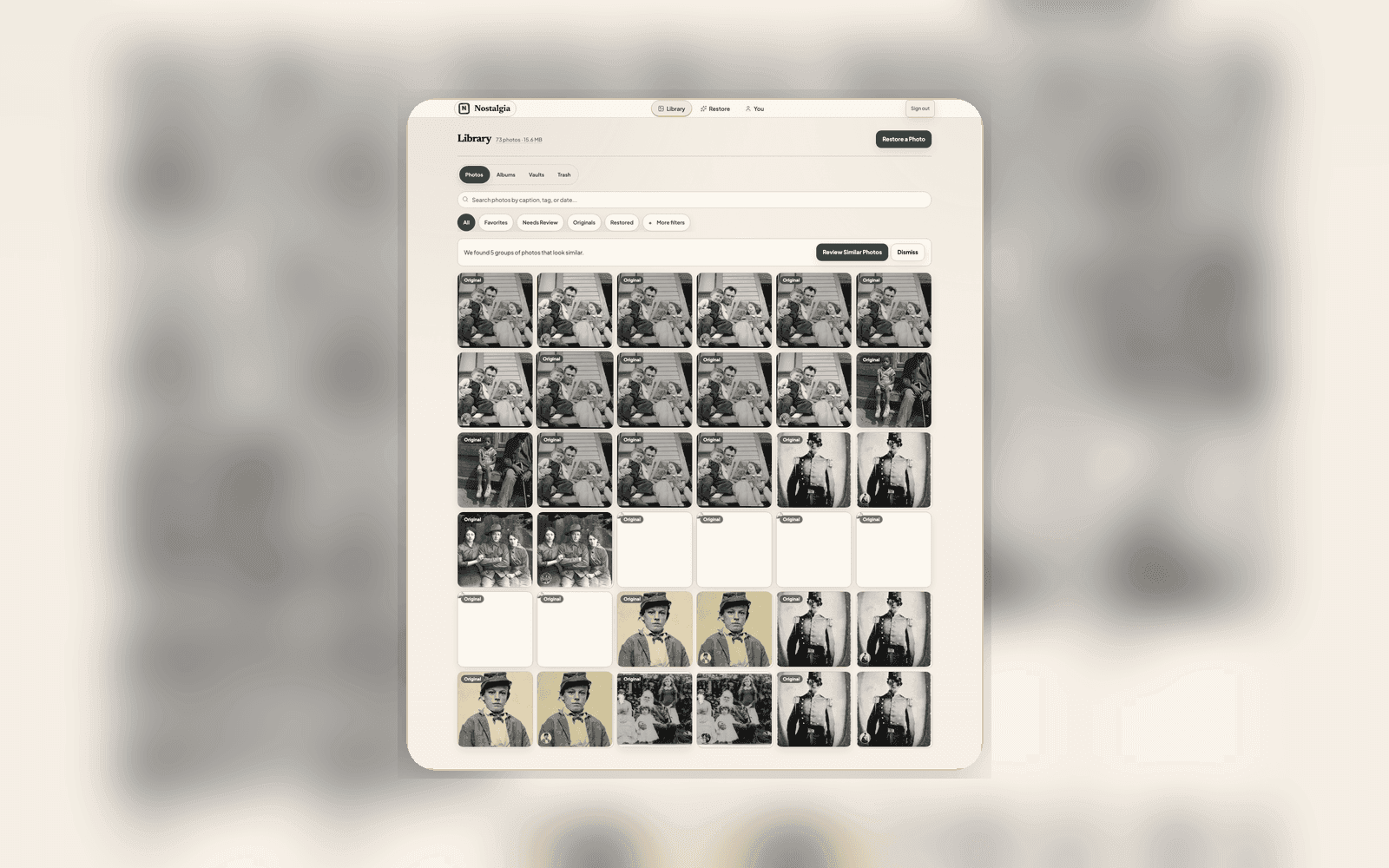
Nostalgia treats names as context worth saving. As photos come into your archive, it quietly groups the faces it sees so you can confirm a name once and have it stick, across every photo that person appears in, not one file at a time.
The same person, across the decades
People grouping is built for family photos, where the same face shows up at five years old and at seventy. Confirm a cluster and you can watch a grandparent grow up through the archive (childhood, wedding, the porch steps, the last reunion) all under one name.
It is private by design. Face grouping happens inside your own archive to help you organize it; Nostalgia does not identify people across accounts or compare faces between customers. Names, like every other piece of context, belong to you.
- Confirm a face group once and the name travels with every photo of that person.
- Browse the whole archive by person, on iPhone or the web app.
- Pair names with family-tree import on web so photos line up with the tree you already built.
On this day brings the right memory back
An archive you have to go digging through tends to stay closed. So Home opens with an 'on this day' memory (a photo taken on this date, years ago) alongside what to pick up next and your recent restorations.
It is a small thing that changes the habit: instead of a folder you mean to get to someday, the archive surfaces the right memory on its own, on the day it means the most. That is usually the moment someone reaches for the phone to send it to the family.
Related posts
 Guide
GuideImport a Family Tree and Nostalgia Will Help Name the People in Your Photos
If you already keep a family tree in FamilyEcho, Ancestry, MyHeritage, RootsMagic, Family Tree Maker, Gramps, or FamilySearch, optional web import ranks people while you scan. You do not need a tree to start.
GuideHow a typical family ends up archiving 1,500 photos together
The work of building a family photo archive isn't a solo photo effort. Here's how the load tends to distribute across three generations, and why the result is richer when nobody tries to do it alone.