The app now looks before it suggests
Until now, the advice on a photo's card came mostly from quick statistical checks: measure the sharpness, measure the texture, guess what to fix. Those checks are fast, but they cannot tell the difference between a damaged photo and an old one. A perfectly preserved 1958 print can look, to a formula, like a photo covered in noise.
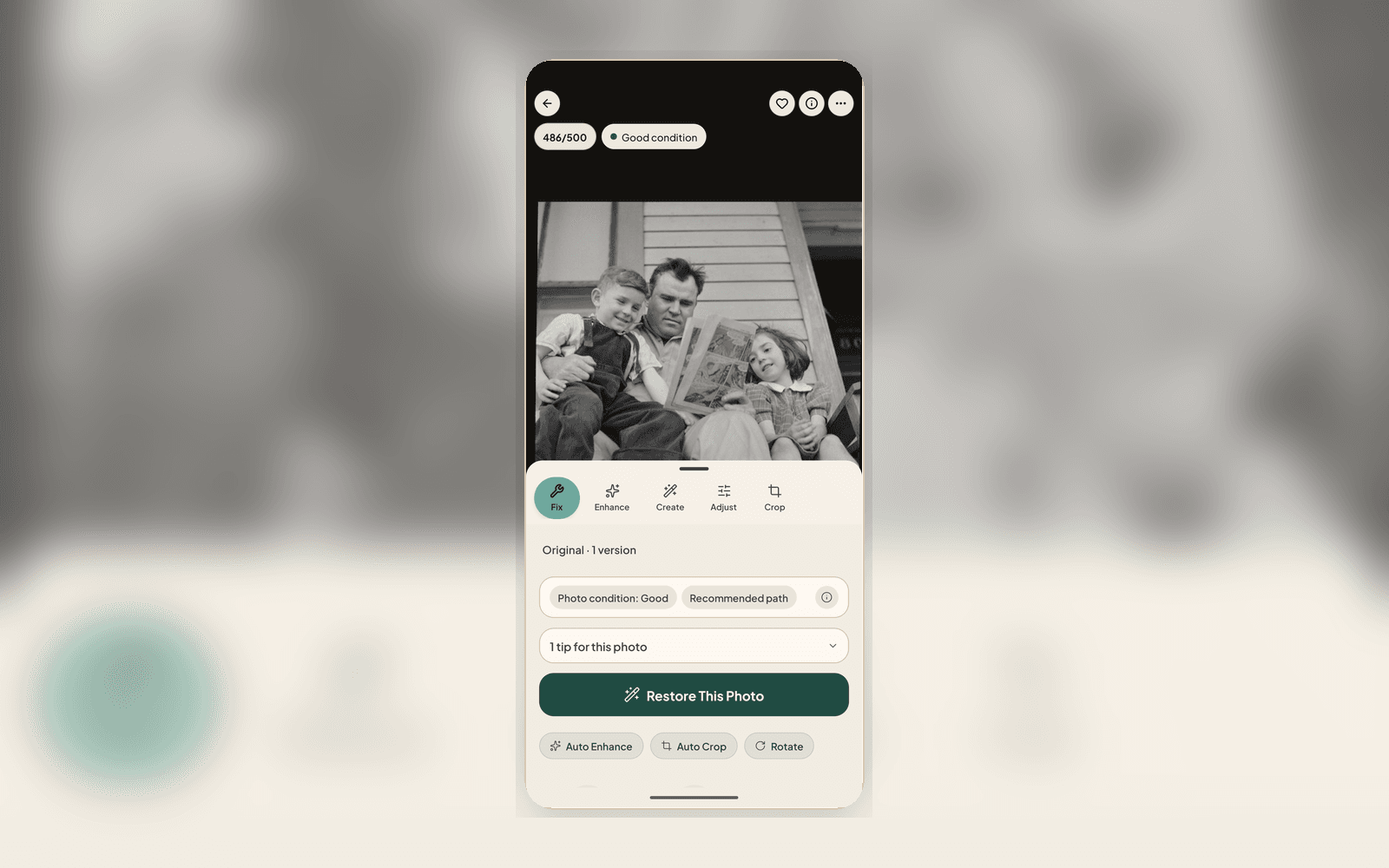
In 2.2.7 the recommendation is driven by the vision AI that already reads your photo when it joins your archive. It has seen the print, so it knows whether that softness is a shaky scan or the gentle focus the photographer chose, whether that shine is glare worth removing or just a bright sky. Restore now proposes only what the photo actually needs, and nothing it does not.
Your grandmother's grain is not noise
The biggest change of habit: noise reduction is no longer auto-recommended, on any photo. Film grain and paper texture are part of what an old print is, and a tool that smooths them away can quietly erase the very character you were trying to save. Formulas kept mistaking grain for damage, so we took the decision away from the formula.
Noise reduction is still there when a photo genuinely needs it. It is simply a choice you make deliberately, never a default made for you. Every saved result remains a separate Version beside the accepted Source, so you can compare or go back after an experiment.
Advice that keeps up with you
A photo changes as you work on it, and now the advice does too. After a restore or an edit, the photo is analyzed again, so the next suggestion describes the photo in front of you rather than the one you started with. Fixed the fading? The card moves on to what is next, instead of repeating itself.
If a result is not what you hoped, Start over now takes one tap and returns you to the photo as it was. Trying things is supposed to be cheap.
Grouping you can trust, and a steadier scanner
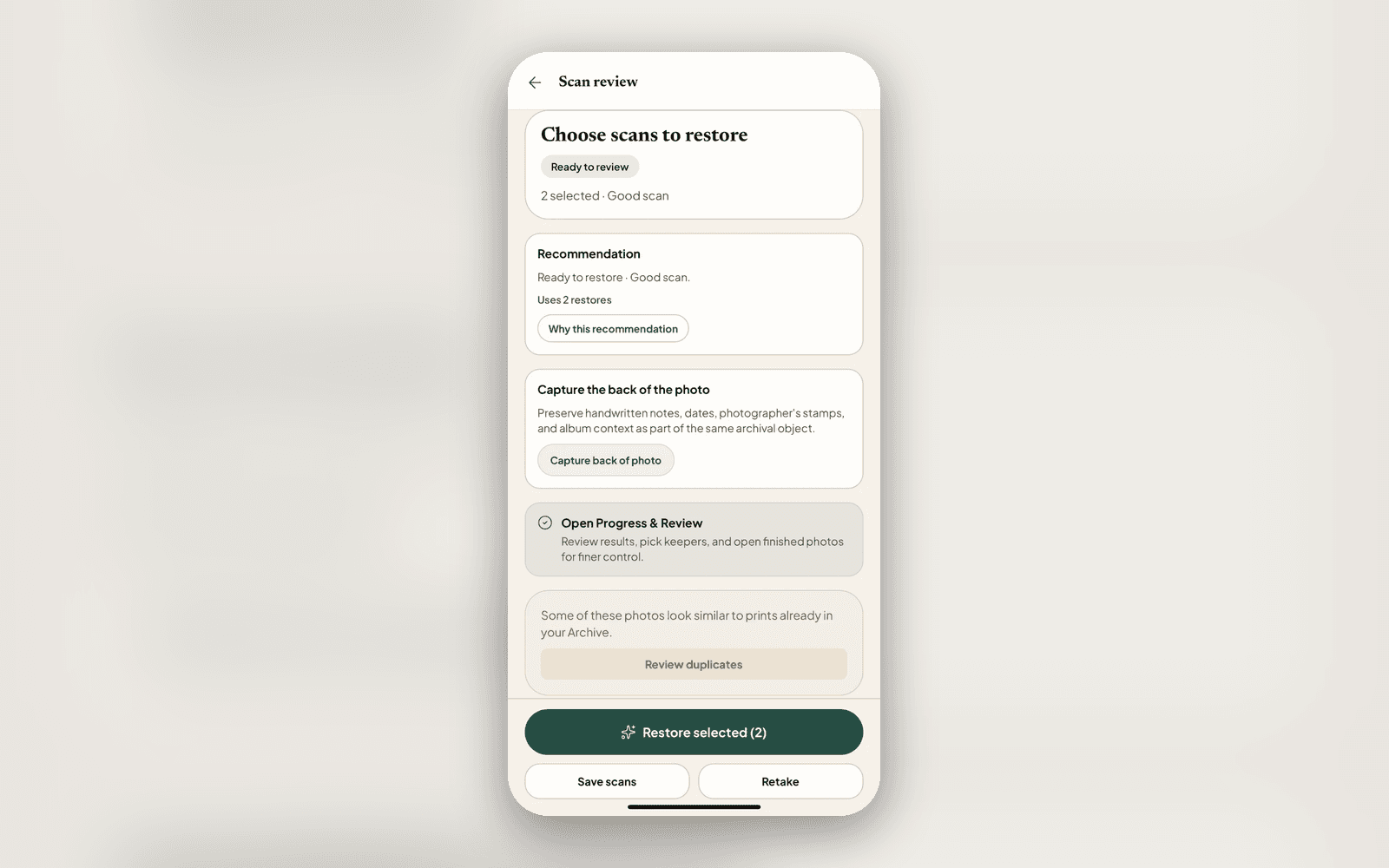
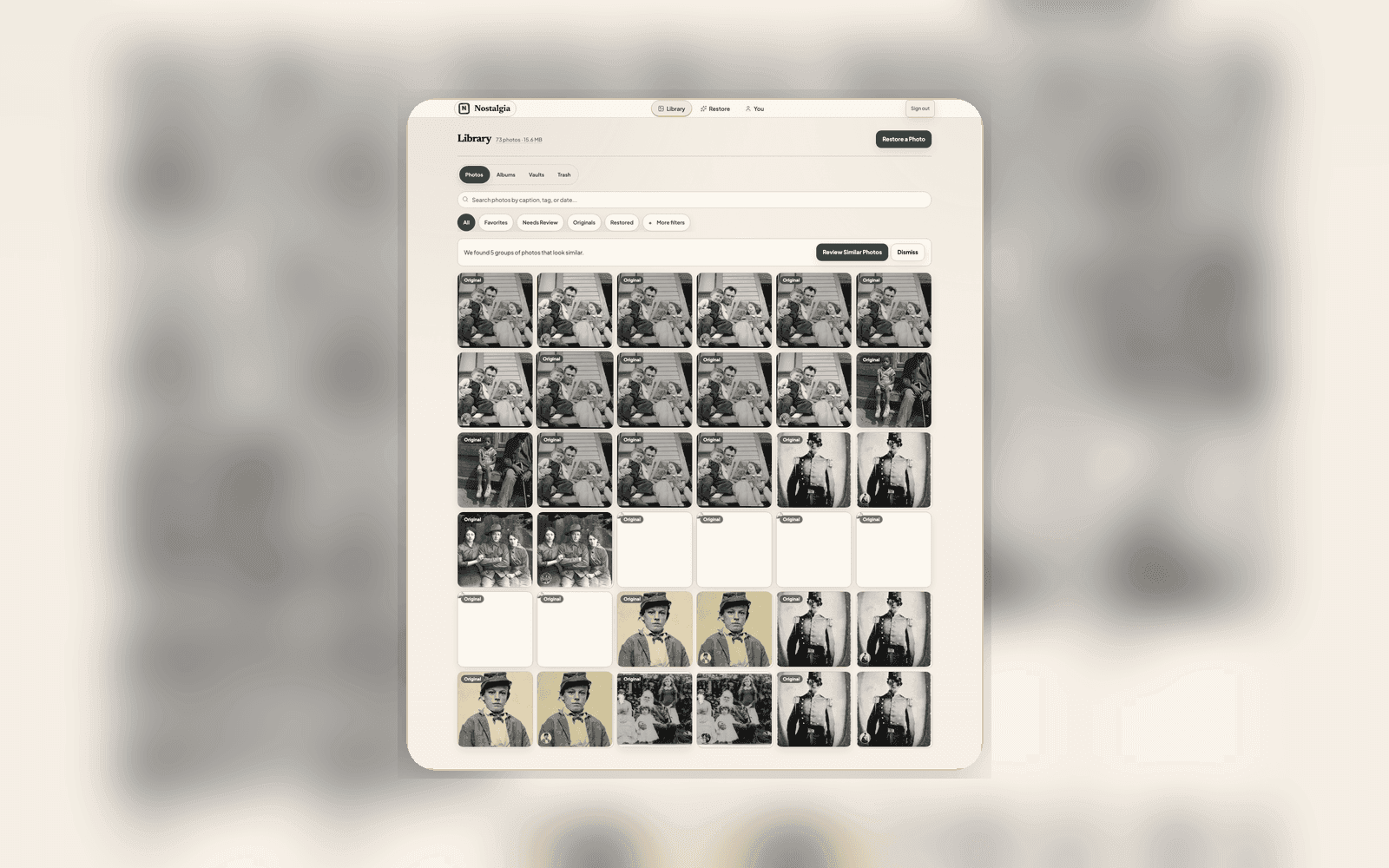
When Nostalgia suspects two pictures are the same print scanned twice, it now checks the people in each photo before suggesting a match, so two different family portraits are no longer lumped together just because they share a border and a color cast.
Scanning got steadier too: single shots and batches now use your phone's native scanner, and accepted photos land straight in Recent Scans. Add clearer dark-mode text on the analysis cards, better accessibility on grouped photos, and smoother sharing, and the whole loop from shoebox to family chat feels calmer.
Related posts
 News
NewsWhat's new: scan help that actually helps, and batch scanning you can trust
The 2.2.4 update ends the 'rescan first' dead-end with reason-specific guidance, lets you restore anyway when a rescan won't help, and adds a per-shot quality check so a batch never hides a soft scan. Here is what changed.
 News
NewsYour scan and restoration, explained
We rebuilt how every photo is labeled. Source versions and restoration results keep their own identities, while Current Source and Chosen restoration name the two explicit choices.