A Home base that opens to what matters
Opening the app used to drop you straight into a tool. Now it opens on Home, an activity hub that greets you with an 'on this day' memory, what to pick up next, and your recent restorations, with the rest of the archive a tab away.
The five tabs are simple: Home, Archive, the center Capture button, Family, and You. Capture sits in the middle because it is the thing you do most. One tap opens the camera, ready to scan.
Hands-free scanning, so a stack goes fast
Hold a print under your phone and the camera now snaps automatically the moment it is flat and in focus. No tapping the shutter, no shake, no third attempt. Lay the next print down and it fires again, so a shoebox becomes a few quiet minutes instead of an afternoon.
If a scan comes in crooked, the app catches the angle and offers a quick retake before you spend a restore on a tilted print. Glossy prints still get a glare-removing burst, and a page of several photos can be split into individual images.
Make it better, right where you are
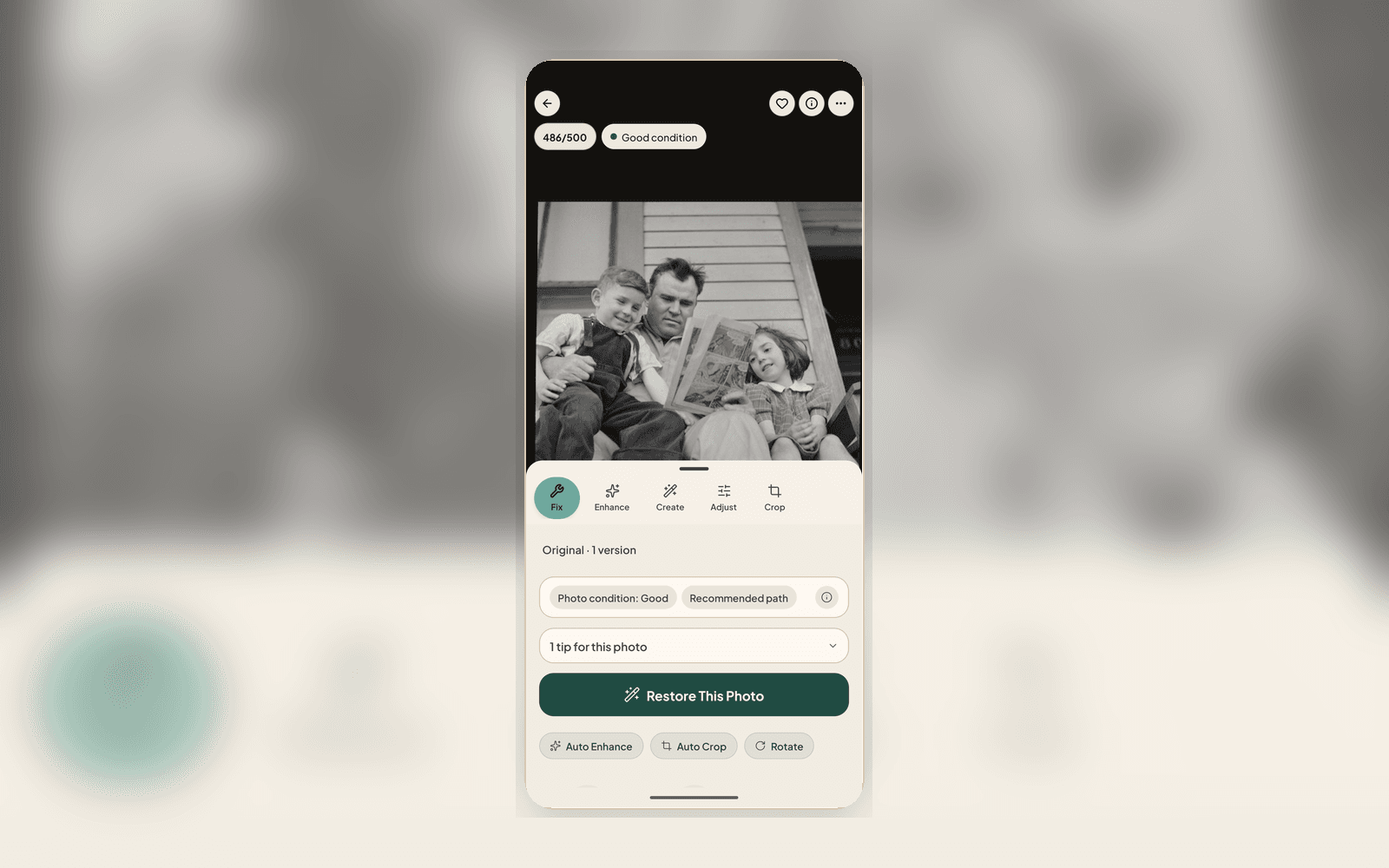
When a result is in front of you, 'Improve' and 'try another look' are right there, no digging. A quick thumbs up or down does double duty: it tells us whether the result landed and helps us choose the most appropriate next repair. Every accepted Source and saved result remains its own Version.
Sharing is simpler too: one Share button opens a single sheet to send a before-and-after reveal, just the photo, or a private link.
Quieter, steadier, and more private by default
Behind the scenes, restorations now work from the full detail of your scan instead of a downscaled copy, scanning and restoring are steadier on flaky connections, and your ratings gradually steer which models we reach for first. As always, your archive stays private, and cloud AI only runs after you say yes.