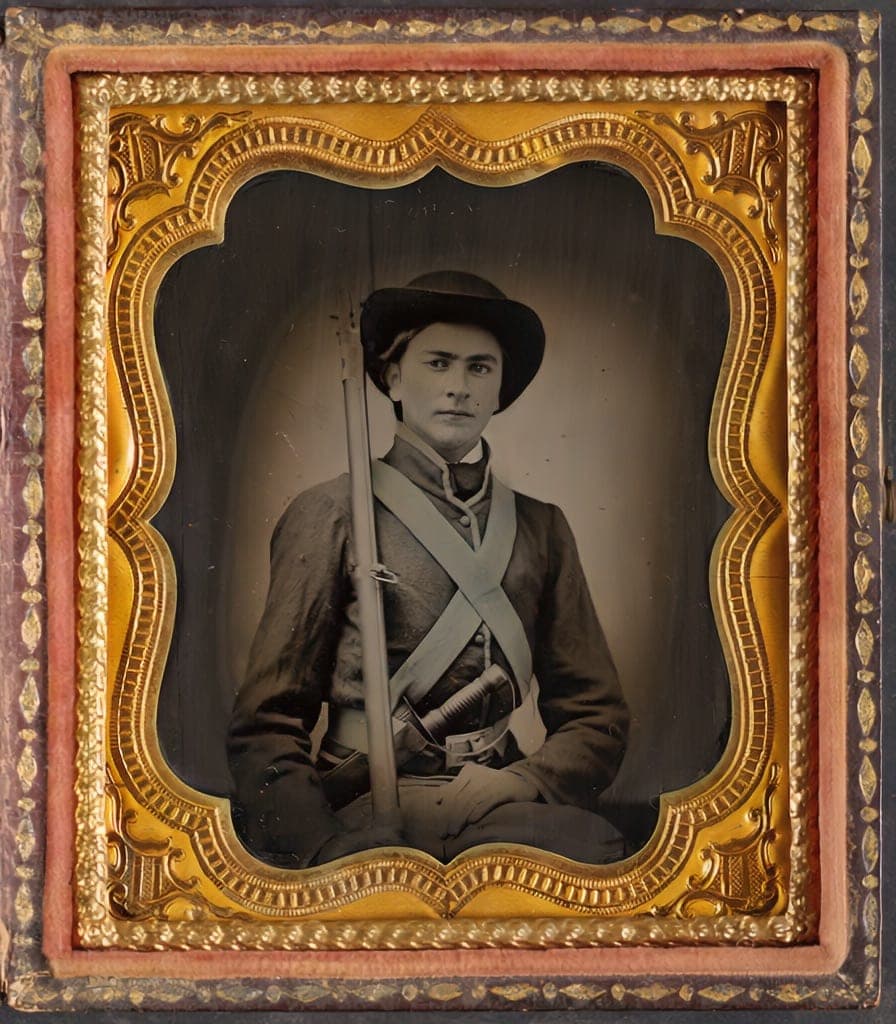
AI restoration has gotten remarkably good
In the last two years, AI photo restoration has gone from a novelty to genuinely useful. Modern models can remove scratches, fix fading, reduce noise, sharpen blurry faces, and even add realistic color to black-and-white photos. For most damaged family photos, the results are striking.
But AI has limits. Understanding what it does well and where it falls short will save you time and set realistic expectations.
What AI does well
- Scratch and tear removal: AI fills in damaged areas based on surrounding context. Works excellently on scratches across faces, backgrounds, and clothing
- Fading and contrast recovery: one of the strongest use cases. AI can dramatically improve photos that have lost contrast over decades
- Noise and grain reduction: film grain from low-light photos and early cameras is cleaned up while preserving underlying detail
- Face enhancement: small or blurry faces in group photos can be sharpened to recover recognizable features. This is especially valuable for old family group shots
- Black-and-white colorization: AI infers plausible colors from context (skin tones, sky, vegetation). Results are convincing for most subjects, though specific colors (like a red shirt vs. blue shirt) are guesses
- Deblurring: motion blur and soft focus can be partially reversed, recovering sharpness the original capture missed
Where AI struggles
- Missing areas: if a section of the photo is torn off, burned, or completely faded to white, AI can’t invent what was there. It can clean the edges and improve surrounding areas, but it won’t hallucinate a missing face
- Heavy glare: glare from scanning glossy prints is one of the hardest problems. Mild glare can be reduced; heavy glare (where detail is completely washed out) can’t be recovered
- Exact color accuracy: colorization is based on inference, not memory. The AI doesn’t know your grandmother’s dress was green. It makes plausible guesses that usually feel right but may not match reality
- Very small or occluded faces: if a face is fewer than ~30 pixels across or partially hidden, enhancement has limited source material to work with
- Over-processing: running too many AI tools in sequence can make photos look artificial. The best results usually come from applying the minimum processing needed
How to get the best results
The single biggest factor in restoration quality is your input image. A well-lit, flat, in-focus capture of a damaged photo will always produce better results than a blurry phone snap taken at an angle.
- Start with a good capture: the photo check will flag issues before you use a restore
- Follow the right photo check recommendation: restore first, then colorize when it helps. The order matters because each step feeds into the next
- Stop when it looks right. More processing isn’t always better. If the first restore pass looks good, save it
- Try different approaches: sometimes deblur works better than enhance, or vice versa. The tools exist because different photos need different treatment
- Keep the accepted Source: Nostalgia saves it as a separate Version, so you can compare another restoration later
Related posts
 Guide
GuideWhat Is the photo check? The AI Report That Checks Your Photo Before You Restore
Every upload gets a photo check report covering damage labels, era estimate, next best actions, and conservation guidance, all before you use a single restore.
GuideThe Family Historian's Guide to AI Photo Restoration
If you're building a family archive alongside your tree on Ancestry or MyHeritage, here's how to use AI photo restoration without compromising archival integrity.