
Two different approaches
Remini (100M+ downloads) and Nostalgia take fundamentally different approaches to photo restoration. Remini is a one-tap enhancer focused on making faces look sharper. Nostalgia is a guided restoration workflow that checks damage first, then recommends the safest repair path.
Neither is universally better. It depends on what you need. Here’s an honest breakdown.
Approach to restoration
Remini applies a single enhancement model to every photo. You upload, it processes, you see the result. It’s fast and simple, but you don’t control what it does. If the AI changes someone’s face in a way that doesn’t look like the person you remember, there’s no way to adjust.
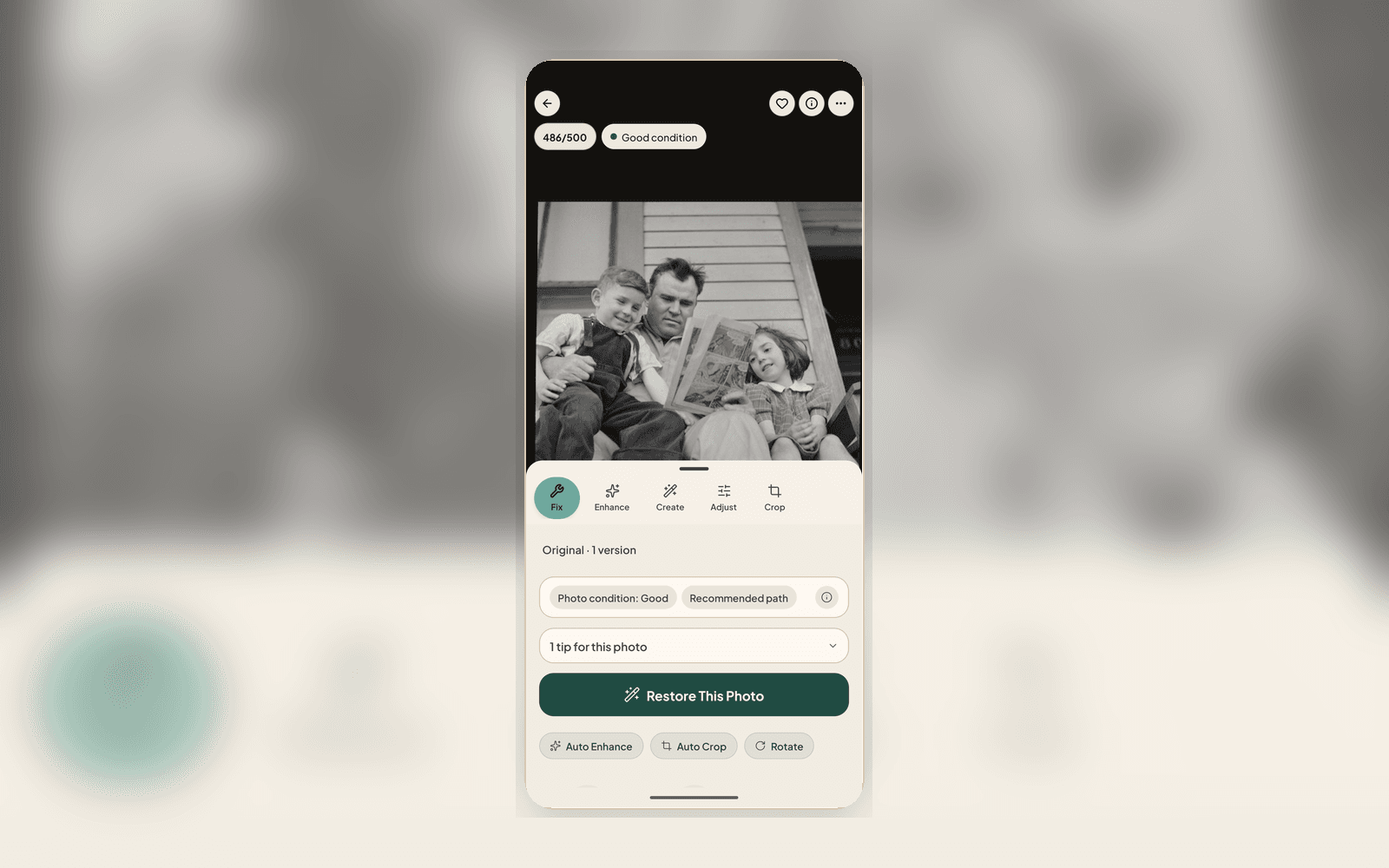
Nostalgia starts with the photo check, an AI analysis that identifies the specific types of damage in your photo (scratches, fading, blur, noise, glare) and recommends a repair sequence. You can follow the recommendation or choose individual tools. Each step is separate, so you can stop when the result looks right.
Privacy
This is where the difference is stark. Remini’s terms allow them to use your photos for AI training. Your family photos could be part of their training dataset.
Nostalgia does not train AI on your photos unless you separately opt in. Your uploads are processed, the results are stored in your private Archive, and you can export or delete everything at any time. This is stated in the AI policy and enforced technically.
Features compared
- Restoration: Both offer damage repair. Nostalgia separates restore, deblur, denoise, and deglare into individual tools you can apply selectively
- Colorization: Both offer B&W to color. Nostalgia’s colorization is a separate step you can skip if the B&W version is better
- Face enhancement: Both enhance faces. Nostalgia shows you a photo check grade for face quality before processing
- Background removal: Nostalgia offers it, Remini doesn’t
- Animation: Both can animate portraits
- Archive follow-through: Nostalgia includes a private Archive, albums, and Family Vaults for sharing with relatives. Remini is single-photo focused
- Batch processing: Nostalgia supports batch restoration of multiple photos. Remini processes one at a time
- Cross-device: Nostalgia syncs between web and mobile. Remini is mobile-only for most features
Pricing
Remini and Nostalgia use different pricing models, and competitor pricing can change quickly. Check the current pricing page before deciding; Nostalgia is designed around archive follow-through, not just one-off enhancement.
When to choose each
- Choose Remini if: You want one-tap enhancement for selfies or social media, you don’t need an archive, and privacy isn’t a top concern
- Choose Nostalgia if: You’re restoring family photos and want control over the process, you care about privacy, you have more than a handful of photos to restore, or you want to build a family archive
Related posts
 Tips
TipsWhat AI Photo Restoration Can (and Cannot) Do in 2026
An honest look at what AI restoration is great at, where it struggles, and how to get the best results from your old photos.
 Guide
GuideWhat Is the photo check? The AI Report That Checks Your Photo Before You Restore
Every upload gets a photo check report covering damage labels, era estimate, next best actions, and conservation guidance, all before you use a single restore.