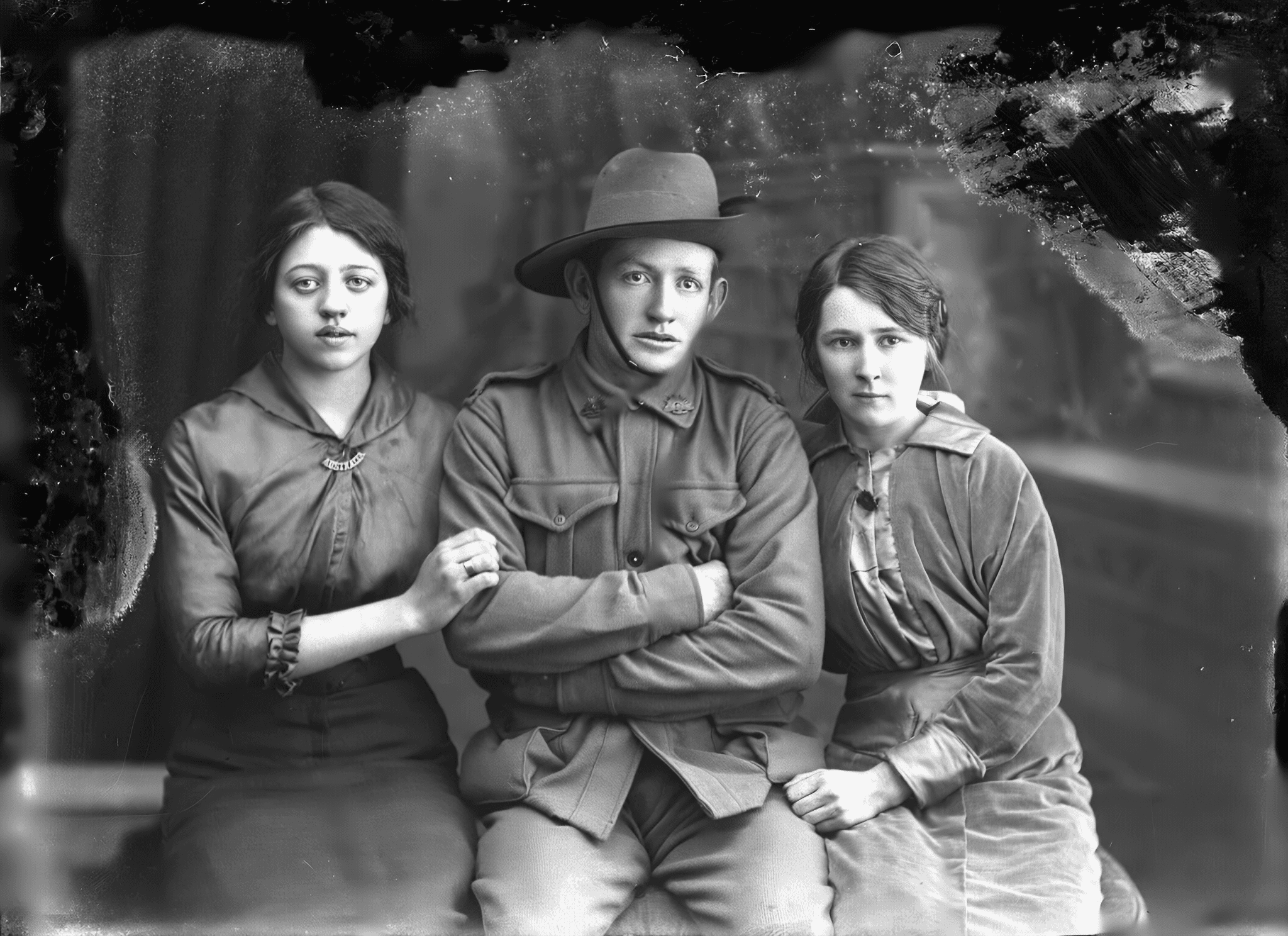
The message you always had to send twice
You restore a photo of your grandmother, and you send it to your sister. She sees a photo that used to be creased and now is not. Then she asks the question you were always going to have to answer anyway: who is that on the left, and when was this?
So you type it out. The names, the year you worked out from the uniform, the town your mother mentioned on the phone. And that context lives in a chat thread, which is to say it does not really live anywhere. The next relative who sees the photo starts from zero.
The link now carries what you found out
From today, when you share a restored photo, the page the other person opens shows the before and after, and under it the names, the year, and the place you recorded. They do not need an account. They do not need the app. They get the photo and what it means, in one tap, from a link in a message.
This is the part of Nostalgia that is easy to miss. Repairing a photo is the visible half. The half that matters in twenty years is that someone wrote down who these people were while there was still someone to ask. Making that travel with the photo is the whole point of keeping it in an archive rather than a folder.
You decide, for every link, and you can change your mind
Sharing is a decision about your family, not a setting we should make quietly on your behalf. So the app tells you plainly what went public the moment you share, naming the details in your own words, and one tap takes them back off.
That works on a link you have already sent. If you shared a photo last week and would rather the names were not on it, you can remove them now without breaking the link. You can also withdraw the link entirely, and anyone who opens it afterwards simply sees that it is no longer available. Nothing else in your archive is ever reachable from a shared photo.
Why this is how the app should grow
We would rather you showed someone a result than read a claim from us. A shared photo that explains itself is a better argument for keeping a family archive than any page we could write, and the person who opens it usually has a photo of their own in mind before they finish reading.
If you have been meaning to rescue one photo, that is the whole ask. Restore it, send it to the relative most likely to know the names, and write down what they tell you while they are still telling you.
Related posts
 Guide
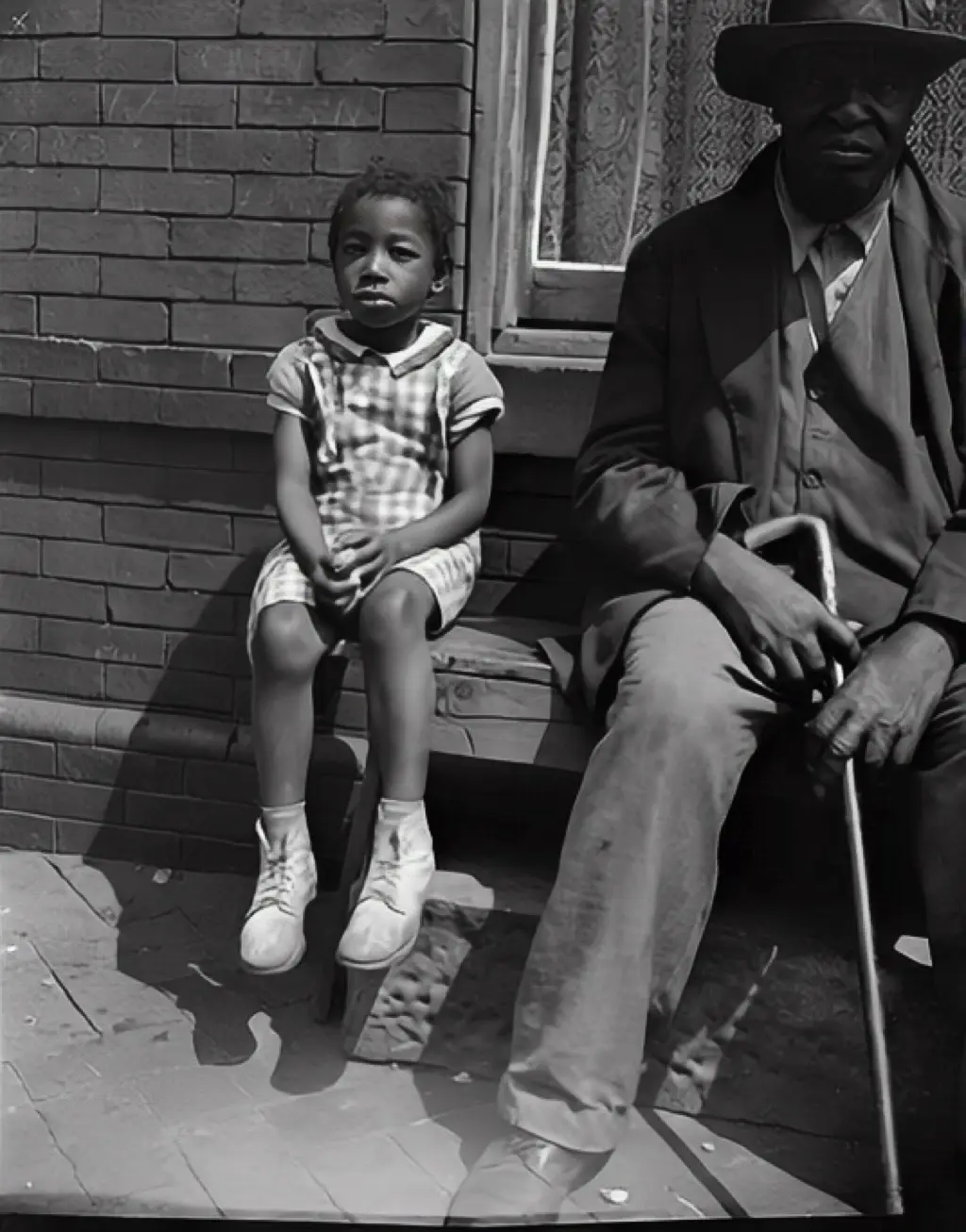
GuideBefore they're gone: writing down the names while someone still remembers
Damage to an old photo is the obvious problem. The quieter one is the name nobody can place. A gentle guide to sitting down with the family and capturing who, where, and when, while the person who knows is still here to ask.
 News
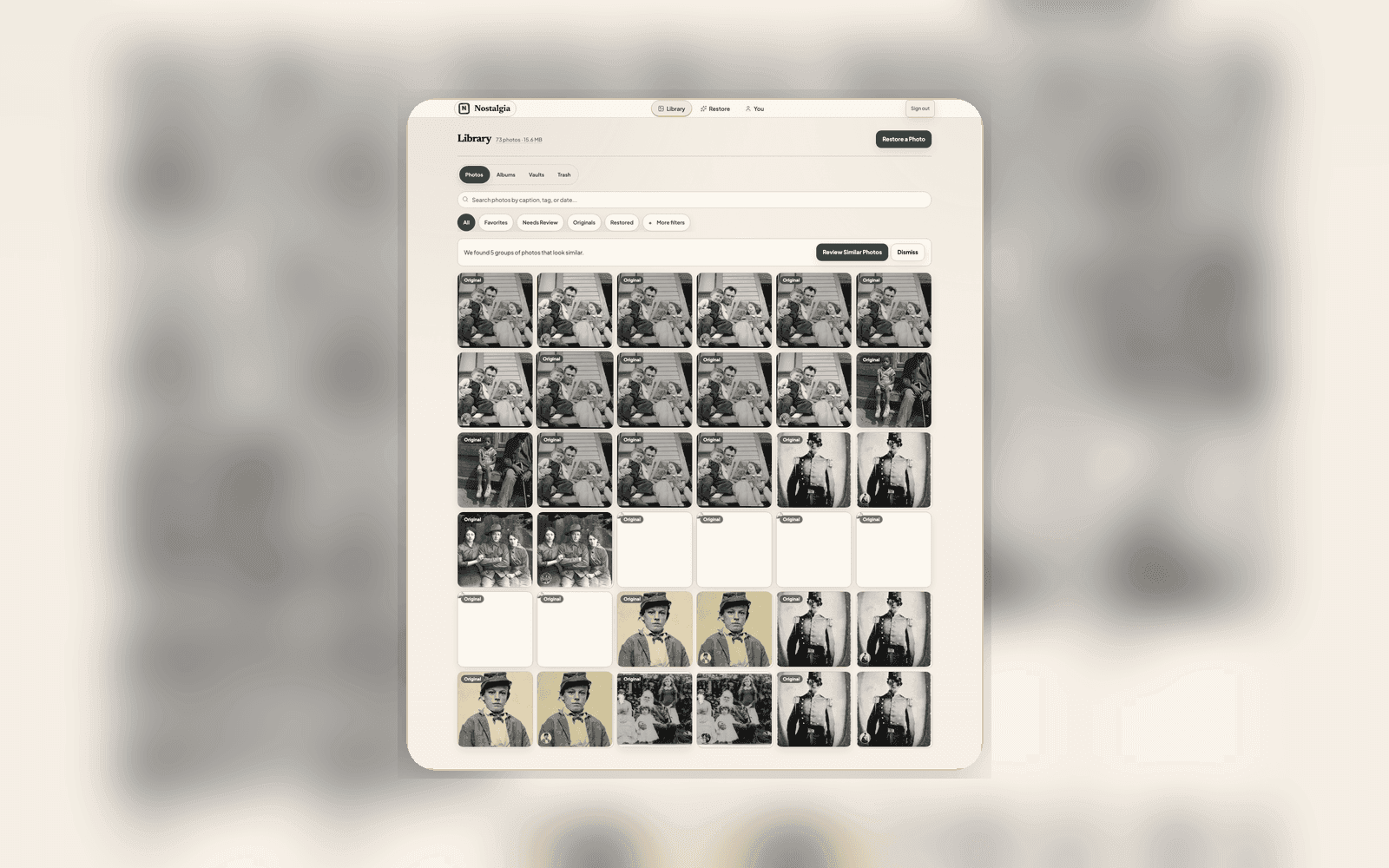
NewsYour scan and restoration, explained
We rebuilt how every photo is labeled. Source versions and restoration results keep their own identities, while Current Source and Chosen restoration name the two explicit choices.