Why memorial vaults exist
When a relative dies, their photos tend to scatter. Some go to a private Dropbox folder one cousin made and forgot to share. Some end up in a Facebook album that nobody can guarantee will still exist in five years. Most just stay where they always were (on the late grandparent's hard drive, in a parent's shoebox, on someone's old phone) and gradually drift apart from the family who would actually want to see them.
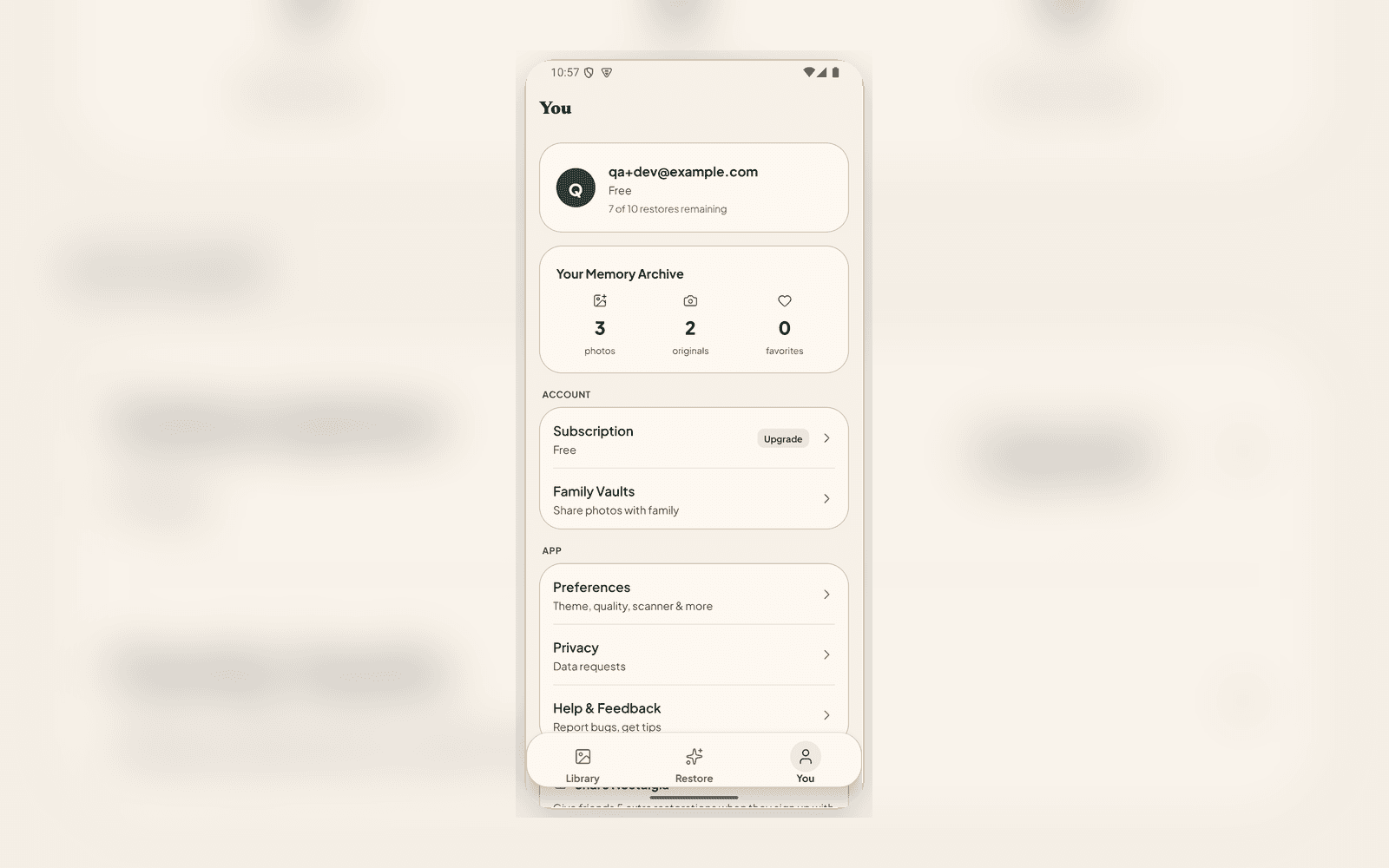
Memorial vaults are Nostalgia's answer. One tap on a Person record creates a private tribute vault and auto-fills it with every confirmed photo of that relative in your archive. You don't re-curate. You don't dig through folders. The work is already done: you've named the person, you've confirmed which photos are them, and the vault inherits all of it.
How it works
Open the relative's record in your archive. Their detail page lists every photo they appear in, in chronological order. Tap "Create memorial vault" and Nostalgia spins up a vault with the same set, ready to share.
- Photos that haven't been confirmed as showing this person are skipped, so the vault doesn't pull anything in by guesswork
- You can edit the vault after it's created: add photos that weren't auto-linked, remove anything you don't want shared, write a description or eulogy
- Vaults you've already created stay readable even if your subscription lapses, so the tribute does not disappear because of a billing event
Two levels of sharing
Sometimes a memorial is for close family. Sometimes you want the wider extended family (second cousins, in-laws, friends from the funeral) to see the photos without having to make an account. Memorial vaults handle both.
- Private invites: invite by email with role-based access (Owner, Editor, Viewer). Best for the immediate family who'll keep adding photos and notes over time
- Public read-only link: a single URL anyone with the link can open. No account, no signup, no app install. Best for the funeral program, the obituary email, or the family WhatsApp group
What makes this different from a Dropbox folder
Three things, mostly. The first is that the photos arrive restored: the cousin opening the link sees grandma's wedding photo with the scratches gone and the colour returned, not the dim phone scan from 2014. The second is that the context travels with the photos. Who's in them, when they were taken, where, the story behind each one: those Archive Notes are part of the vault, not lost in a separate spreadsheet. The third is that you don't have to remember to renew it. The vault stays where it is. The link keeps working.
When to use it
The obvious moment is the week after a death, for the funeral, the memorial service, the wake. But memorial vaults are useful well past the immediate event: a vault you make for a grandparent today is the vault your kids open years from now when they want to know who their great-grandmother was. The earlier you build it, the more complete it gets.
Try it
Memorial vaults are available on the Family plan. Open any named person in your archive and you'll see the "Create memorial vault" action on their detail page. The feature page at /features/vaults walks through the full workflow.
If you're managing photos across a wider family branch (cousins, in-laws, an extended tree), the /for-family-historians overview shows how memorial vaults fit alongside the rest of the archive workflow.
Related posts
 News
NewsPhoto Story Reveals: Share a Restored Photo the Right Way
Photo Story turns any restored photo into a private before-after reveal, whether square, story, or short video. Send a link, family watches the restoration unfold, no account needed.
GuideThe Family Historian's Guide to AI Photo Restoration
If you're building a family archive alongside your tree on Ancestry or MyHeritage, here's how to use AI photo restoration without compromising archival integrity.