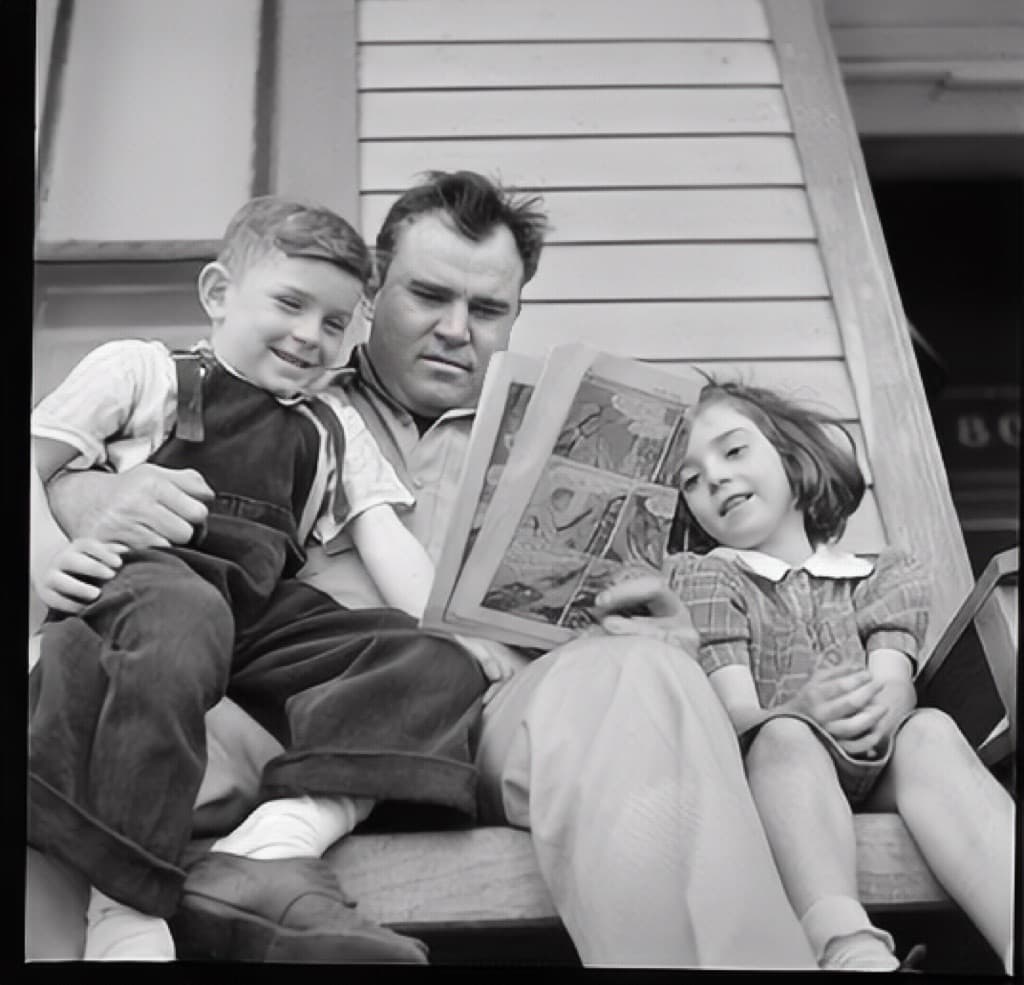
The moment does not end at “restored”
You scan a creased, faded print, run a restore, and suddenly a grandparent’s face is clear again. It is a genuinely moving moment, and it is meant to be shared. The whole reason most people restore an old photo is to send it to the relatives who remember the person in it, or who never got to.
So the real finish line is not the restored file sitting in your Archive. It is the cousin opening a link on their phone and seeing the photo come back. The trick is sending it in a way that actually shows the transformation, instead of a flat attachment that loses the before-and-after entirely.
Lead with the before-and-after
The story of a restoration is the contrast: the faded Source on one side, the restoration result on the other. That is why a finished restore now leads with the before-and-after, so the first thing you see is the change.
When you share it, you want that same contrast to travel with the photo. A bare image attachment throws it away: the recipient just sees a clean photo and has no idea how far it came. A reveal link keeps both sides together.
Send a private reveal link
Instead of attaching a file, you can send a private reveal link. The recipient opens it and watches the Source transition into the restoration result, with no app, no account, and no download needed to view.
Paste that link into Messages, WhatsApp, or email and it now unfurls with a before-and-after preview right in the conversation, so family see the photo before they even tap. And if you have already shared a reveal, you can re-share the same one again in a tap without recreating it.
- Reveal pages are not indexed by search engines.
- You can add an optional passcode and an expiry date.
- The recipient never needs a Nostalgia account to view.
Private links for one photo, Family Vaults for the whole branch
For a single chosen photo, a free private link is usually all you need: one photo, one link, sent to whoever you want.
When you are gathering a whole branch of the family or a full inherited collection, Family Vaults give relatives an invite-only shared space to see the restored photos together, add names, and contribute their own. Keep the two distinct: private links are for sharing one photo, Family Vaults are for a shared space.
Accepted Sources remain separate Versions
Sharing does not rewrite a Source. Each accepted Source stays preserved as its own Version beside restoration results, so you can go back, compare, or restore differently later.
Nostalgia keeps your photos private by design, never sells or shares them, and does not train AI on your images unless you separately opt in. Sharing a reveal link is a deliberate choice you make per photo. Nothing is public unless you send it.
Related posts
 News
NewsPhoto Story Reveals: Share a Restored Photo the Right Way
Photo Story turns any restored photo into a private before-after reveal, whether square, story, or short video. Send a link, family watches the restoration unfold, no account needed.
 News
NewsMemorial Vaults: A Way to Share a Relative's Photos That Survives Them
When a relative dies, their photos usually get scattered, to a Dropbox link, a Facebook album, or nowhere. Memorial vaults are a different approach: a private, auto-populated tribute the family can hold onto.
 Guide
GuideHow a typical family ends up archiving 1,500 photos together
The work of building a family photo archive isn't a solo photo effort. Here's how the load tends to distribute across three generations, and why the result is richer when nobody tries to do it alone.