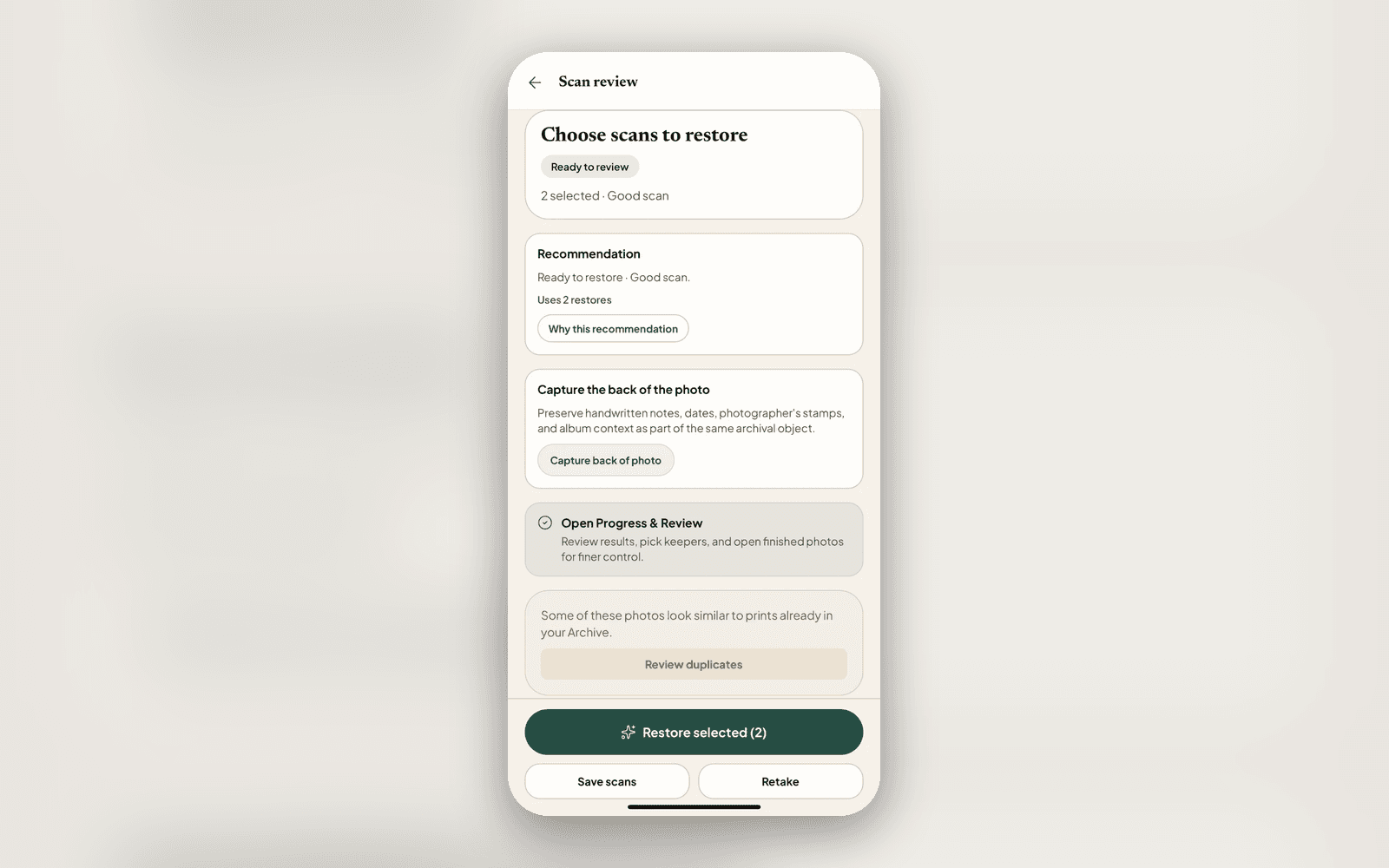
Scan help that tells you what to actually do
Before, if you scanned a print on a busy tabletop, the app could keep saying 'rescan first', and scanning the same cluttered scene again just produced the same verdict. A loop with no way out.
Now the photo check names the real reason a photo needs work and gives advice that matches it. Glare, blur, a curl, or a too-dark frame? A quick retake genuinely helps, so that is what we suggest. A busy background the detector can't read? Rescanning won't fix that, so we point you to a plain surface or a quick crop instead of asking you to scan again.
'Restore anyway' is always one tap away
Even when we recommend a better scan, you are in charge. Every recommendation now carries a clear 'Restore anyway' escape, right on the photo check card, so a suggestion is never a wall. Crop a photo and it clears the geometry warning it resolved, too. The guidance keeps up with what you have already fixed.
Batch scanning you can trust
Ripping through a stack is fast, but speed shouldn't hide a soft frame. Each shot in a batch now gets a quiet quality check after the shutter, and the review screen tells you up front when a few may need a better scan, so you catch them before you commit the whole stack, not after you've spent a restore. When the camera is refocusing for a sharper shot, it says so instead of stalling silently.
As always, your archive stays private, and cloud AI only runs after you say yes.
Related posts
 News
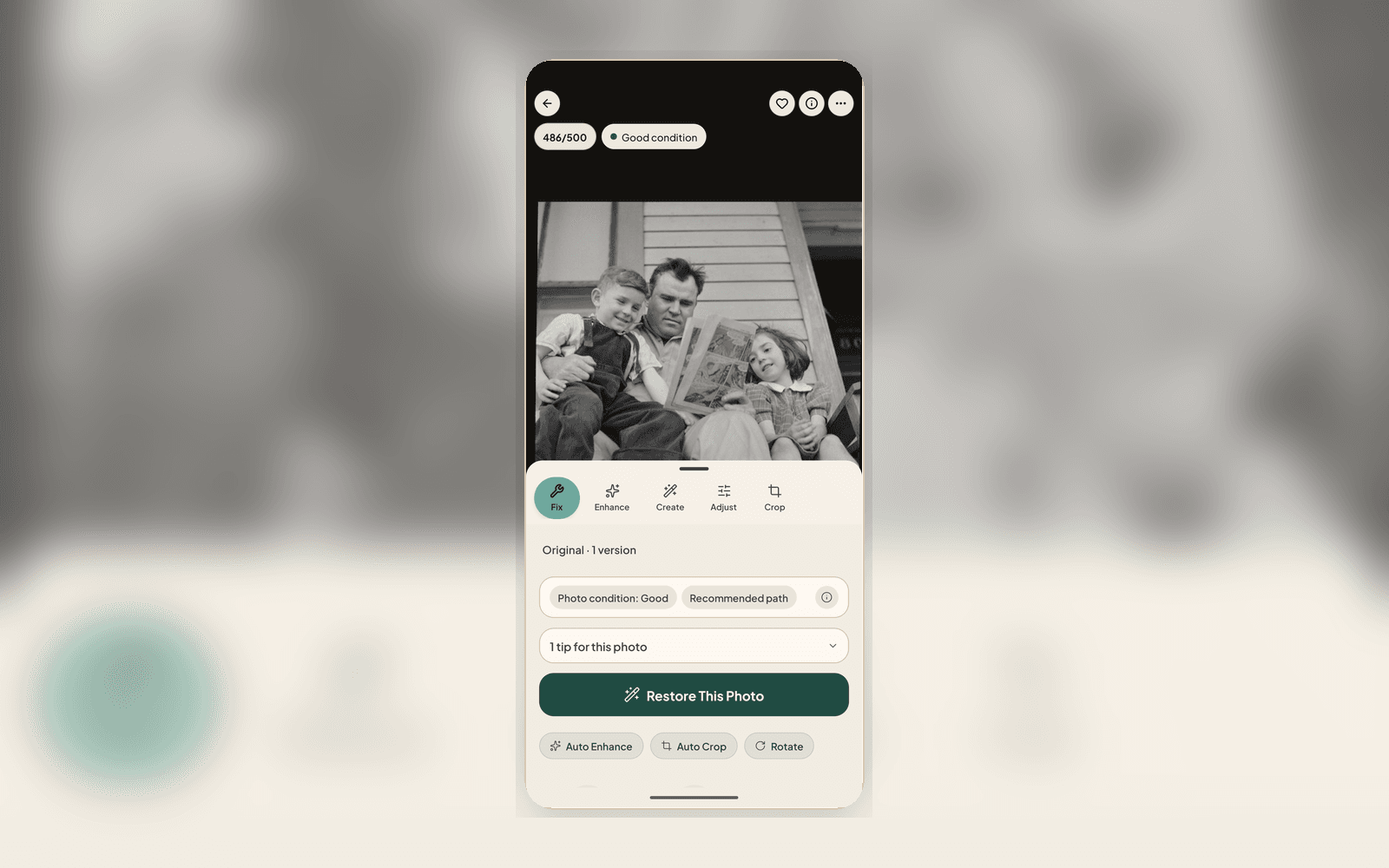
NewsWhat's new: a calmer Home, hands-free scanning, and a faster way to make it better
The 2.2.3 update reshapes the app around a Home base, adds hands-free auto-capture for ripping through a stack of prints, and puts 'improve it' right on the result. Here is what changed and why.
 Guide
GuideScanning prints with your phone, done right
Glare, skew, blur, and album pages are what make phone scans bad. Here is how the Nostalgia scanner handles each one at capture time, the honest handling tips that still matter, and when a flatbed is the better call.