Never used to train AI
Your uploads and restored outputs are not part of any training dataset. Human review is limited to safety or support cases you raise.
Nostalgia Photo Restore
For Genealogists and Family ArchivistsTree software is great for names and records. It won't help with the damaged prints in the shoebox. Nostalgia restores inherited photos, keeps the likeness recognizable, and gives you a private archive relatives can actually open.
Free tier covers 10 restores a month. No credit card. Web is live today; mobile is in TestFlight and Android closed testing.
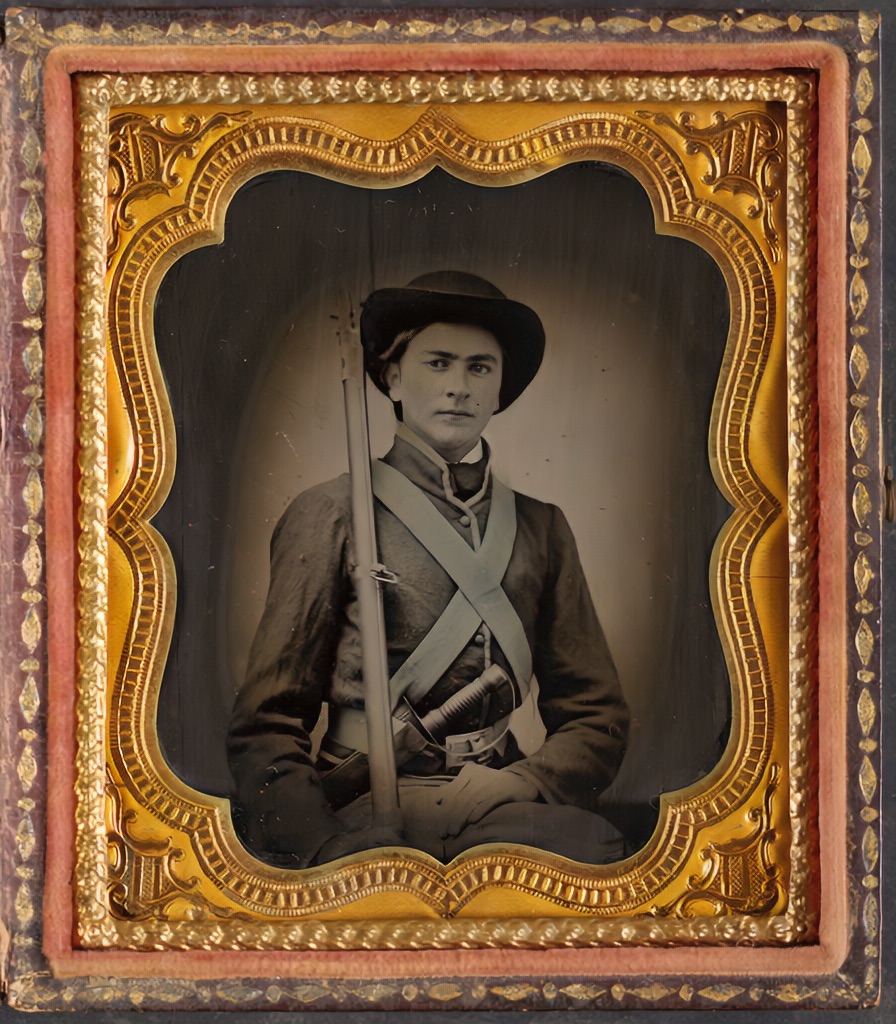 Restored
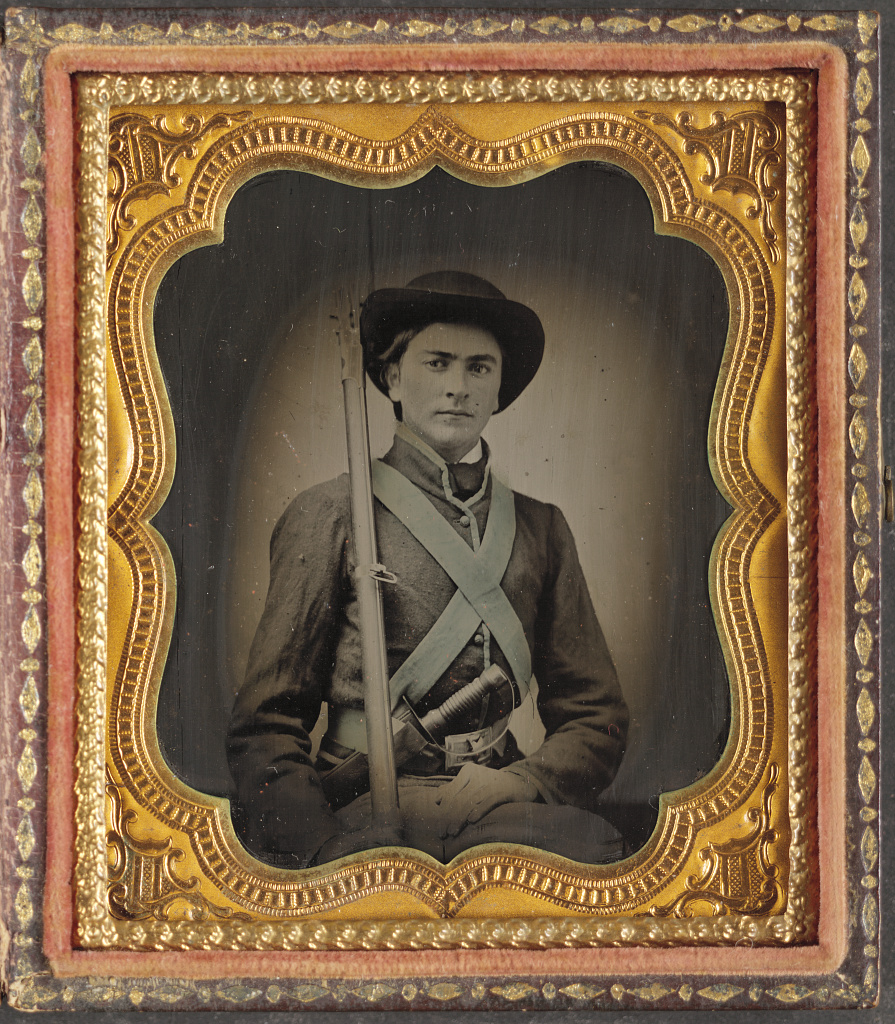 Original
Repair first, keep the archival master, add color only when it helps tell the story.
Ancestry, MyHeritage, and FamilySearch are good at names, records, DNA, and relationships. Nostalgia is for the part of family history most tools skip: the photos themselves.
The result: photos that still look like your ancestors, captions that survive the next generation, and an archive relatives can actually open.
General-purpose AI enhancers were built for selfies. Pointed at a great-grandmother, they happily smooth her face into someone who isn't quite her. Nostalgia is designed the other way around: repair what's broken, preserve what's real, and keep the likeness that lets you recognize the person on your tree.
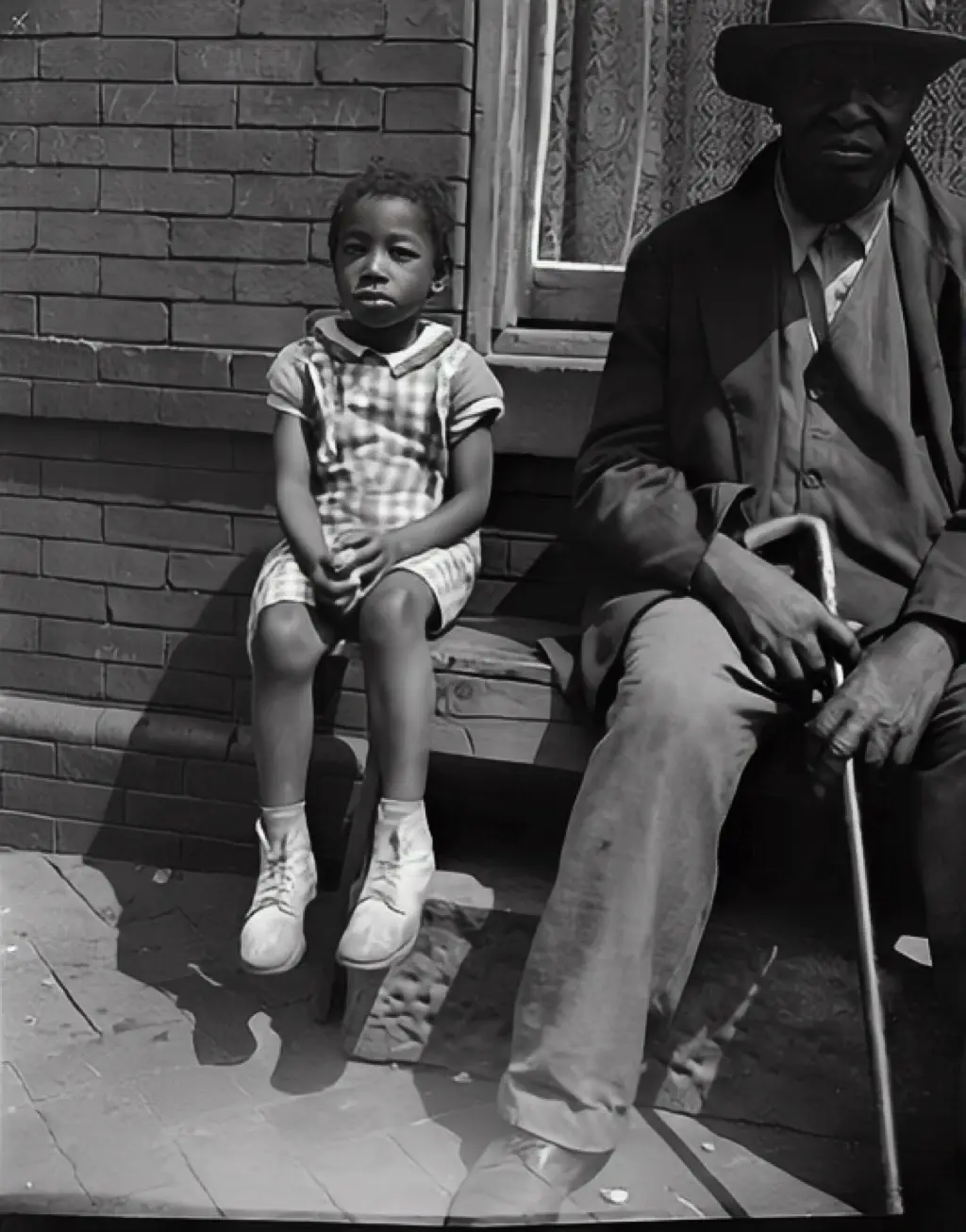 Restored
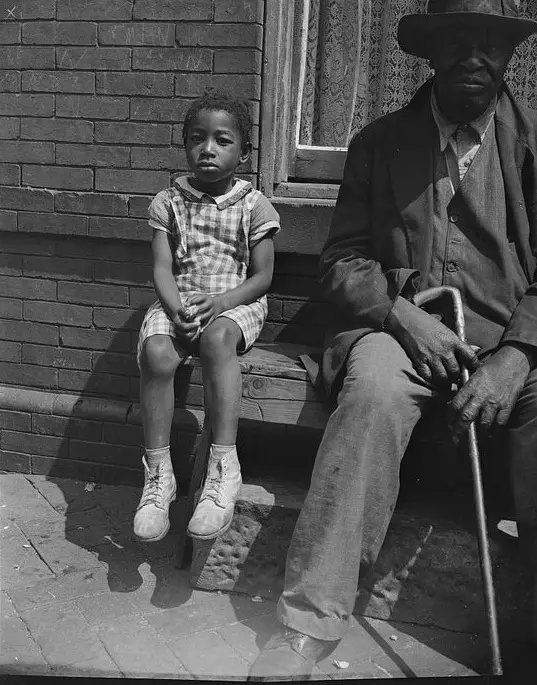 Original
Restored view keeps the original tonality. Colorization is a separate, optional companion view.
Your uploads and restored outputs are not part of any training dataset. Human review is limited to safety or support cases you raise.
Original scans and restored versions stay yours. Export or delete the full archive at any time.
Family Vaults are invite-only. Sharing links are off unless you turn them on, and there is no public profile.
Details in the Privacy Policy and AI Policy.
There is no shortcut to a good archive, but there is a rhythm. This is the workflow most family historians settle into once they have inherited a collection.
Sort the shoebox into priority people, priority events, and everything else. Scan the first two stacks first. A 300–500 print collection becomes a manageable queue in one afternoon.
600 DPI on a flatbed or Google PhotoScan on a phone. Capture the reverse of every print — handwritten names and dates on the back are usually the only surviving identification.
Start with the recommended restore pass. Compare before and after. Accept when the likeness is right. Color is a companion view, not a mandatory final step.
Fix the AI caption with real names, add what the tool doesn't know, and write down what was said about the photo when it was handed to you. Ten years from now, those notes are the archive.
Use Family Vaults — invite-only spaces for cousins, aunts, and siblings. One vault per family branch keeps scope manageable and relatives can contribute missing prints without a social account.
This page is part of a 4–6 week validation sprint. If you try Nostalgia and there's an archive job it doesn't help with, tell us — that feedback is how we rank what ships next.
Yes. Nostalgia handles the restoration, captioning, organization, and private family sharing side of the job while your formal tree stays in Ancestry, MyHeritage, or FamilySearch. Deeper tree integrations like GEDCOM import are a validation hypothesis, not a current feature.
That is the single biggest risk with general-purpose AI enhancers, and it is why Nostalgia starts with a restore-first pipeline that repairs damage before any interpretive step. For ancestor portraits, Photo Insight typically recommends restore first and face enhancement only if needed. A slightly soft portrait that still looks like your ancestor is always better than a crisp portrait of someone who isn't quite them.
They are processed to deliver the restoration you requested and stored in your private library. They are never used to train AI models. You keep ownership of originals and restored versions, and you can export or delete everything at any time.
More answers on the full FAQ.
Web is live and free to start. One portrait, one restore, see whether the likeness holds up.
Restore a Photo FreeBrowse restored examples or read the scanning guide before you spend a credit.