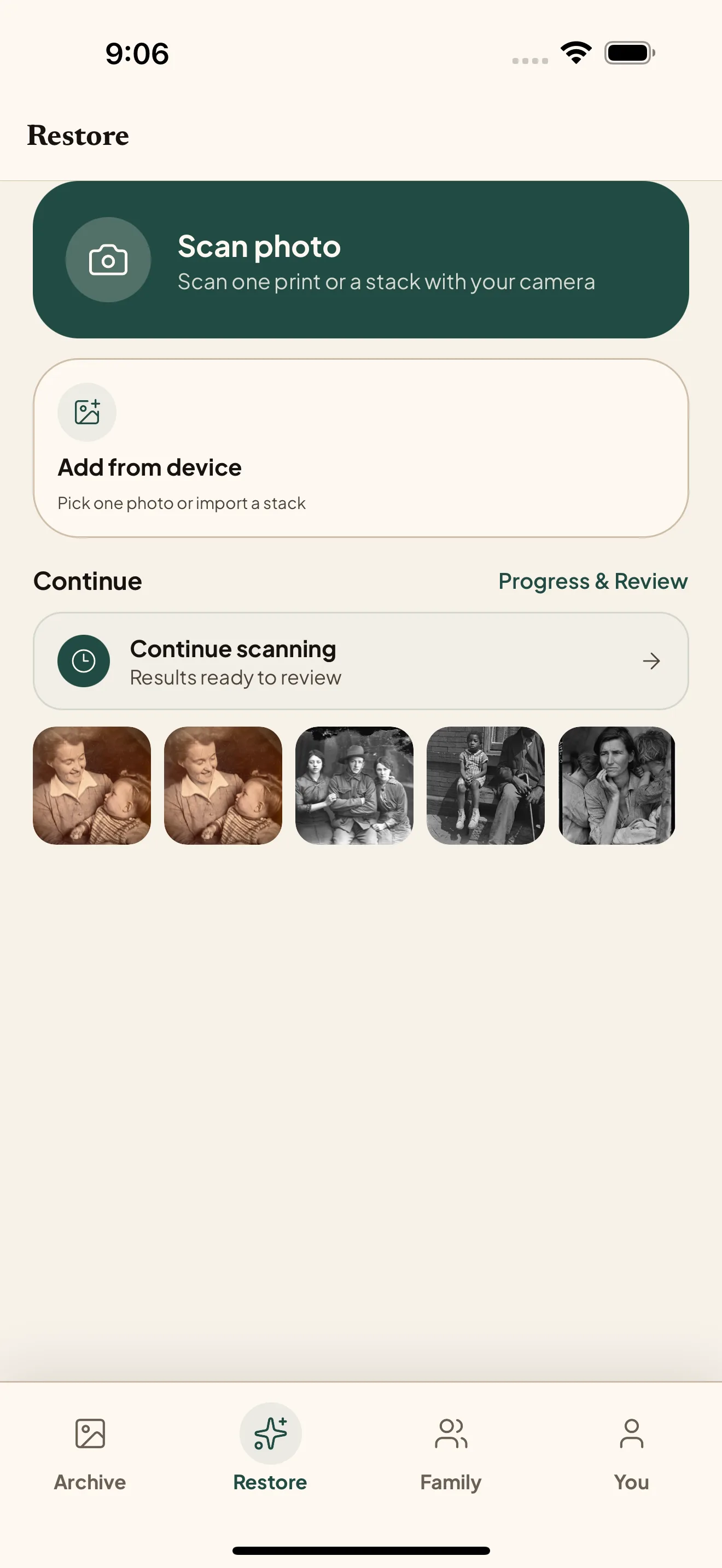
01
Choose one photo
Pick an old photo already on your phone, or scan a printed copy. It opens straight in Restore—there are no model or quality settings to configure.
Choose one old photo, let Nostalgia restore it, and share the result with your family. iPhone is live on the App Store, Android is available through Google Play testing, and web is ready for larger archive jobs.
Pick an old photo already on your phone, or scan a printed copy. It opens straight in Restore—there are no model or quality settings to configure.
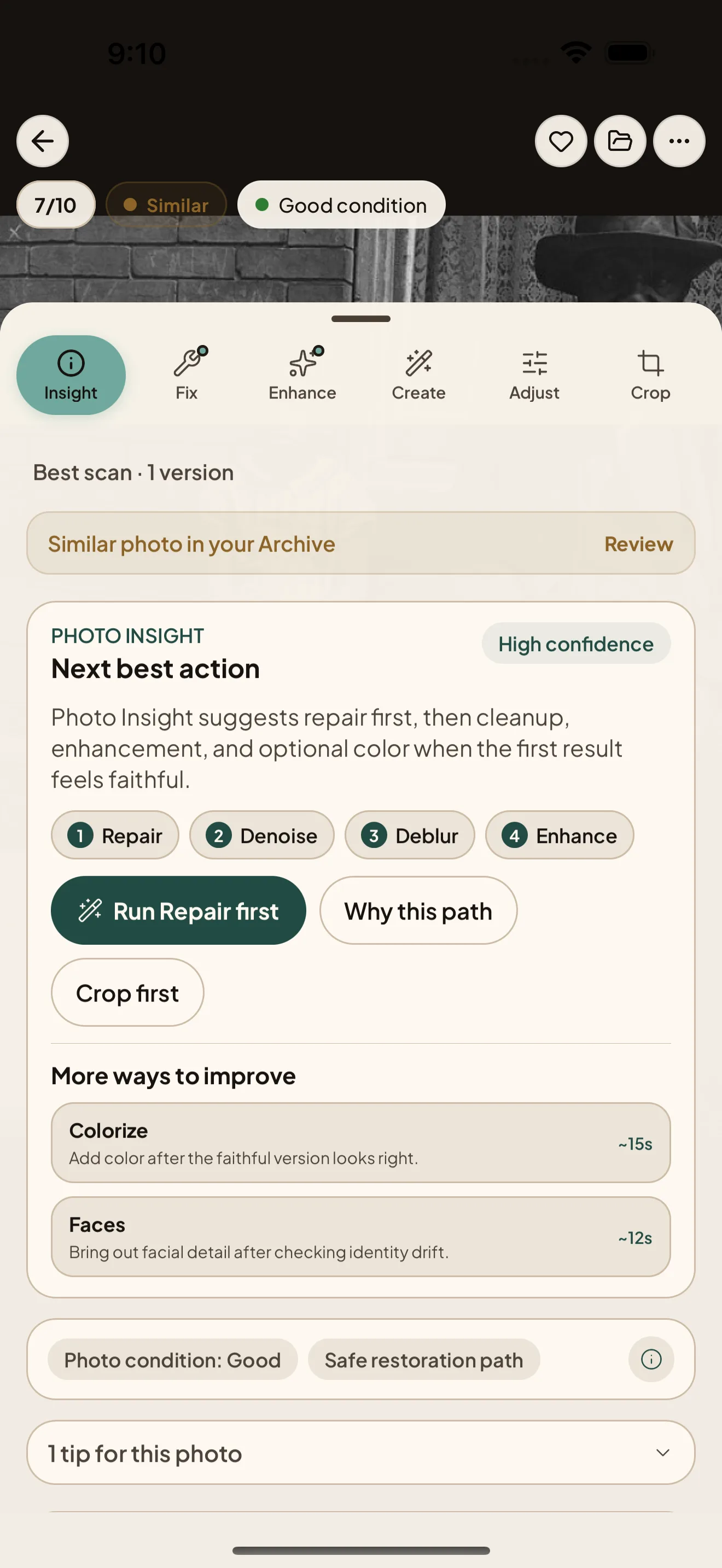
Nostalgia checks the photo and puts the safest, best-value restoration first. Tap once to run it; specialist tools stay out of the way unless you ask for them.
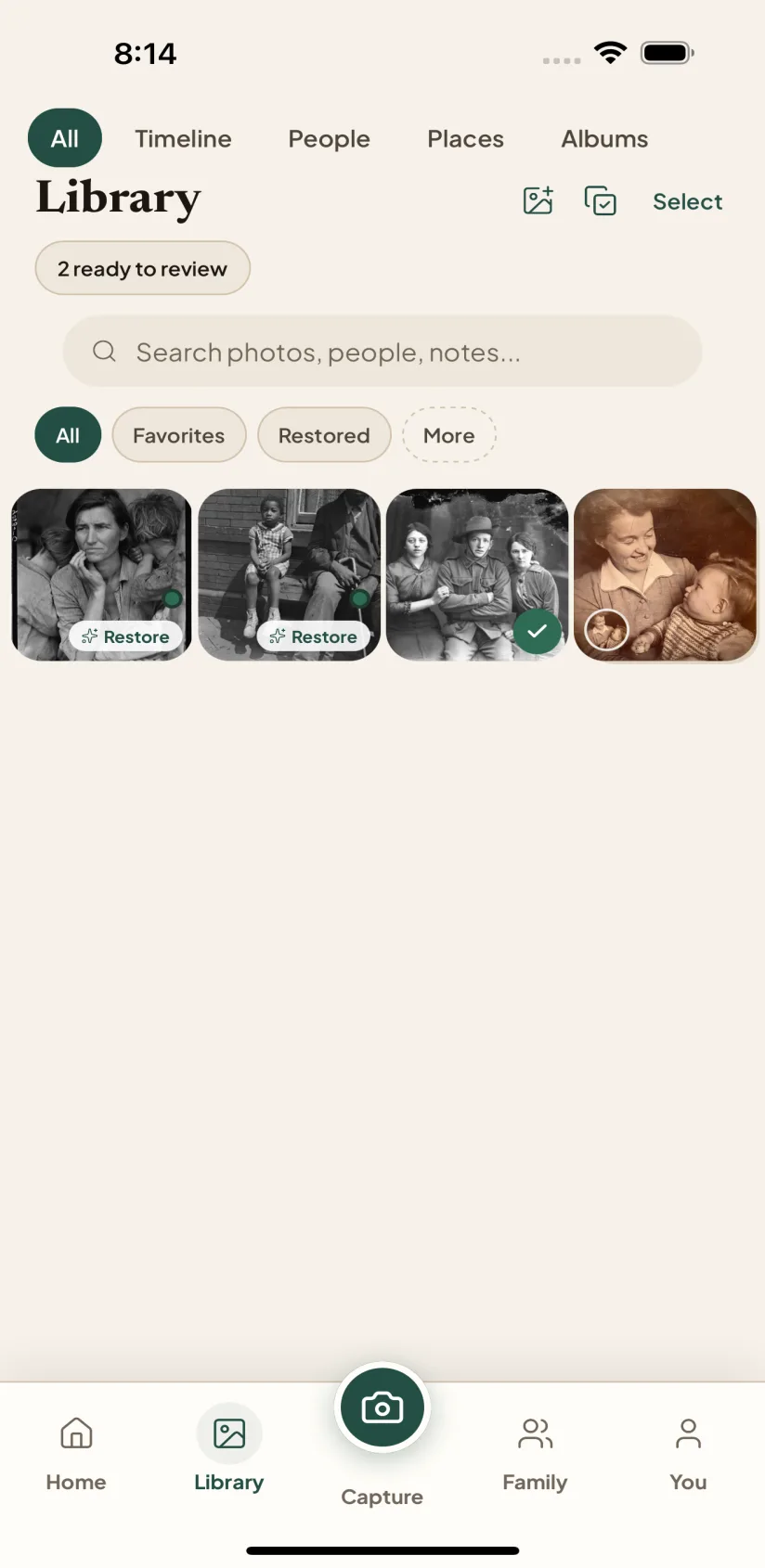
Compare the complete, uncropped Original and restored photo, then keep the result you love. Your Original always stays untouched in your private Archive.
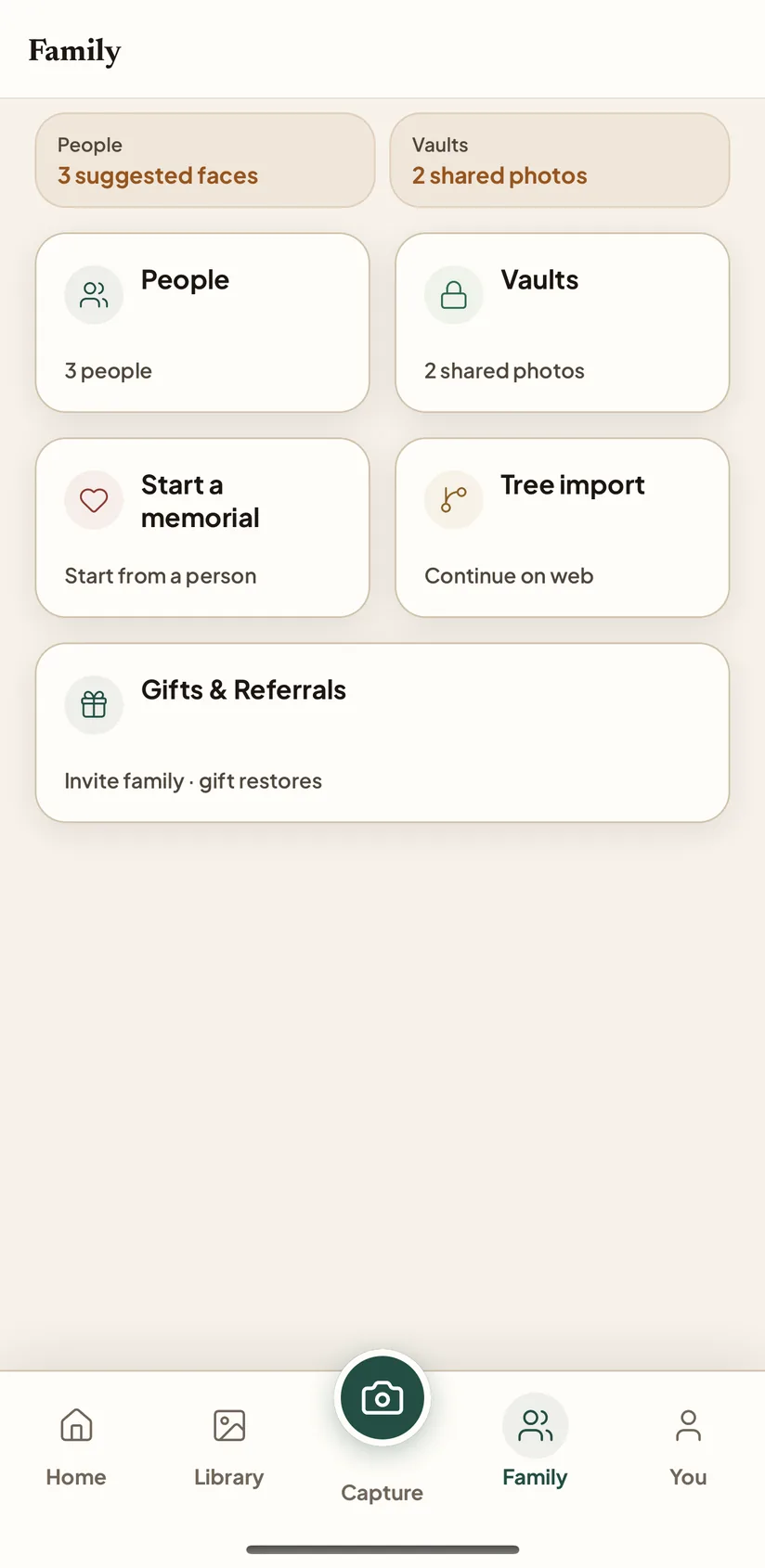
Send the before and after to the people who will recognize it, or invite them into a private Family Vault. Then bring back the next photo whenever you are ready.
Choose a photo from your phone or scan a print, use the recommended restoration, reveal the complete before and after, and share it with family. Your Original stays untouched, and everything syncs to web for larger archive cleanup.
Android is in Google Play testing while we work toward broader Play Store availability. There is no waiting list and nobody has to approve you: joining the tester group is what grants access. It takes about two minutes.
Before you start: open the Play Store app on your phone, tap your profile picture, and note the Google account shown. Use that same account for both steps below. Almost every failed install is a different account somewhere in the chain.
Seeing Item not found? It almost always means the Play Store app is signed in to a different Google account than the one you joined with, or that step 2 was never completed. Check the account on both, confirm the opt-in page says “You are a tester,” and give it a few minutes. If it still fails, email [email protected] with your Play Store account email and your phone model.
Google asks new developers to run a closed test with at least 12 people who stay opted in for 14 days before an app can be released publicly. Staying in the test for those two weeks is the single most useful thing you can do for us.
The web app is best for batch upload, Albums and Timeline browsing, restore progress, Family People, GEDCOM tree import, duplicate cleanup, and Family Vault setup. Start in your browser, or open web when the archive needs more room than your phone.
Drop a GEDCOM export from Ancestry, MyHeritage, FamilySearch, RootsMagic, Family Tree Maker, Gramps, or FamilyEcho into Nostalgia and the archive will suggest which photos belong to which person, by name, era, and birth/death window. Read-only by design: your tree platform stays the source of truth, and mobile can browse the resulting People records.
Read the full overview in the family tree import guide.