NostalgiaCareful repair for old family photos
Preserve the photos. Keep the family story.
Scan or import your photographs, compare careful repairs, and keep the names and stories with them. A few photos at a time, then share what you choose.
Rather do this on your phone?Get the app
- Try one photo without an account
- Your uploaded photo stays separate
- Private until you choose to share


Free · no account
Restore one photo free
Your original stays separate from the result. Pick a photo. A short privacy permission comes after. Takes about 2 minutes.
Or drop a JPG, PNG, HEIC, or TIFF here (up to 75 MB). A short privacy permission comes next. If you don't create an account, your upload is deleted automatically.
One free restore on the web · about 2 minutes. Your uploaded original stays separate from the result. Saving or restoring another photo needs a free account. Failed runs are refunded automatically.
What would you like to do?
- Restore one photo free
Restore an old photo
Try a repair, compare it with your upload, and decide whether to keep the result.
- Explore photo scanning
Scan your prints
Use a compatible flatbed on Mac or scan with your phone. Save a few prints at a time and return to the same album.
- Share a photo with family
Ask your family
Send a photo with a question. Relatives can answer through the link without creating an account.
Keep the photograph and the story together.
From the original scan to the version you choose and the details your family confirms: keep the work together as your collection grows.
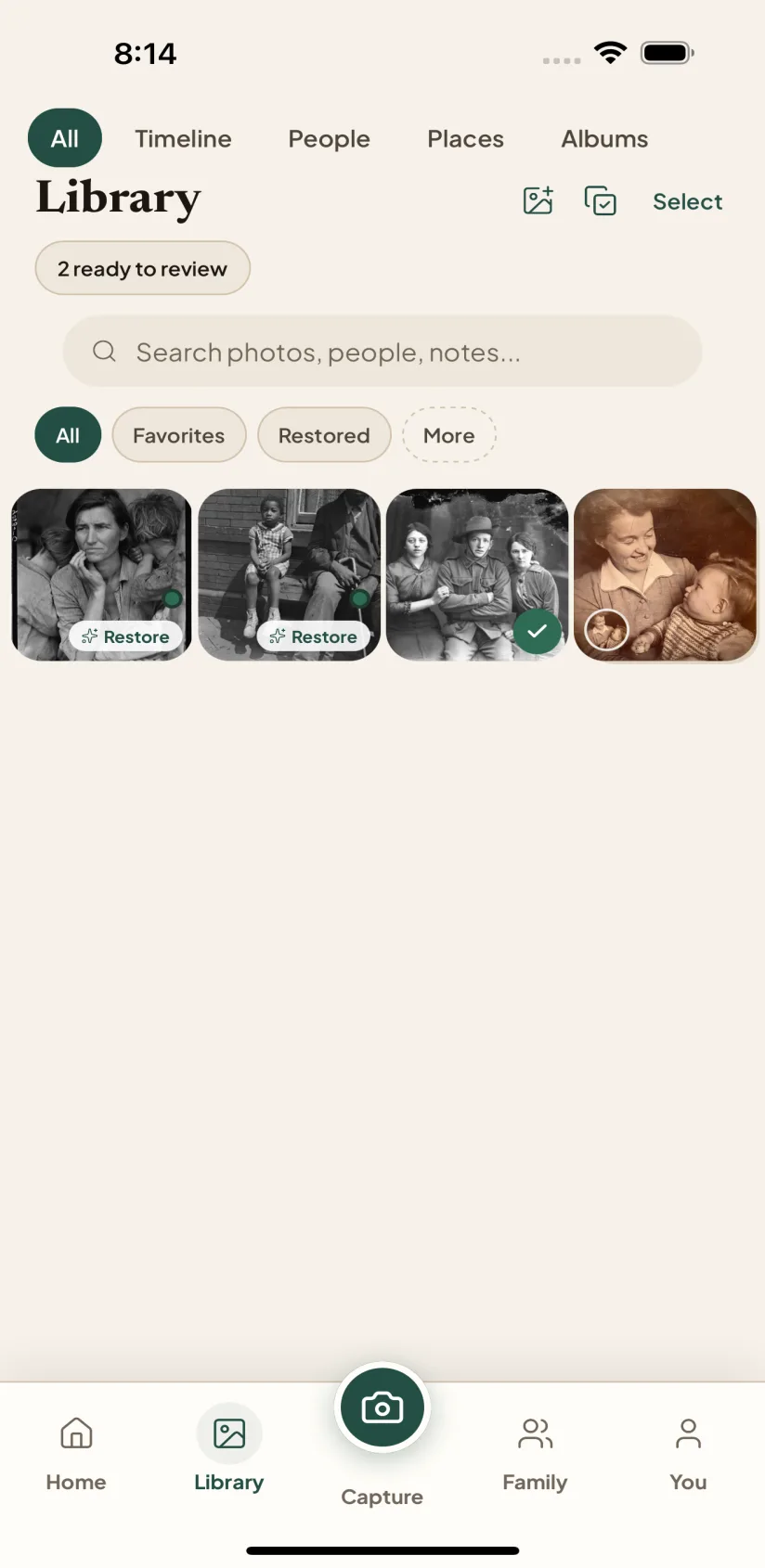 01
01See what a careful repair can recover
Your original and the restored photo stay separate. Compare them side by side and keep a repair only when it looks right.
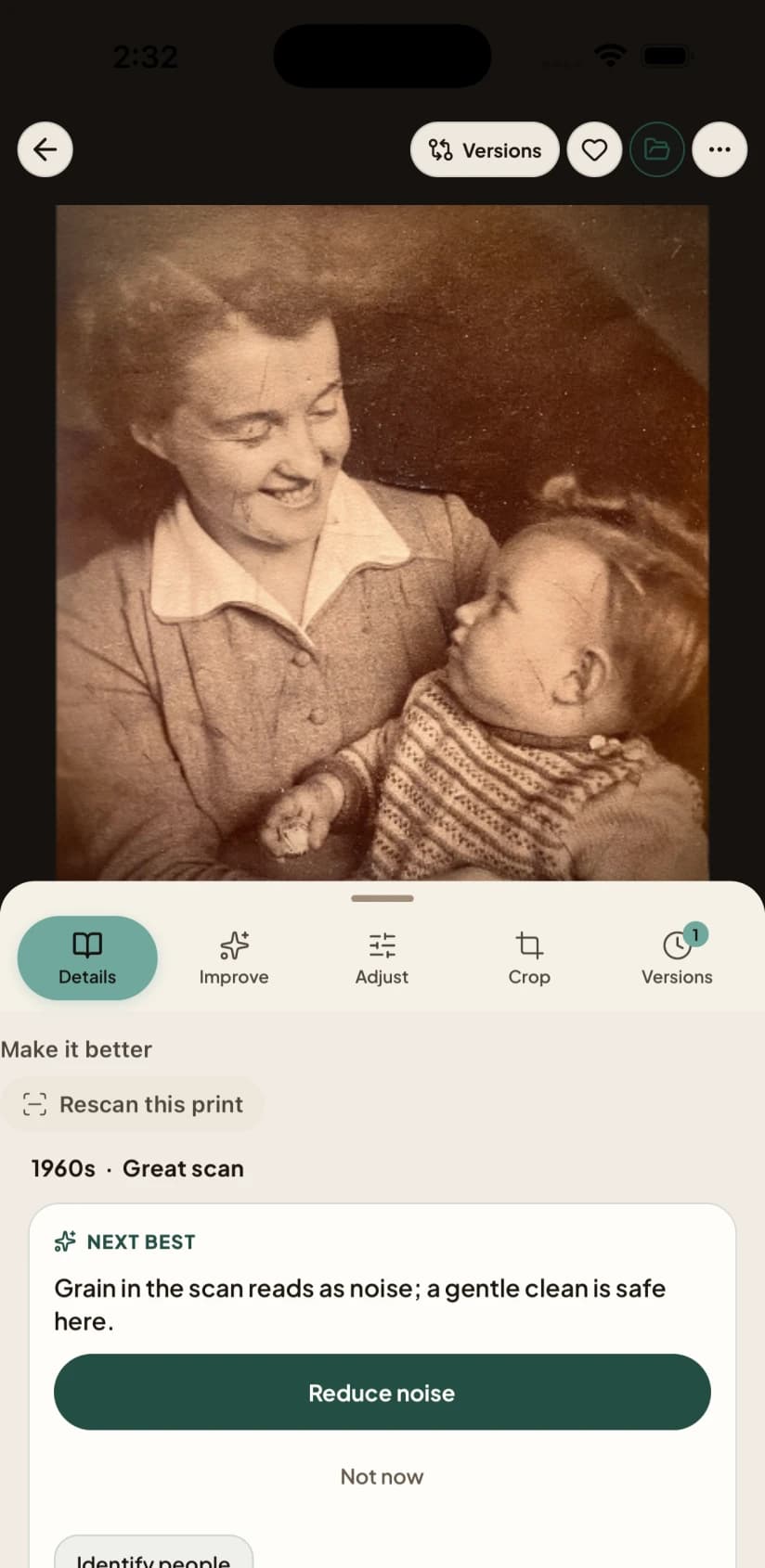 02
02Keep the names with the faces
Add people, places, dates and notes. Suggestions stay separate from the details you confirm.
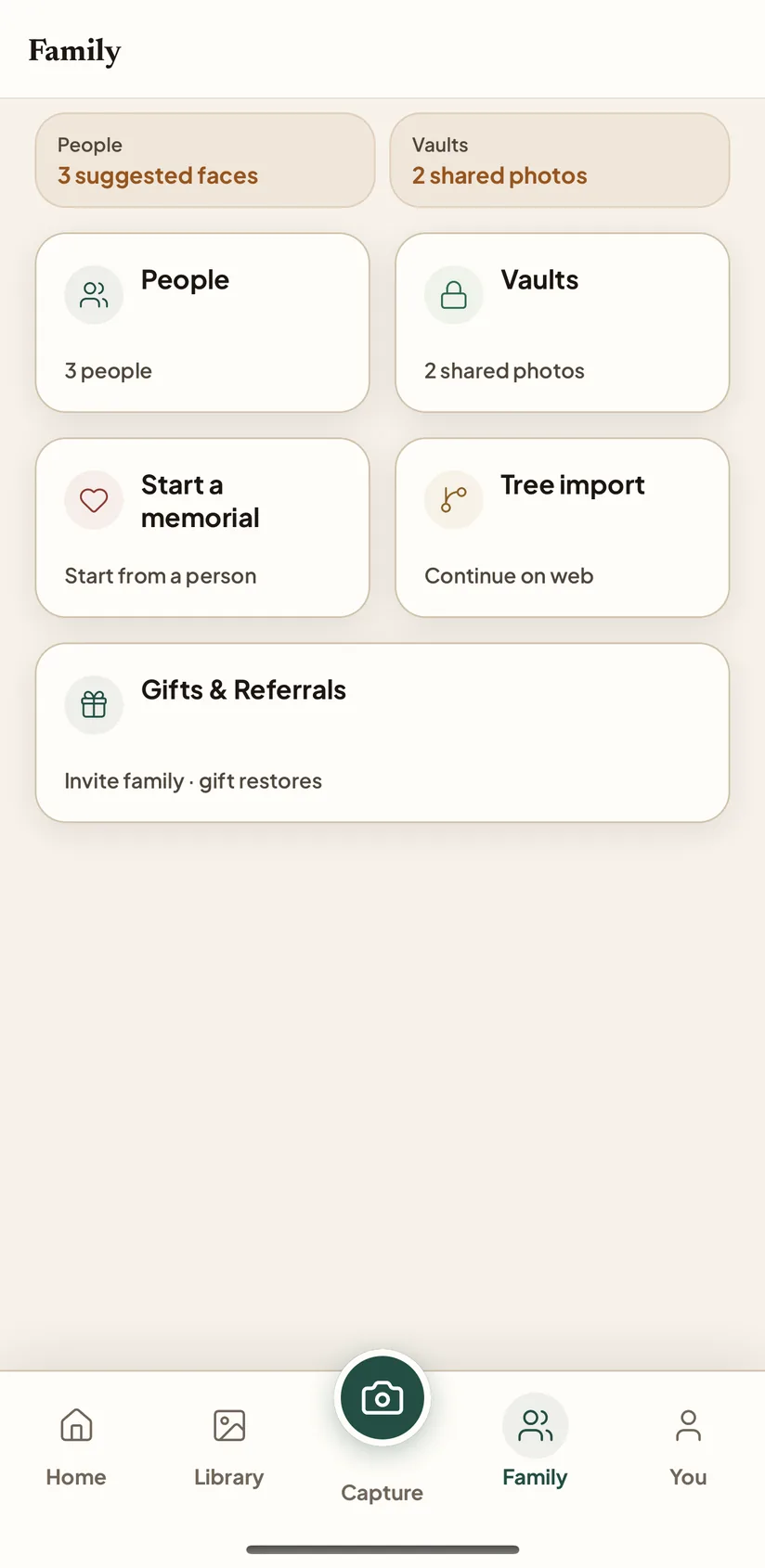 03
03Make room for the rest of the story
Ask a relative about an unfamiliar face or a missing date. Review their answer alongside the photograph.
Every account includes private storage for your photos and one free shared family space for 5 members and 50 photos. The Family plan raises those limits. See what each plan includes.
Screens from the Nostalgia app on iPhone, photographed on a demonstration account.
“Who’s that next to Grandma?”
Send a few photographs with a question. Relatives open the link and answer without an account. Review their suggestions before adding them to your archive.
- ChoosePick the photographs that belong together and write one focused question.
- They answerA relative opens the link, compares the original and the restored photo, and answers without installing anything.
- You confirmKeep or dismiss every answer. A suggestion never quietly becomes a fact.
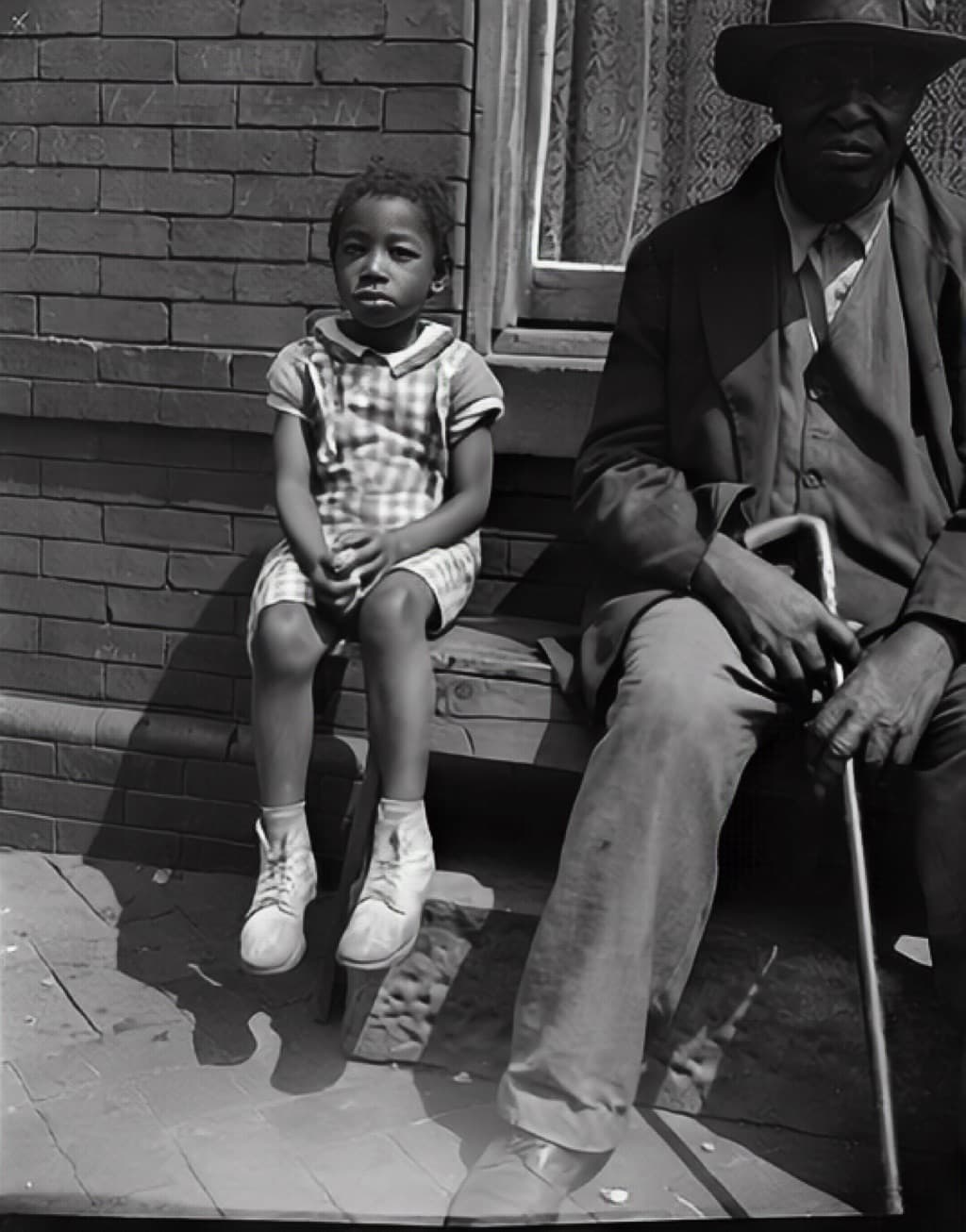
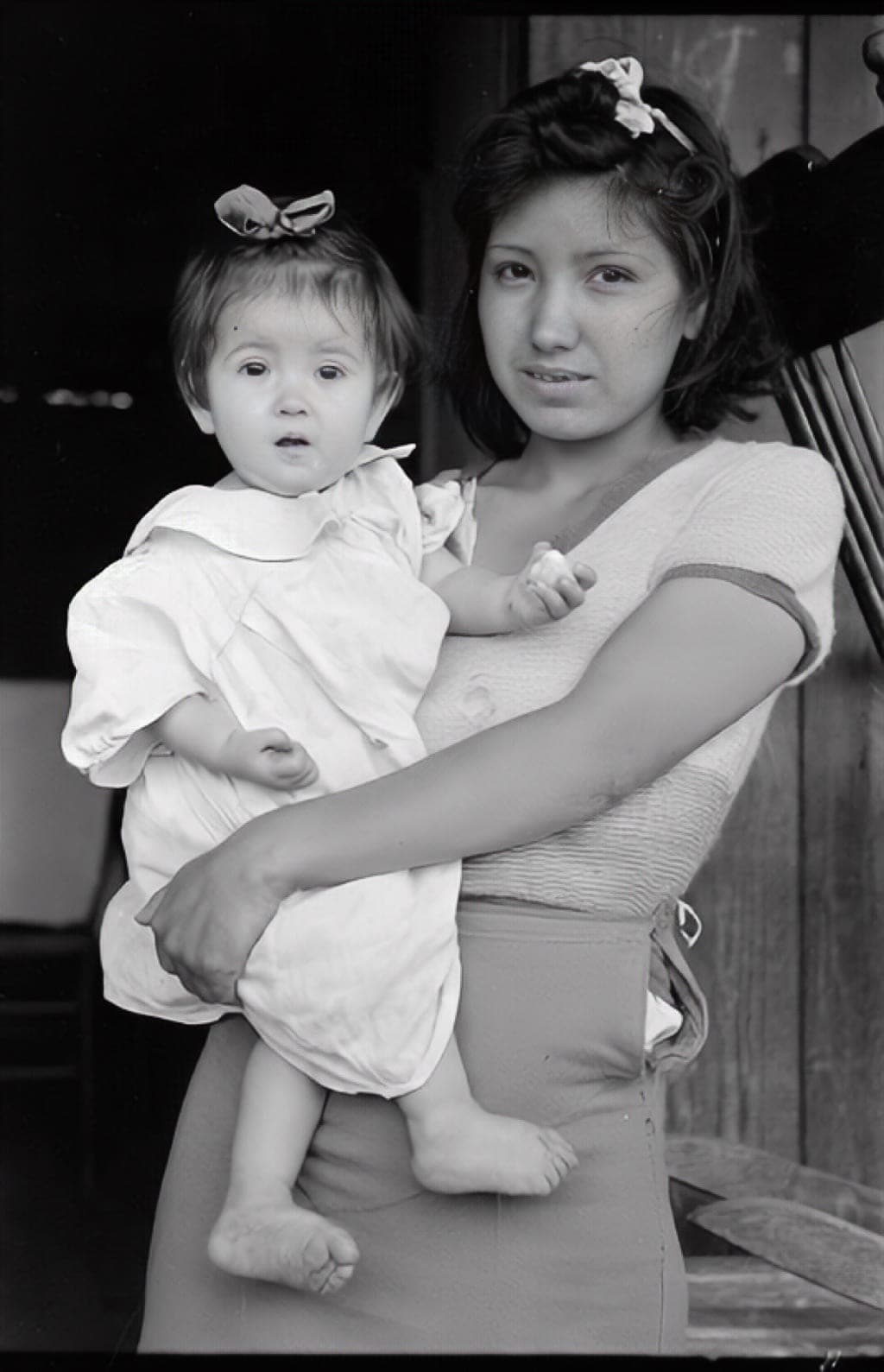 Who is in this photograph?
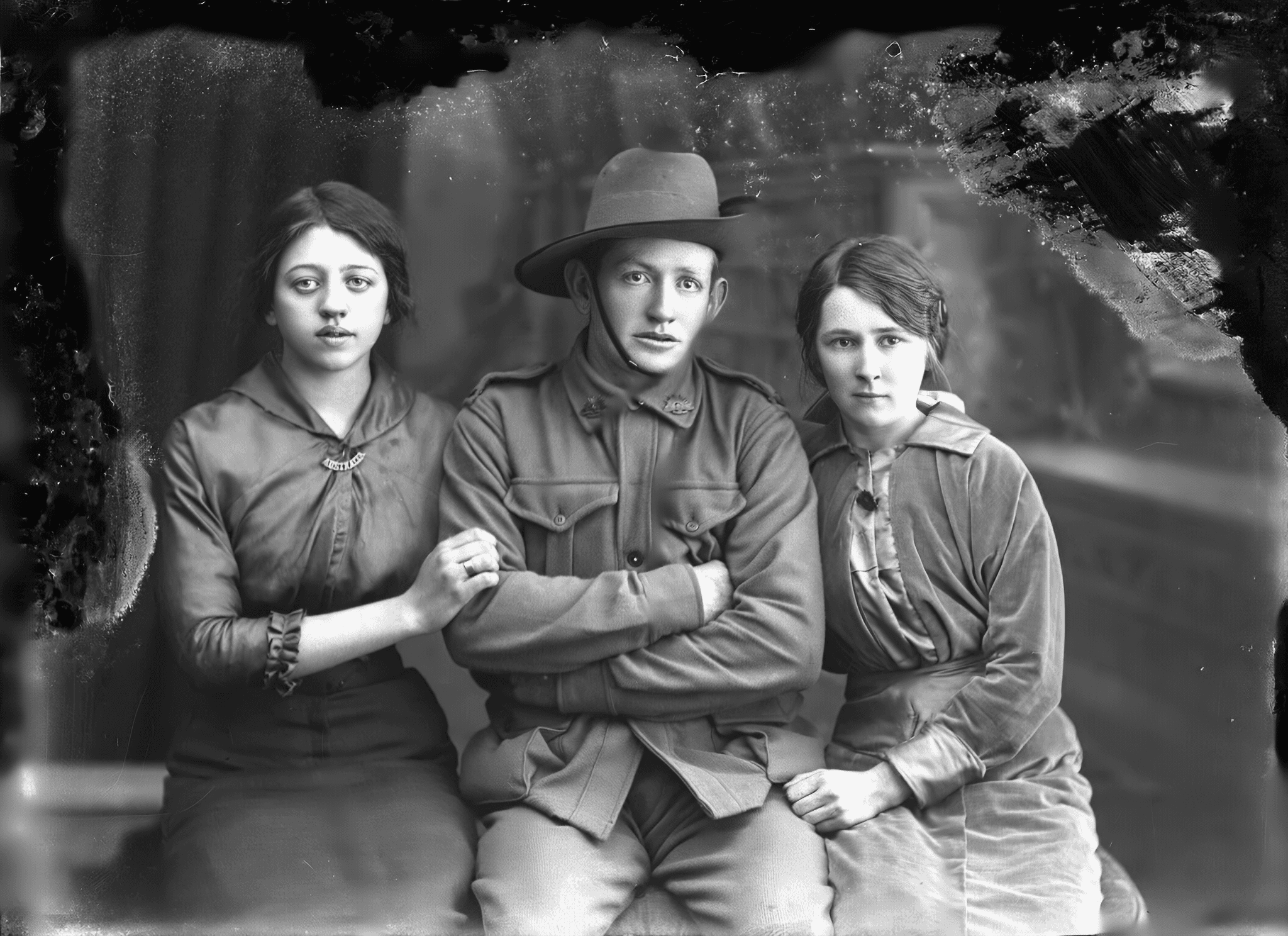
 What story belongs here?
 When and where was this?
Choose a plan that fits your collection.
The same restoration quality is available on every plan.
- For a few important photos
- Start with the free allowance and one shared family space.
- For an album you want to finish
- Buy a one-time pack of photo restores. No subscription; unused purchased restores do not expire.
- For an archive you keep adding to
- Family adds more restores, storage, and room to share with relatives.
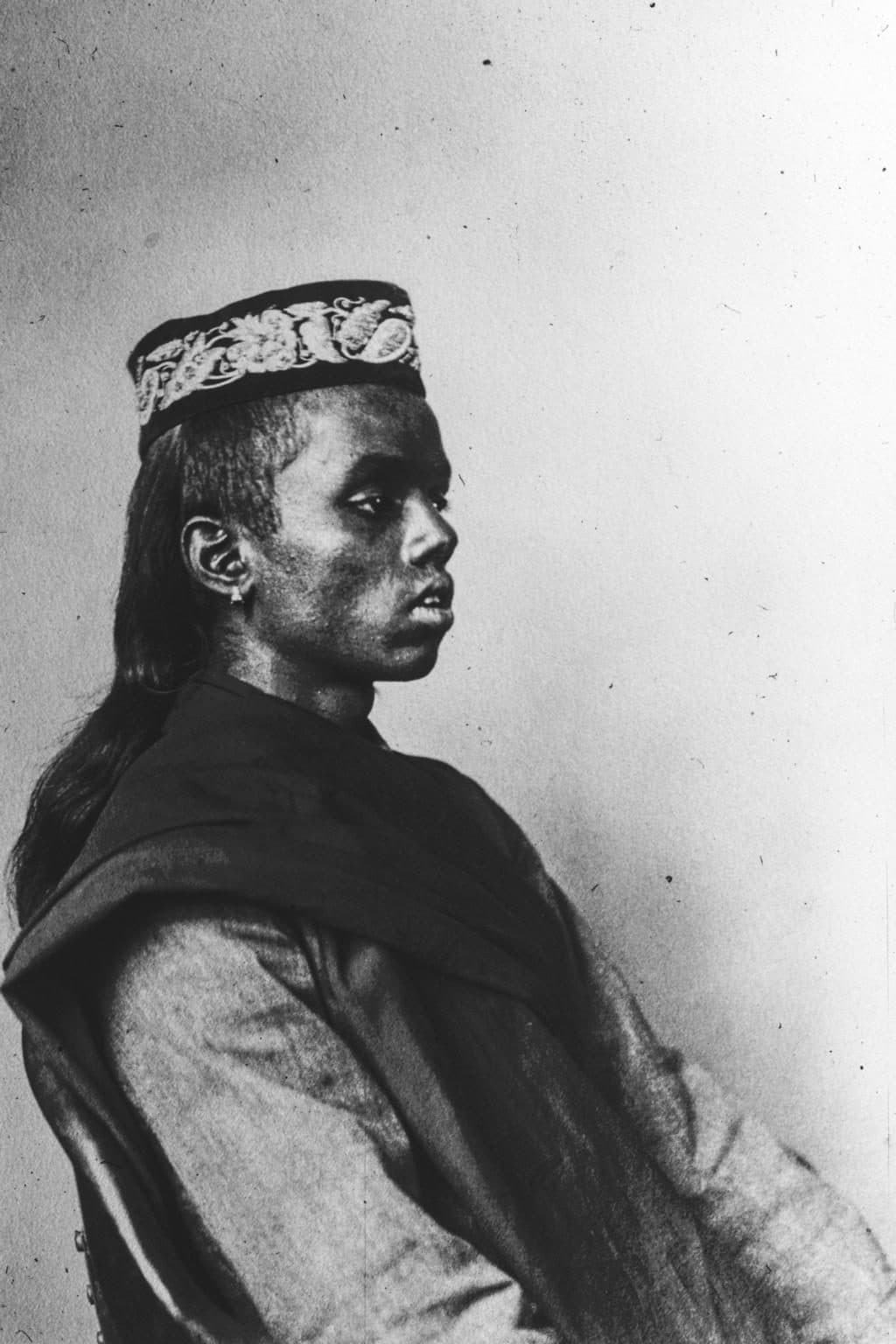
Look at a public photograph. Yours stay private until you share.
What can one photograph tell you before a name appears?
He was seventeen. His name is on the record and the rest is not. Anyone can look at photographs like this one, say what they see, and correct us. The source stays with every frame. Your own photographs never appear here.
Start with one photograph.
Choose the family photograph you most want to see clearly again. Try the restore without an account.
Private until you share. We do not train on your photographs unless you separately opt in.