01
Scan or choose one photograph
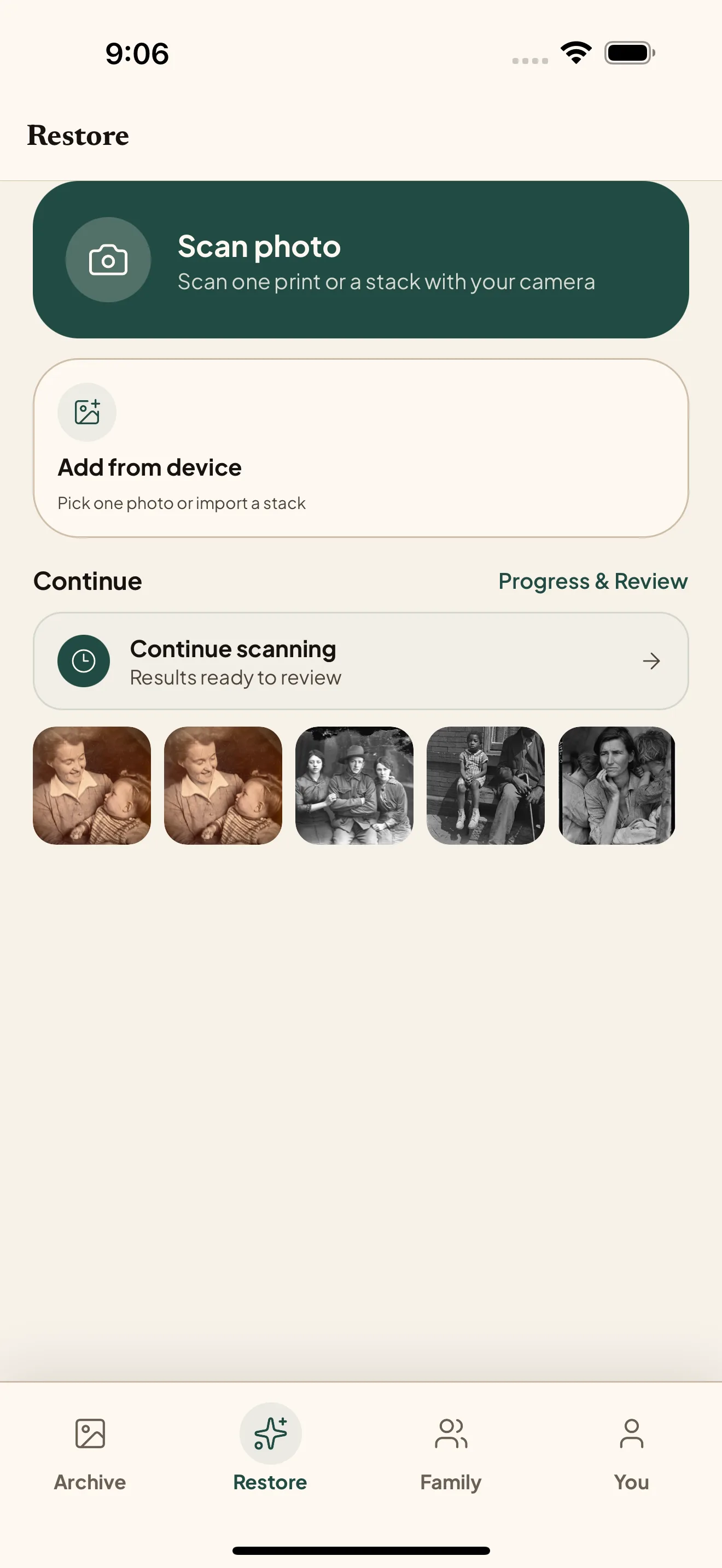
Pick a photo already on your device or scan a print. It opens in Restore without model or quality settings to configure.
One private archive everywhere: capture prints on iPhone or iPad, review and organize on web, bulk-scan on Mac. Same account, same quota, same originals.
Pick a photo already on your device or scan a print. It opens in Restore without model or quality settings to configure.
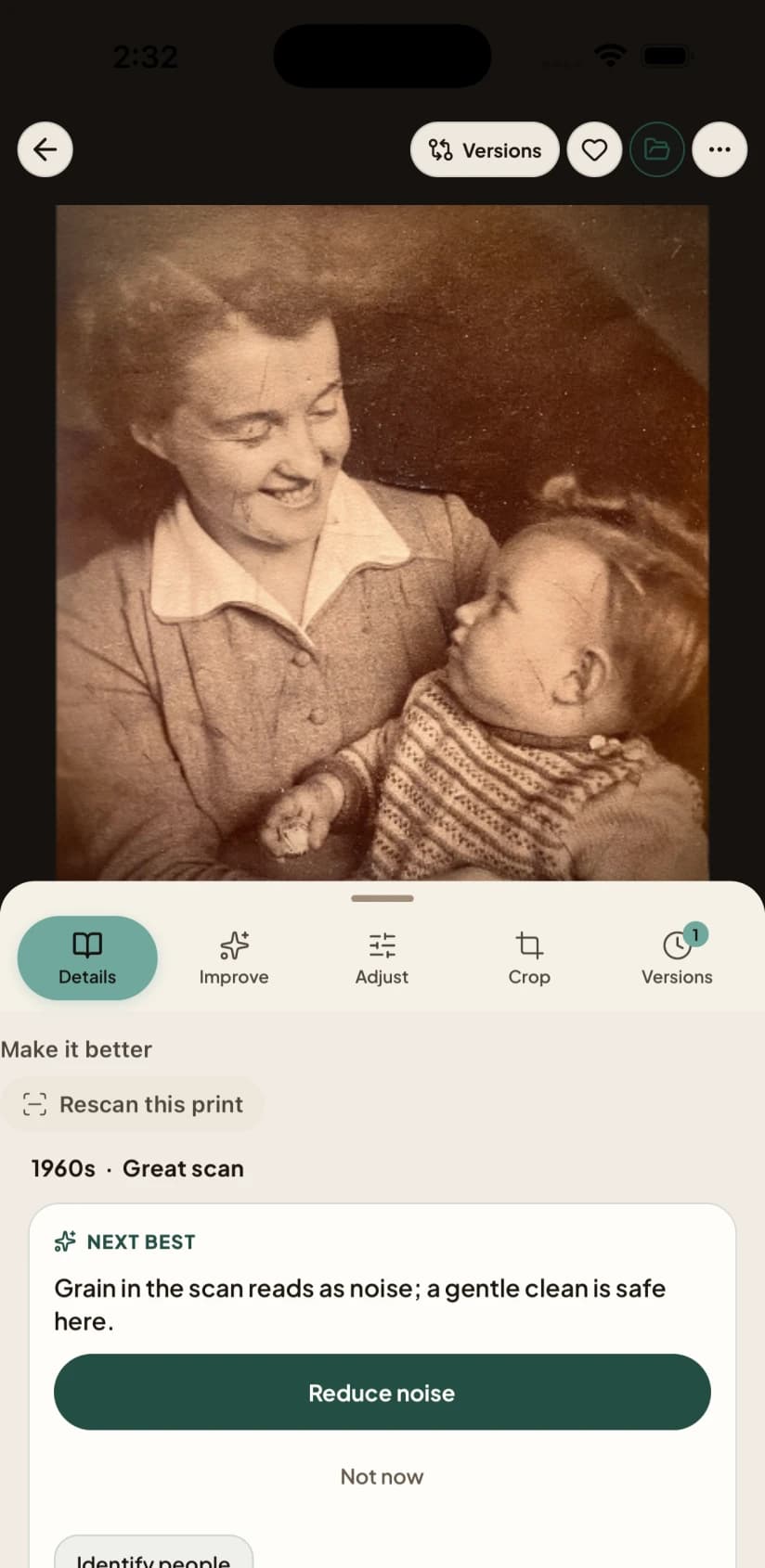
The photo check looks at the original and recommends the next restoration step. Specialist tools stay available without crowding the first decision.
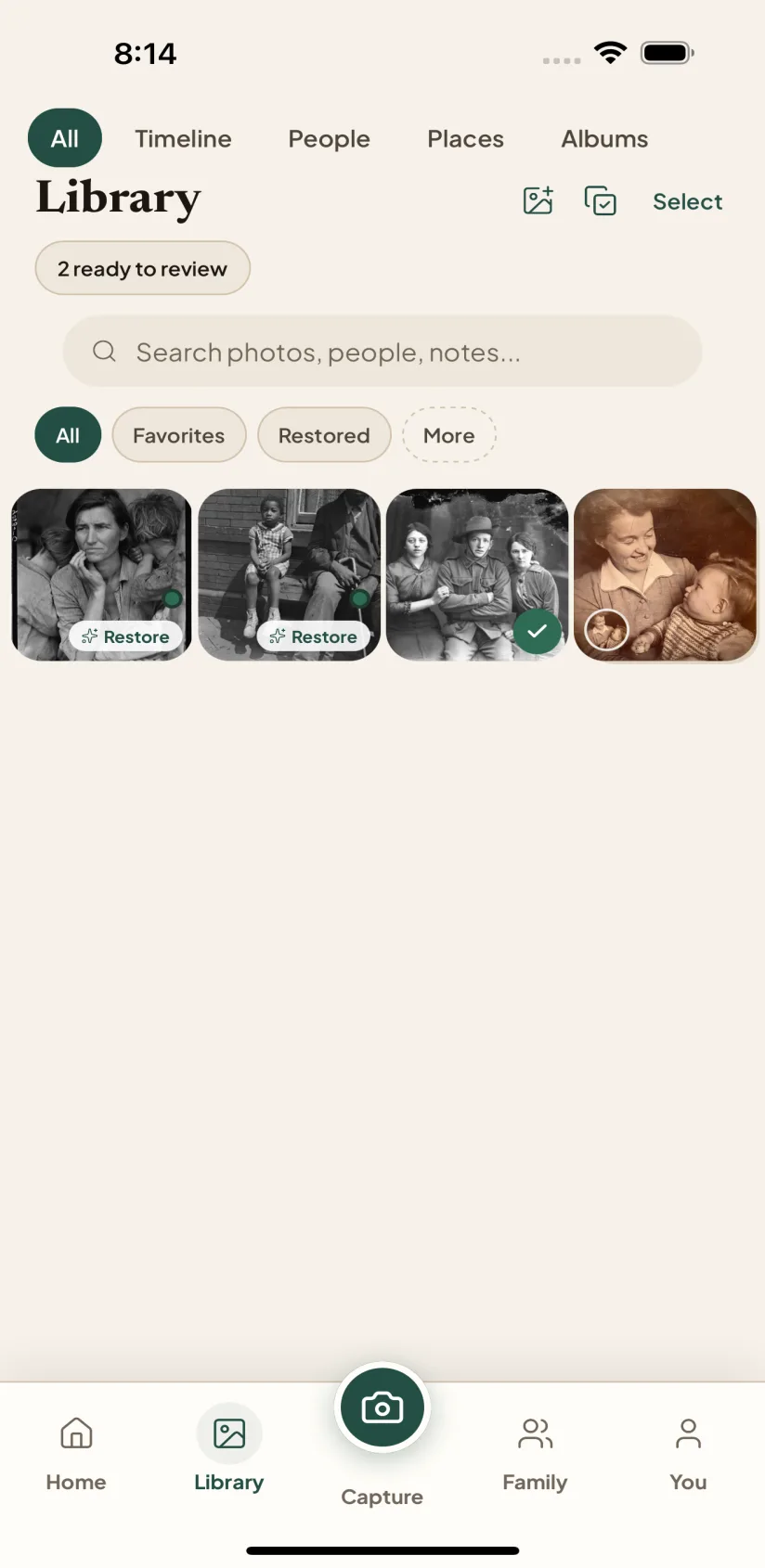
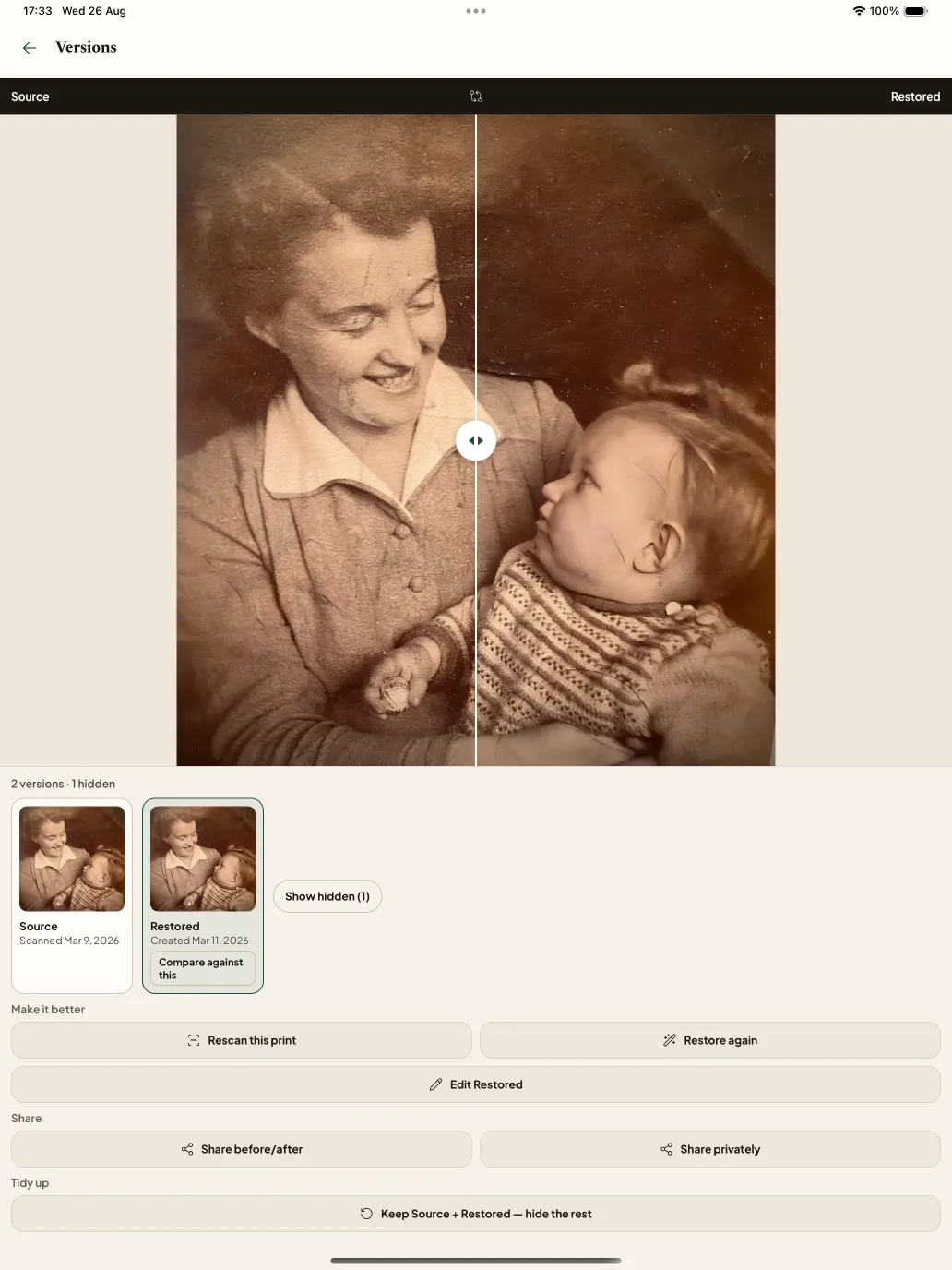
Reveal the complete original and restoration result side by side. Keep the result only when the person still looks like themselves.
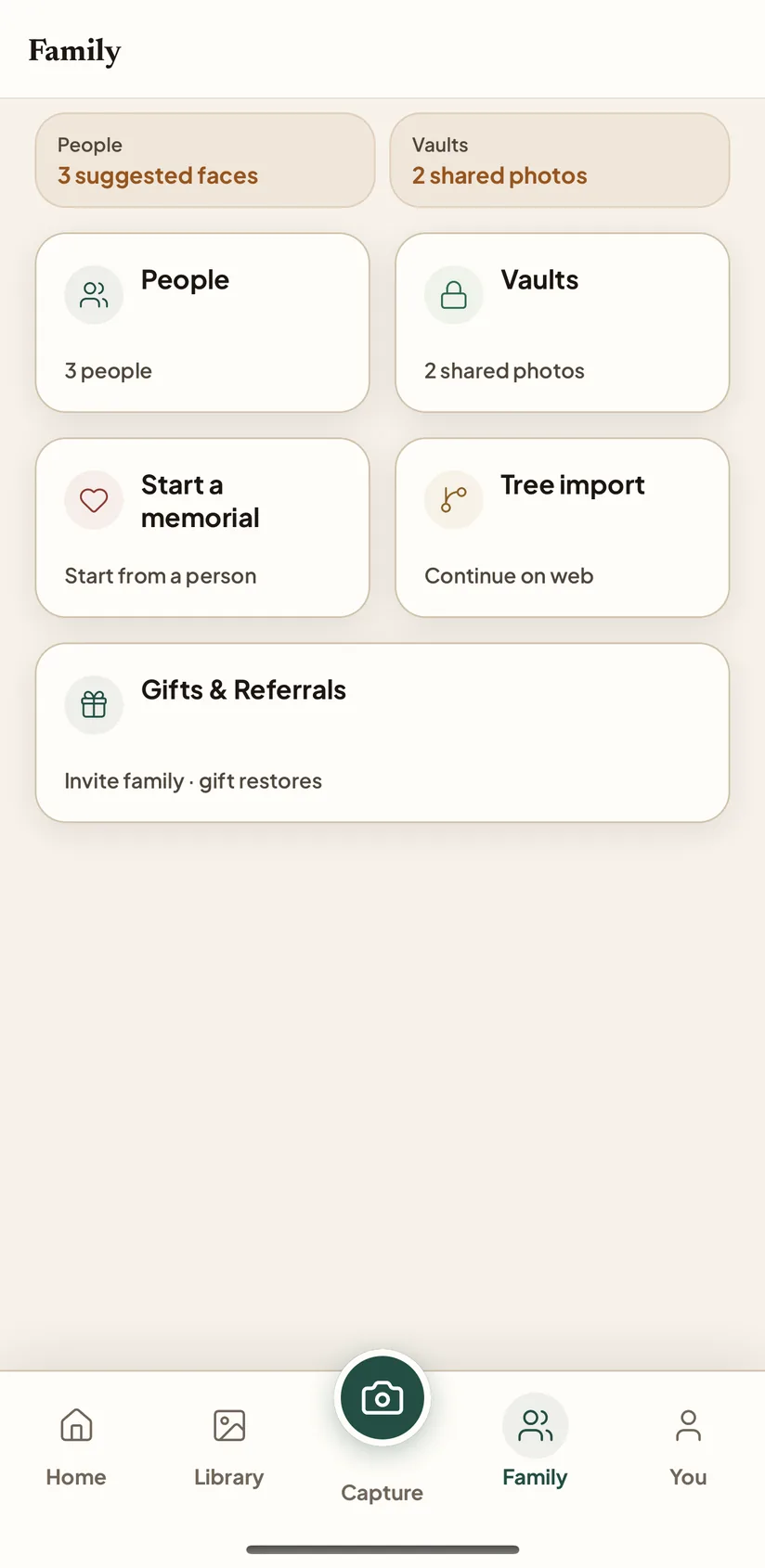
Send one photograph with one focused question. A relative can answer without installing the app, and nothing enters your archive until you approve it.
Scan a print or choose a photograph, follow the recommended repair, and compare the original with the full result before choosing a restoration. The same private archive continues on web.

Android is in Google Play testing. Join with the Google account used by the Play Store on your phone — the same account must be used for both steps.
Android is in Google Play testing while we work toward broader Play Store availability. Join with the Google account used by the Play Store on your phone.
Before you start: open the Play Store app on your phone, tap your profile picture, and note the Google account shown. Use that same account for both steps below.
Seeing Item not found? Confirm the tester group, opt-in page, and Play Store app all use the same Google account. Open the links in Chrome or Safari rather than an in-app browser. If it still fails, email [email protected] with your phone model.
The web app is best when the archive needs more room than your phone: batch upload, Albums and Timeline, restore progress, People, family-tree import, and Family Vaults. Start in the browser, or continue here after you scan on your phone.
Importing a family tree? Read the family-tree guide.