Scan your family photos and albums
Turn a box of prints into an album you can enjoy and share. Scan a few photos at a time, save them together, and pick up where you left off.
Use Scan Station on web to import completed flatbed scans, or scan with your phone.
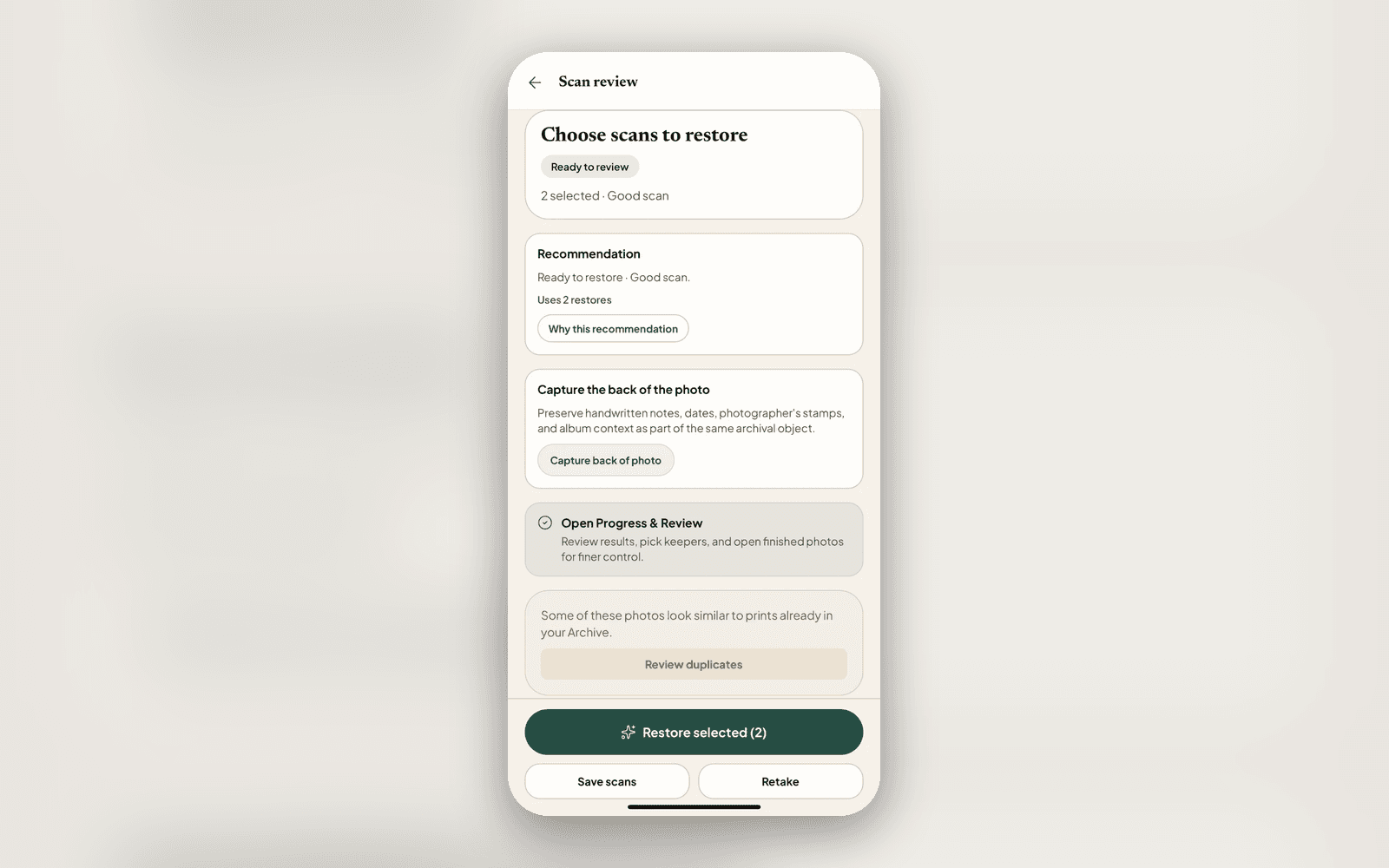
From prints to an album
A flatbed can capture several photos in one scan. Nostalgia helps you separate and organise them.
Scan your prints
On Mac, choose an album and scan a few prints with a compatible flatbed. You can also use your scanner’s software and import its full-bed file on web.
Check and save
Nostalgia suggests the separate photos. Check every border, add a crop for any missed print, rotate sideways images, and save them to an album.
Continue when you’re ready
Add the next scan to the same album. You can stop after a few photos and return another day.
Prefer to use your phone?
Use the Nostalgia app camera to line up prints and review each capture. For files made by a flatbed scanner, open Scan Station in your browser, choose the full-bed images from Files, and check the proposed photos. Use even light and check for reflections before saving.
After you save or back them up online, phone and flatbed scans appear in the same account. Use whichever is convenient for the photos in front of you.
Get the iPhone or iPad app. Android is available through Google Play testing.
Scan into albums with Nostalgia for Mac
Nostalgia for Mac brings local albums, compatible macOS scanner controls, crop review, rotation and PNG export together. Keep scanning locally, then choose when to back up your reviewed photos.
Connect your existing account and choose an online album to continue with those photos on web, phone or iPad. Scanner compatibility depends on your scanner and macOS driver.
Get Nostalgia for Mac · Scanning old photos on Mac · Compare scanning apps
Windows is planned after Mac, with Linux under consideration. These versions do not have release dates yet.
Keep the photos and their stories together
- Restore what needs attention
- Try a repair on one photo before restoring more. Keep black-and-white and sepia tones, or choose to add colour.
- Keep your preferred versions
- Review possible duplicates and choose your favourite scan and restoration. You can review unused versions before deleting them to free space.
- Add what you remember
- Record names, places, dates and writing from the back. Share a photo with relatives when you need help filling in the story.
Start with a few photos
Choose an album and a handful of prints. There’s no need to finish the whole collection today.