NostalgiaFor the person keeping the family archive
See the face again. Keep who they are.
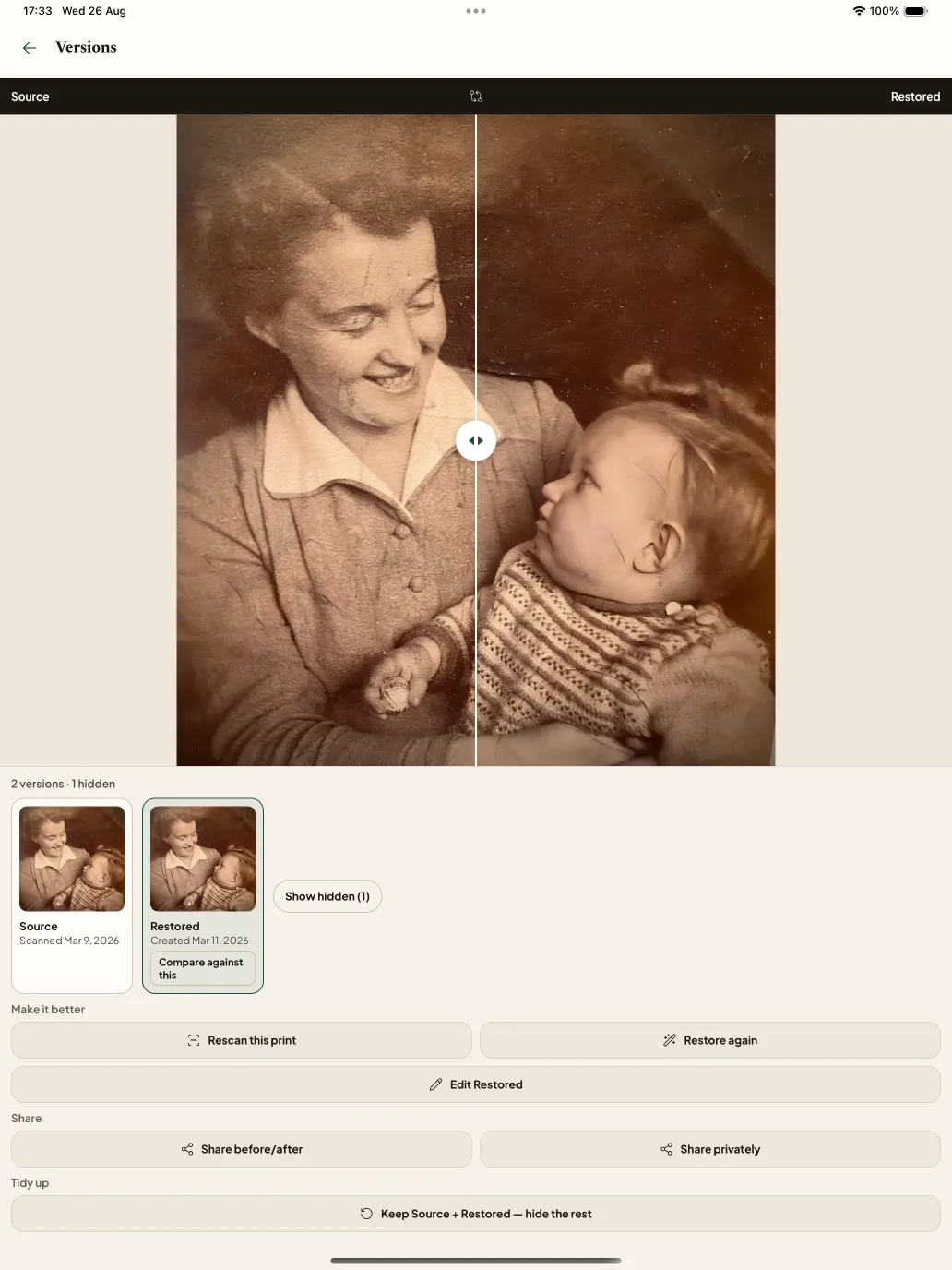
Nostalgia restores fading and damage without inventing a different person. Source stays beside the result so you can choose the keeper.
Rather do this on your phone?Get the app
- Source is always kept
- You choose the keeper
- Family confirms what is true
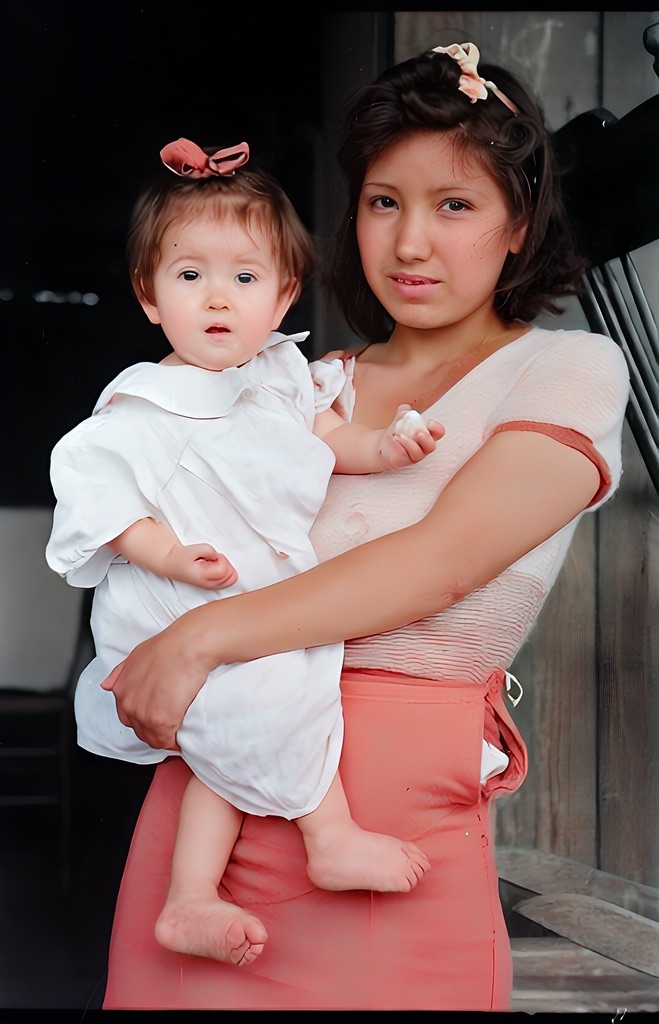 Restored in color
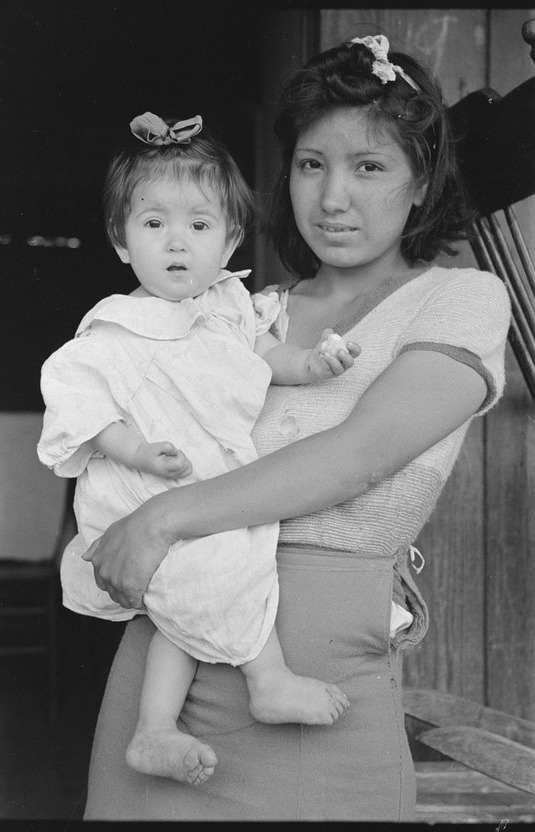 Source
Bring a photograph
Checking whether a free restore is available…
See one face clearly. Then keep what the family knows.
Restore one photograph. Confirm one fact. Then bring the next, or send a question to the person who would know.
 01
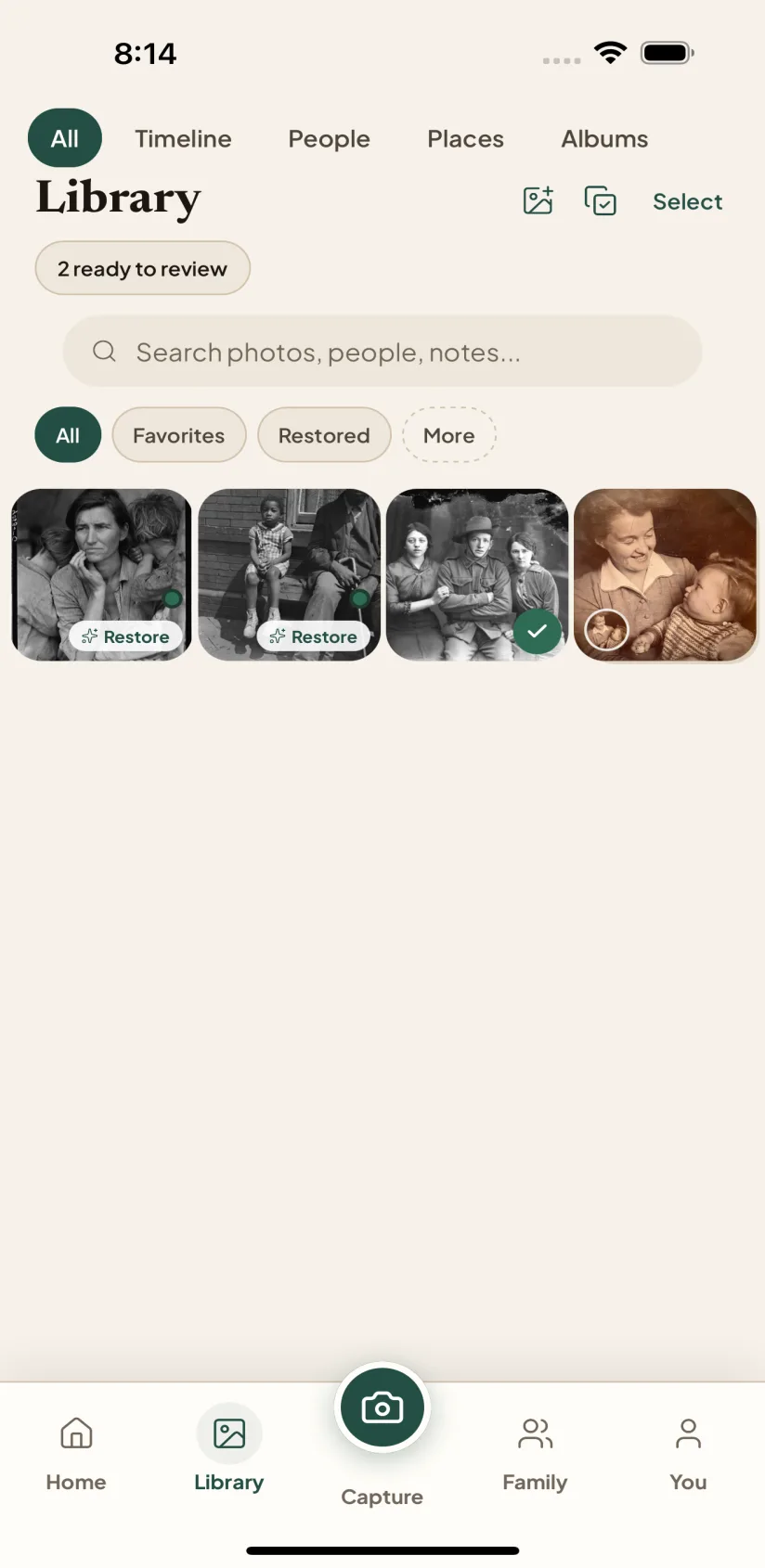
01Repair one photograph carefully
Compare the complete Source and restored result. Keep it only when the person still looks like themselves; you choose the current Source, and it never disappears.
 02
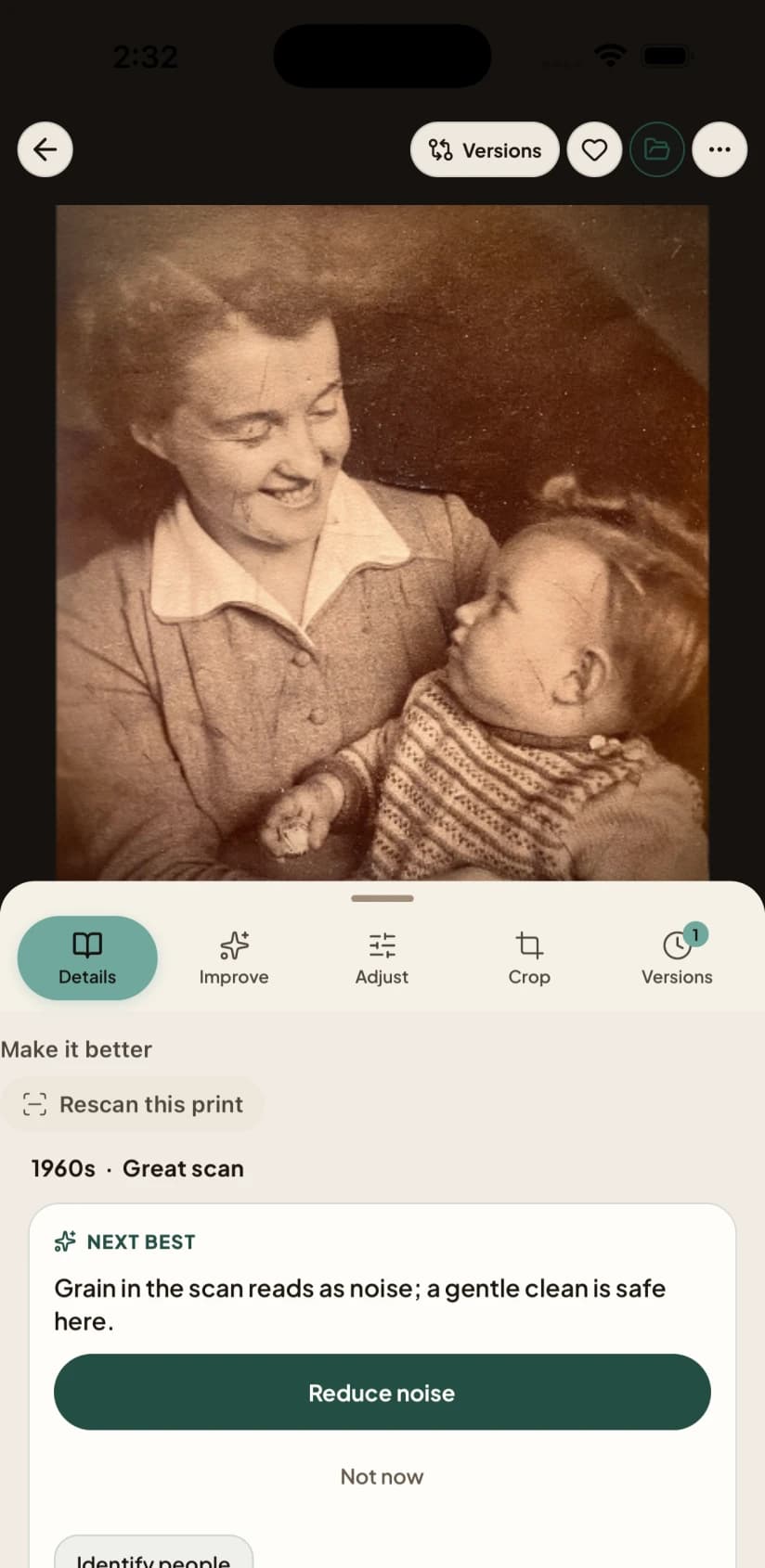
02Confirm one thing the family knows
Add a name, date, place, or short note while the context is fresh. Nostalgia can suggest a next step, but nothing becomes a family fact until you confirm it.
 03
03Bring the next photograph, or ask
Bring a second photograph or send one focused question. A relative can answer without an account, and you decide what belongs in the archive.
Every account includes a private Archive and one free Family Vault — 5 members and 50 photos. The Family plan raises those limits. See what each plan includes.
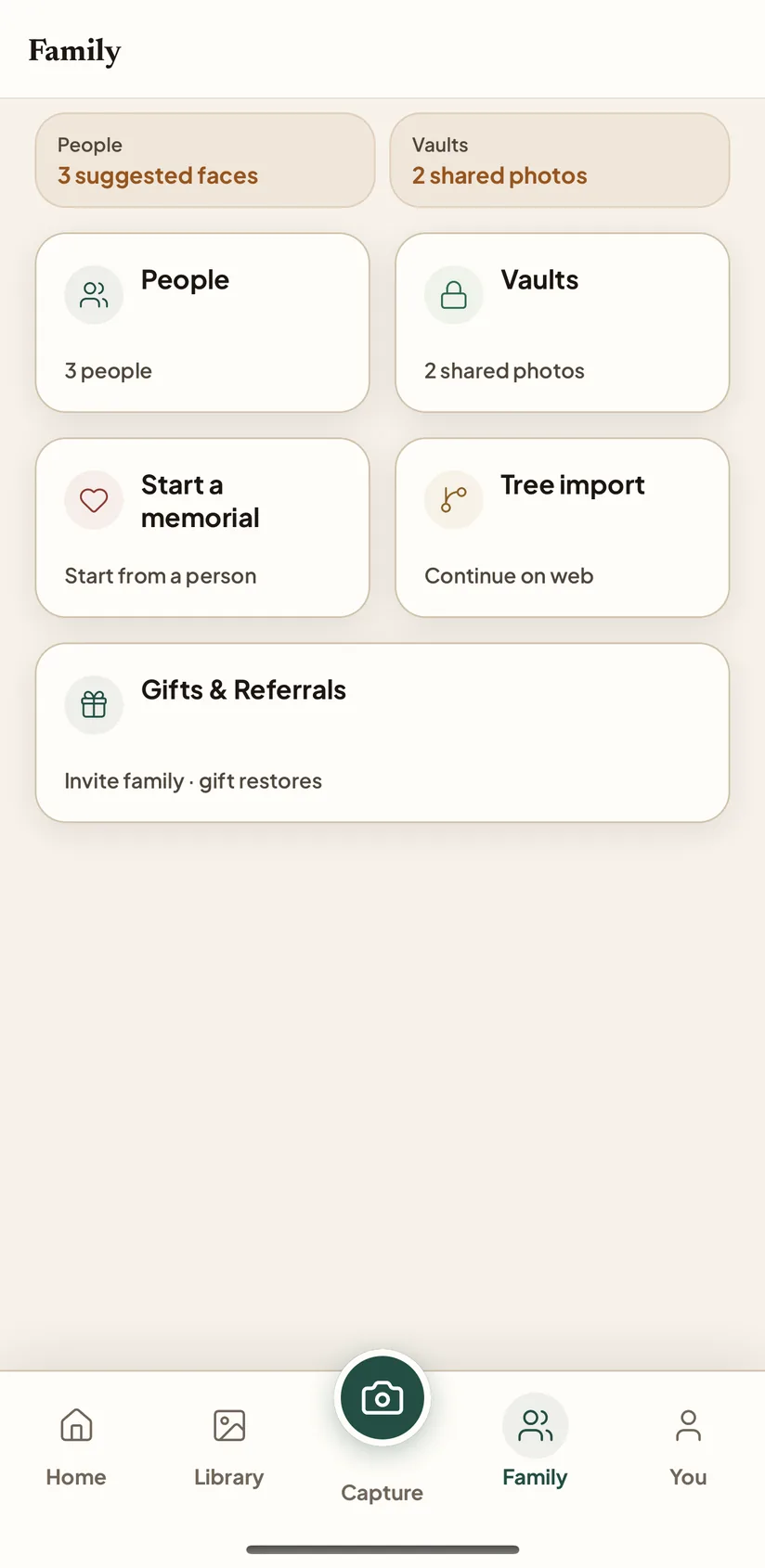
Screens from the Nostalgia app on iPhone and iPad, photographed on a demonstration account.
You send it. They answer. You keep what is true.
Relatives answer without an account. You confirm. An Exhibit is a handful of photographs you choose to share — not the whole drawer made public.
- ChoosePick the photographs that belong together and write one focused question.
- They answerA relative opens the link, compares the Source and result, and answers without installing anything.
- You confirmKeep or dismiss every answer. A suggestion never quietly becomes a fact.
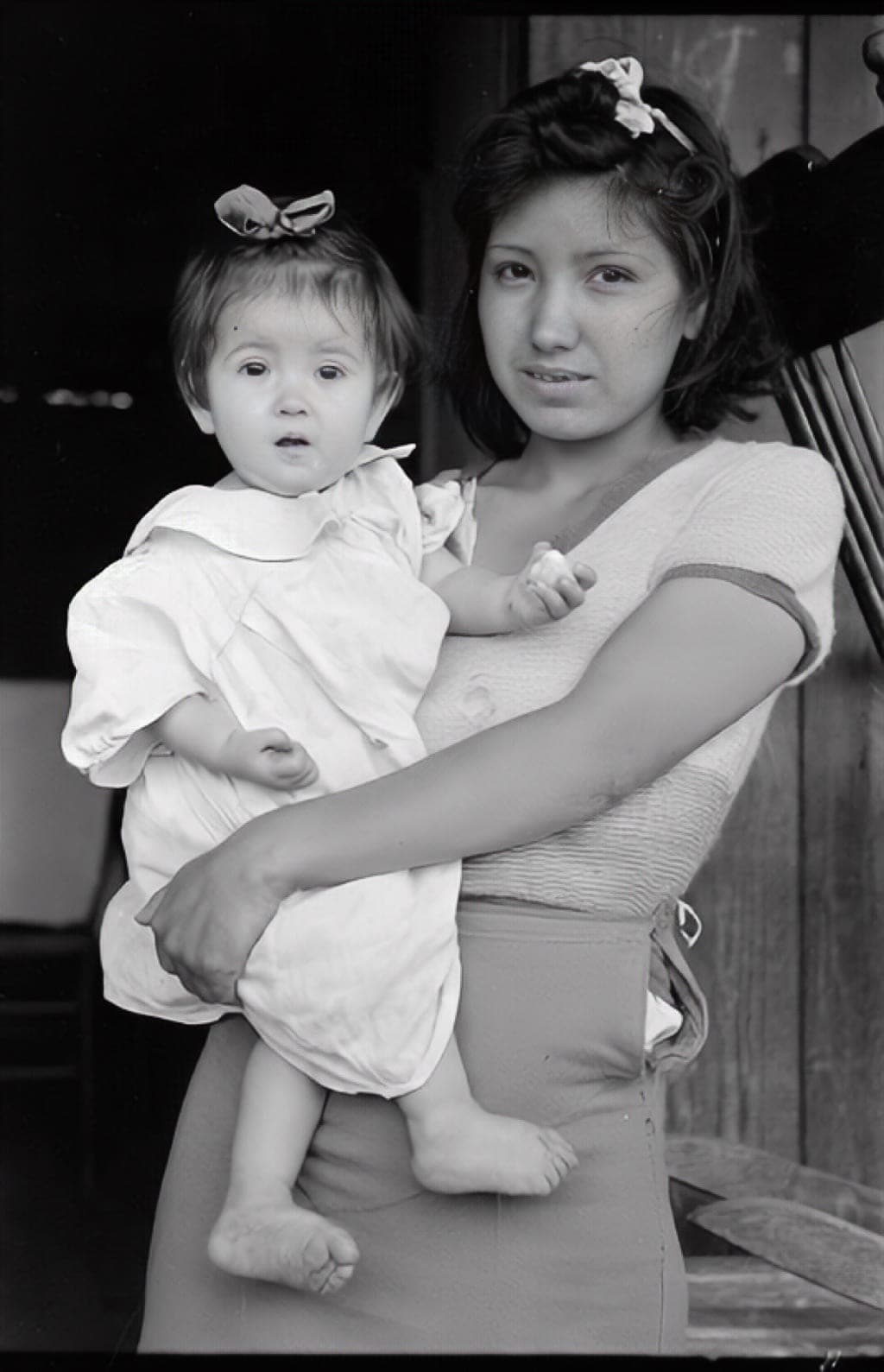 Who is in this photograph?
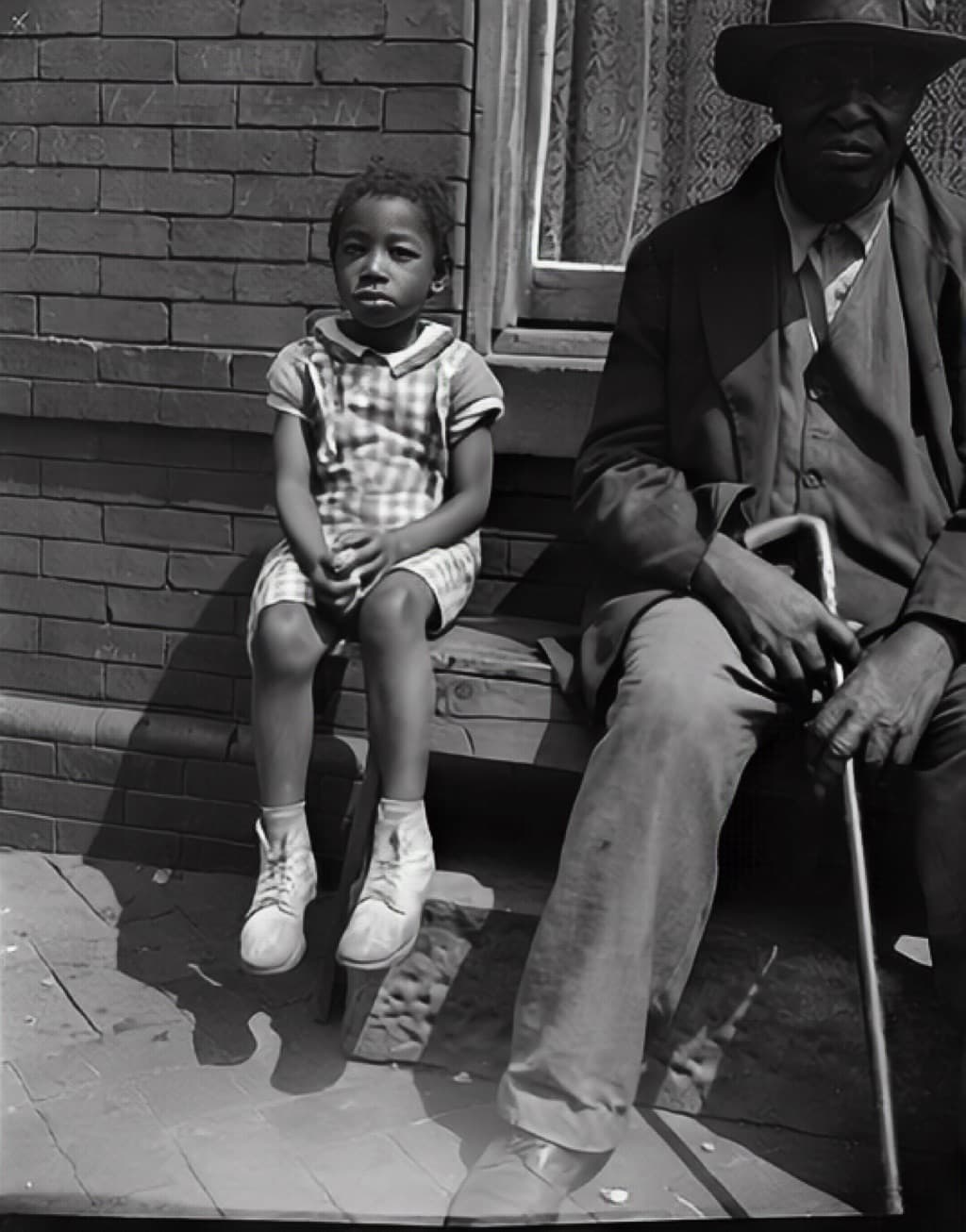 What story belongs here?
 When and where was this?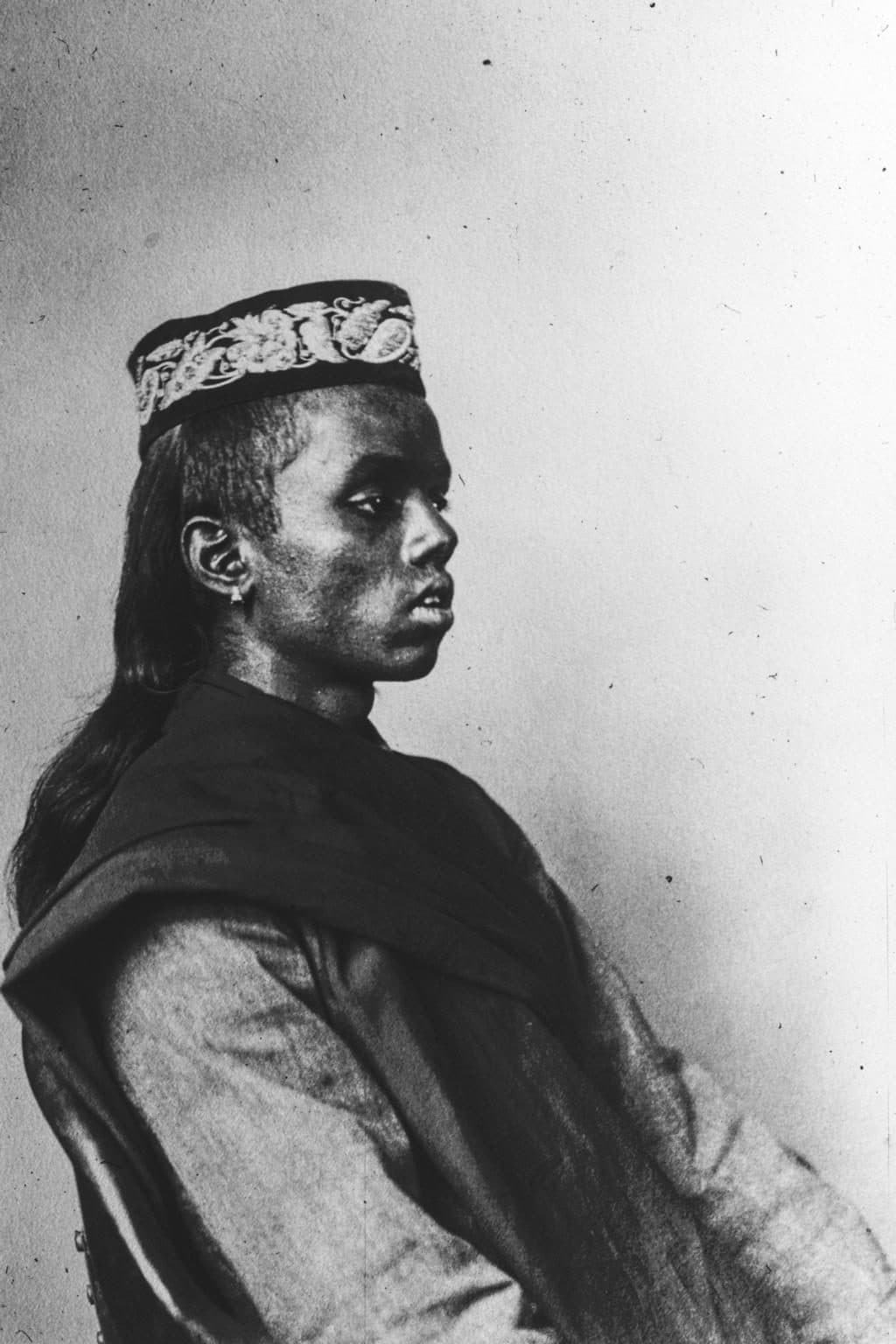
Look at a public photograph. Yours stay private until you share.
What can one photograph tell you before a name appears?
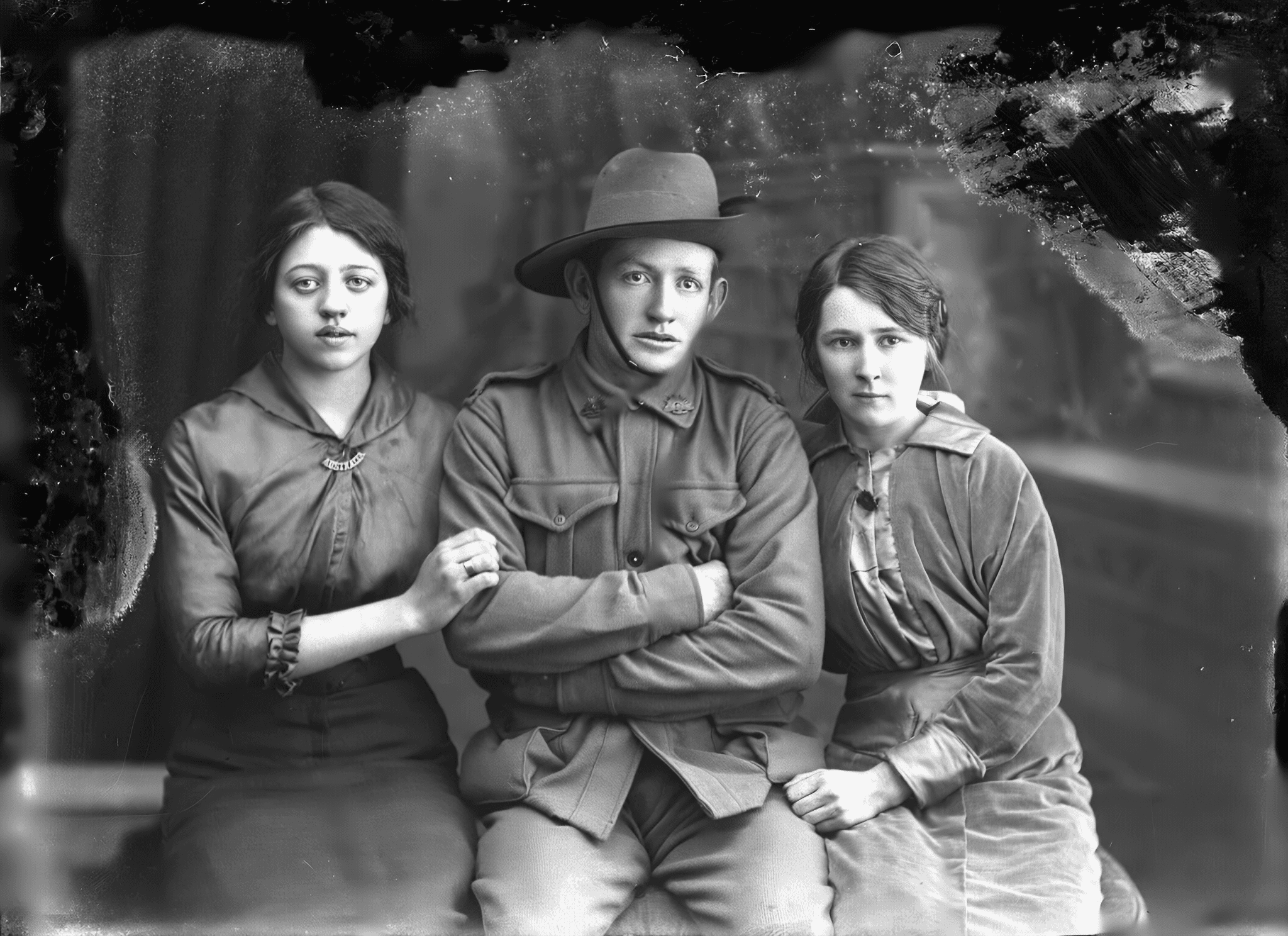
He was seventeen. His name is on the record and the rest is not. Anyone can look at photographs like this one, say what they see, and correct us. The source stays with every frame. Your own photographs never appear here.
Start with one photograph.
Bring the family photograph you most want to see clearly again. Try the restore without an account. The Source stays separate from every result.
Private until you share. We do not train on your photographs unless you separately opt in.