Scan old photos on your Mac, a bed at a time
Lay several prints on your flatbed and scan once. Each photo is cut out and turned upright. Link it to the back you scanned, then back it up into a family album you can restore and share on the web.
Can’t use the App Store? Download the same app directly.
Checking the direct download…
Apple silicon Mac, macOS 14 or later. Compare with VueScan, NAPS2, Epson and Image Capture
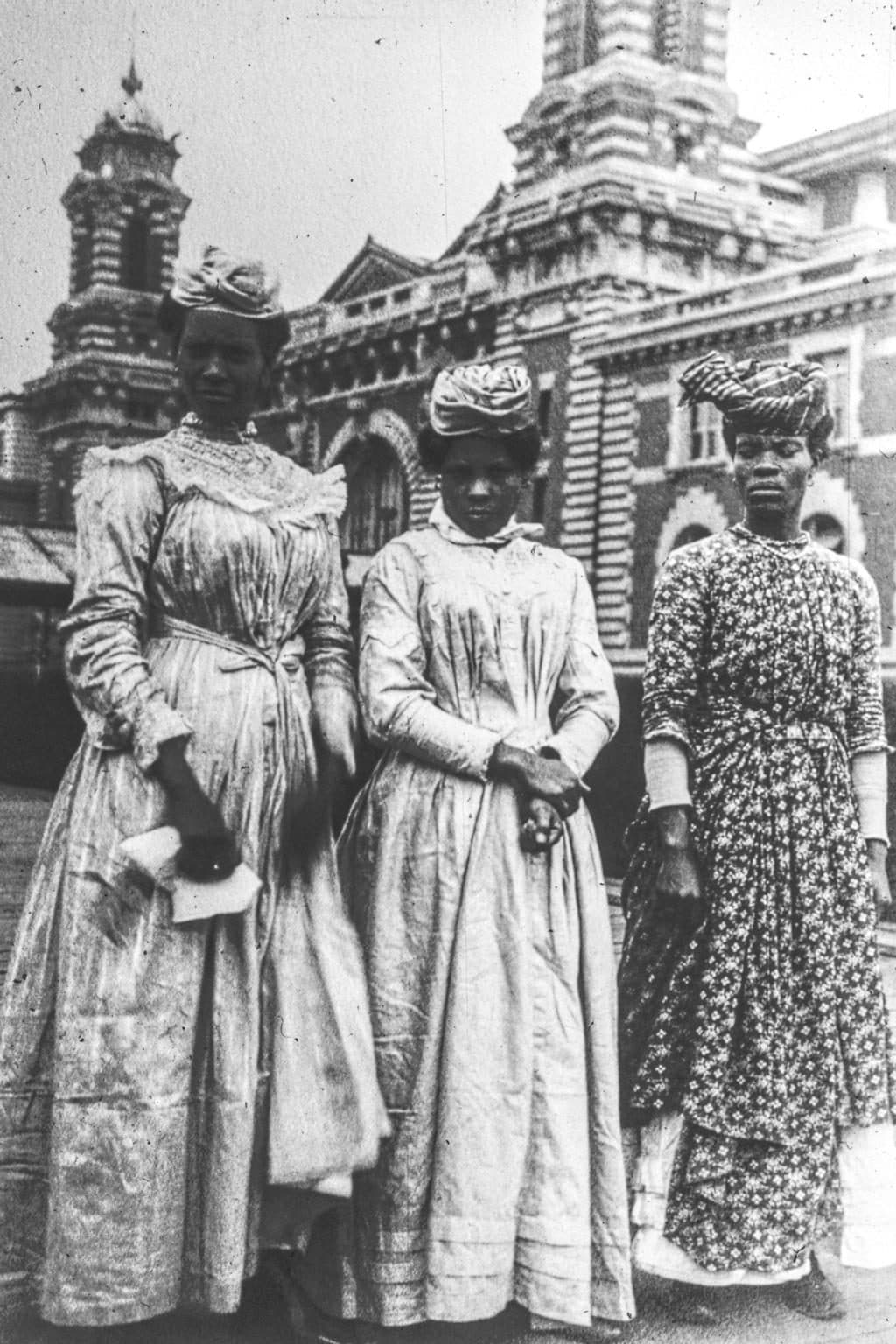
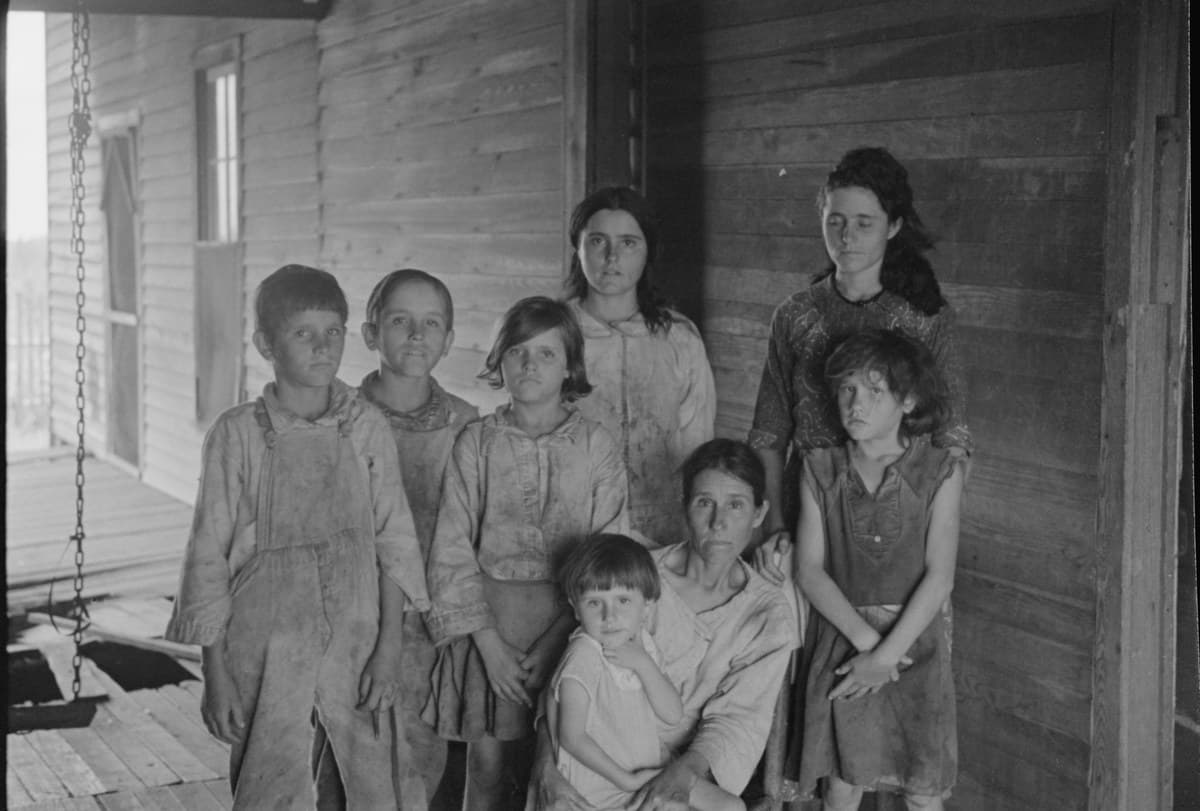
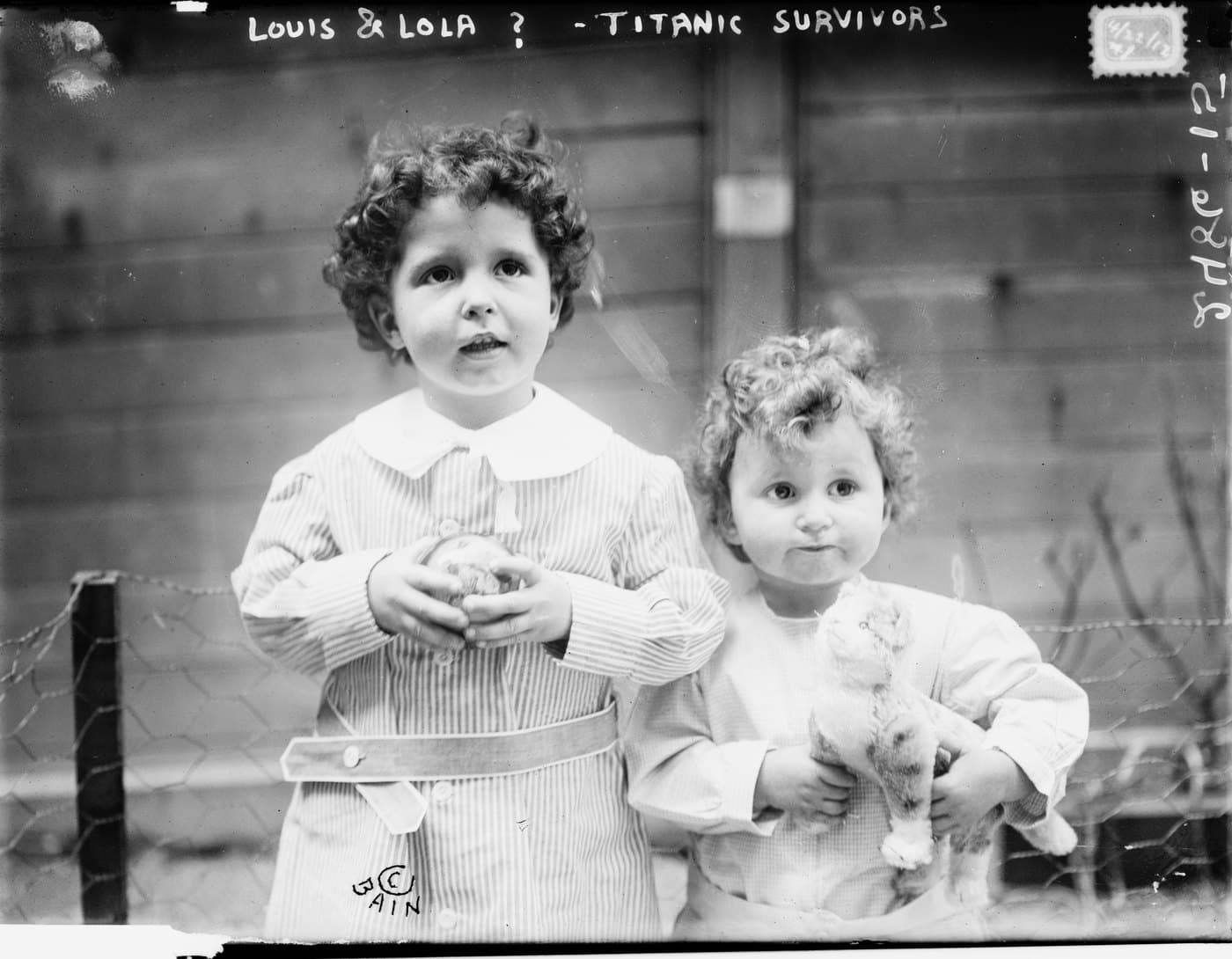
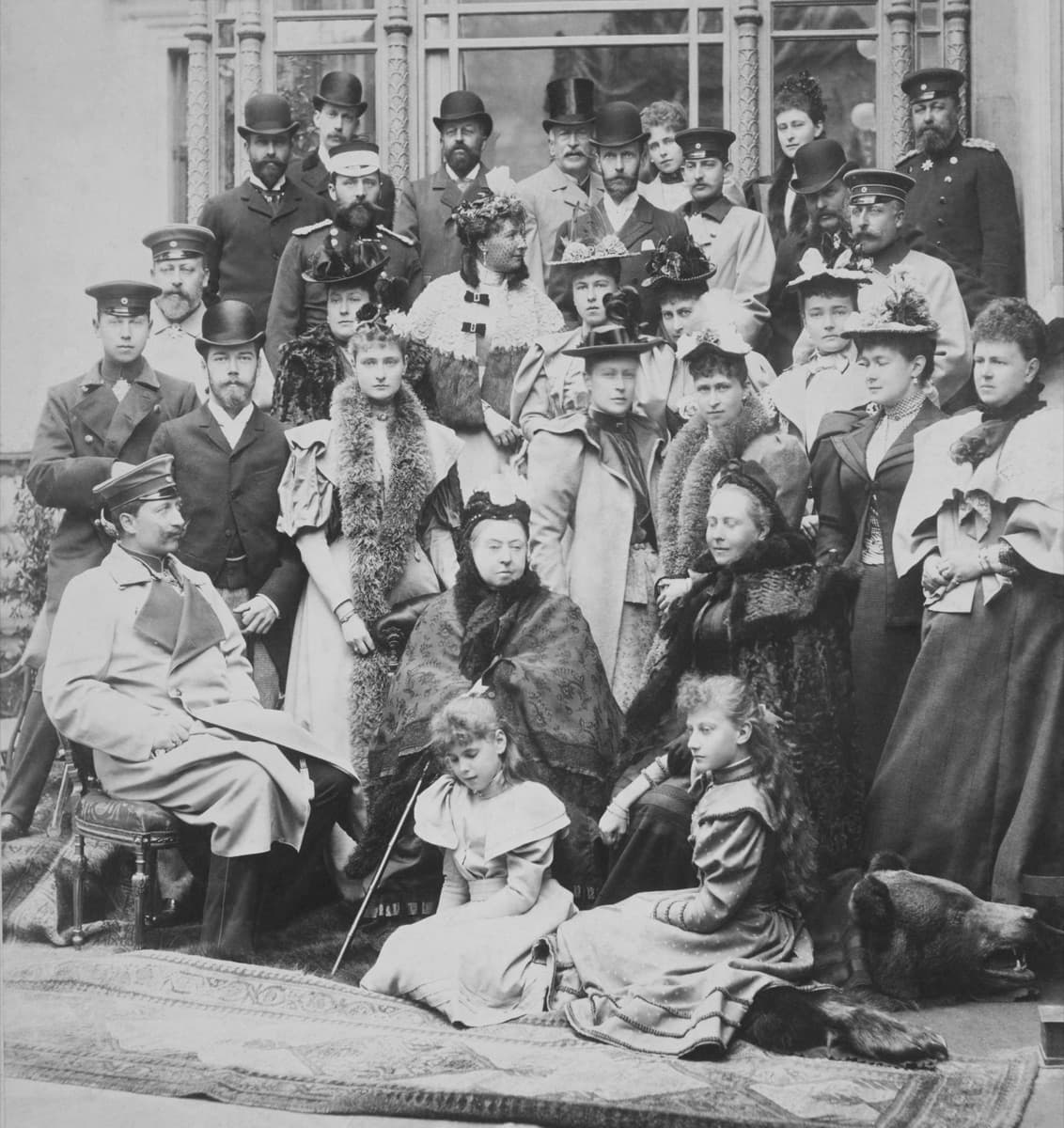
The whole job, not just the scan
Plenty of software can get a picture off your scanner. The work is everything after: separating the prints, turning them the right way, keeping the writing on the back, tracking what is left to check and getting the photos to the family.
Lay several prints on the bed
Leave a little space between them and scan once, with a flatbed that works with macOS Image Capture. Already scan with other software? Import its files instead.
Each one is cut out
Nostalgia finds each print on the bed and draws its outline. Drag a corner to fix an edge, or add a photo it missed.
Turned upright
Sideways photos are turned using the faces in them. When a photo has no clear face, it stays as scanned for you to turn.
Paired with its back
Scan the backs with the writing on them and link each back to its photo, so the date or name on the back stays with the picture.
Backed up into a family album
When you choose, sign in and your checked photos back up to an online album.
Restored and shared on the web
On the web or your iPhone, repair and restore the photos you pick, then ask relatives who is in them. Your scan stays beside every restoration.
What one real walk measured
On 15 October 2026 we scanned 6 real prints on a Brother DCP-T730DW and timed each step. One walk is a small sample, not a benchmark, so here is exactly what each number means.
- 43 sA full bed at 600 dpi
- The scanner's own time for the whole bed on a Brother DCP-T730DW, a home all-in-one. Your scanner will be faster or slower.
- 6 of 6Prints found on the bed
- Six prints laid on the glass, six outlines drawn, each one tight to its print.
- 5 of 6Turned upright automatically
- The current app read the faces on that same scan and turned five photos the right way up. The sixth, two small figures facing away, had no clear face, so it was left for us to turn. None was turned the wrong way.
- About 9 minFrom scan to backed up, 6 photos
- On the earlier version 0.1.4, with a person clicking, turning three photos by hand and finding the backup setting. Restoring came after and is not in this time.
What you need
- A Mac
- An Apple silicon Mac running macOS 14 or later.
- A scanner
- Scanning directly needs a flatbed that works with macOS Image Capture. Support varies by maker and model. Using VueScan, Epson software or a phone? Import those files into an album instead.
- An account, only to go online
- Scanning, checking and saving copies of your photos need no account and are free. Backing up and restoring online need an account and follow your plan.
Your original scans stay untouched on your Mac, beside the outlines and turns you chose. Read the scanning guide for settings and tips.
Questions
Which scanners work with Nostalgia for Mac?
Nostalgia scans directly with flatbed scanners that work with macOS Image Capture. Support varies by maker and model. If your scanner only works with its own software, scan there and import the files into a Nostalgia album.
Do I need an account to scan?
No. Scanning, checking and saving copies of your photos need no account and are free. Backing up and restoring online need an account and follow your plan.
Does the Mac app restore photos?
No. Restoration and family sharing run on the Nostalgia website and the iPhone and iPad apps. The Mac app scans, cuts out, turns and backs up, and keeps your original scans on your Mac.
Where do the numbers on this page come from?
From one recorded walk on 15 October 2026: six real prints scanned on a Brother DCP-T730DW. It is a small sample, not a benchmark, and the time to back up was measured on an earlier version of the app.
Is there a Windows version?
Not yet. Windows is planned after Mac. It does not have a release date.
Start with one bed of prints
Pick a handful of photos from the box. There is no need to finish the whole collection today.