Remove blur from old photos without losing detail
Blurry phone captures, camera shake, and soft focus are the most common problems when digitizing old prints at home. Nostalgia’s AI deblur tool recovers sharp detail that general restoration cannot fix — turning a quick phone snap into a usable image.
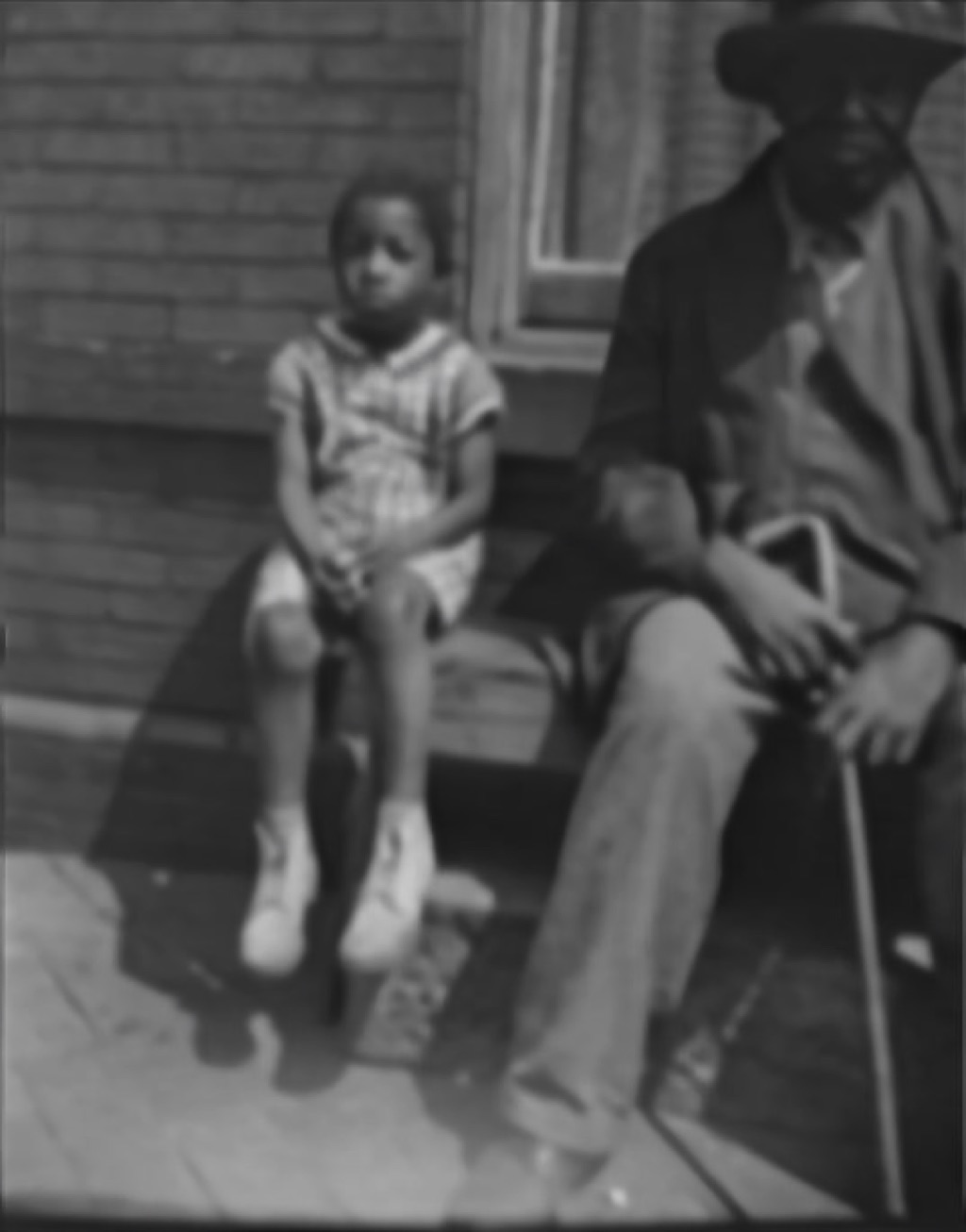 After
After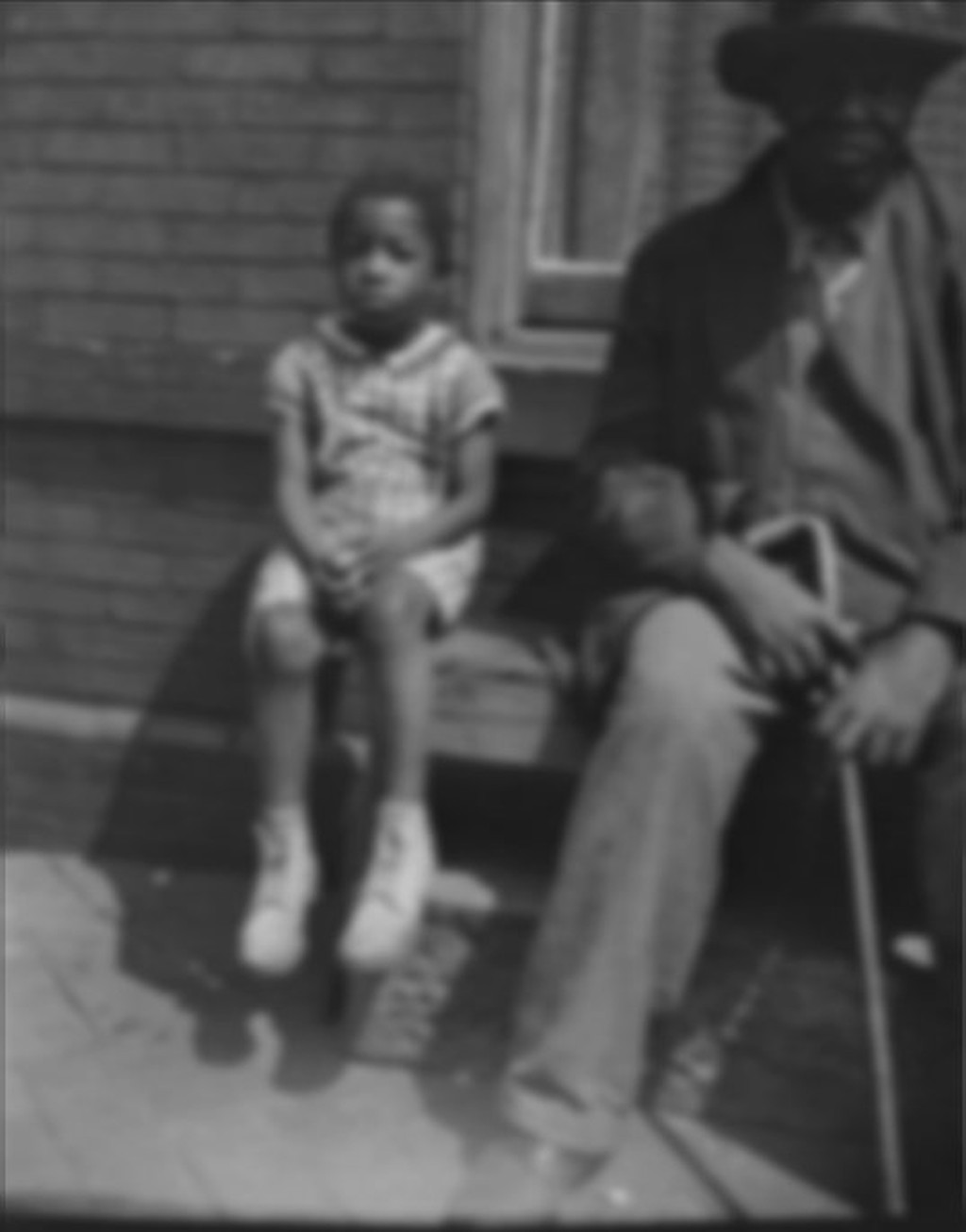 Before
A blurry phone-of-photo capture sharpened with AI deblur
Common blur problems and how to fix them
Phone-of-photo captures
The most common scenario: you held your phone over an old print and the result came out soft. Deblur recovers the sharpness your camera missed.
Camera shake
Hand-held captures without a tripod often have motion blur. AI deblur can reverse mild to moderate shake and recover readable detail.
Soft focus originals
Consumer cameras from the 1960s–1980s often produced soft images. Deblur can recover sharpness that was limited by the original lens, not just the scan.
When to rescan instead
For severe blur, a cleaner rescan will always outperform AI correction. If you have the original print and a flatbed scanner, start there.
Upload a blurry photo and see the difference
Drag any blurry photo onto the restore workspace. Nostalgia diagnoses the blur type and recommends deblur as the first step when it will help.