Family Vaults
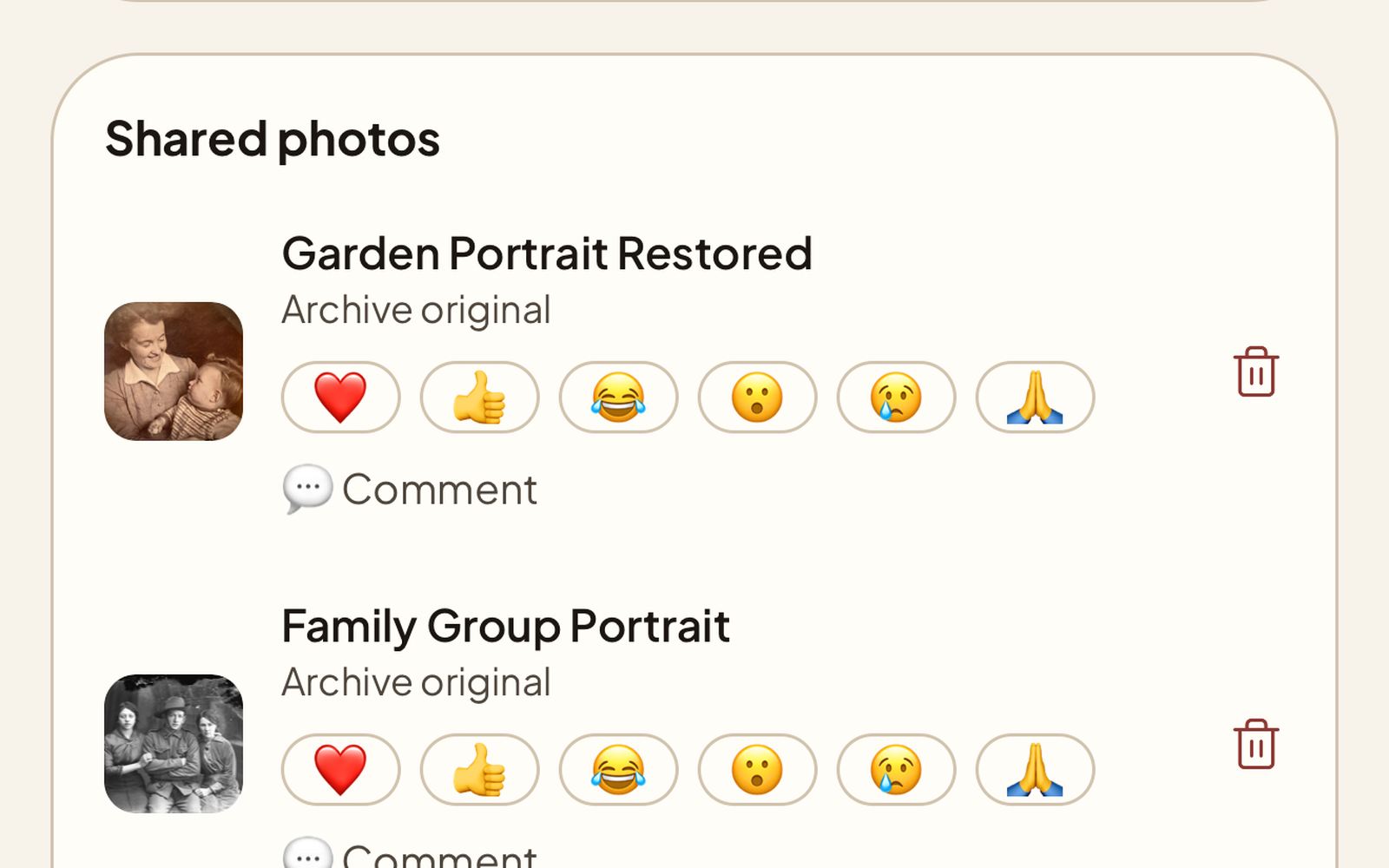
A private, invite-only space where the family gathers around the photos, not around a group chat. Share one restored photo or a whole album, and relatives can add their own, react, and leave a comment. They can suggest the names, dates, and places they remember, and you approve what becomes part of each photo’s story — trusted relatives can even add details directly. When a vault has a few photos in it, weave them into a short story everyone can read. Every account includes one free vault for up to 5 relatives and 50 photos. The Family plan lifts the caps: unlimited vaults, each with room for up to 10 members.
Three steps to a shared vault
Open a vault
One for a branch of the family, a collection, or a single person. Invite relatives by email and choose who can add, edit, or simply browse.
Share a photo, or a whole album
Send one restored photo in, or share an entire album at once. Photos that came from the same album stay grouped under that album’s name instead of scattering into the feed.
The family joins in
Relatives add photos you never had, react, and leave a comment. Remembering happens inside the vault instead of scattering across group chats.
Built for families
React and comment
Everyone in the vault can react to a photo and leave a comment, so the stories land beside the picture and stay with it.
Albums stay together
Share a whole album into a vault and it keeps its name and cover, so a set of wedding photos reads as a set rather than a scattering of singles.
Suggested from your family tree
Anchor a vault to a person in your tree and Nostalgia surfaces photos of the people in it that you have not shared yet, each one a tap away from being added.
Weave the vault’s story
Once a vault has a couple of photos, weave them into a short story the whole family can read, drawn from the notes already attached to them.
Know who is who
Link a vault member to the person they are in your family tree. When a name matches, the vault simply asks “Is this Aunt Rosa?” so you can confirm or decline.
Private by design
Every vault is invisible to anyone outside its membership. No public profiles, no search engines, and your photos are not used to train AI models unless you separately opt in.
Preserve memories together
Open a Family Vault, invite your family, and let everyone add to the archive. For a relative who has passed, a Memorial gathers their photos into a quiet tribute space.