Share the photo, and ask the family what you cannot remember.
After a restore finishes, compare it with the Original, choose the restored version to keep in use, add the caption or story, then share only the finished photo with relatives. Use a private link for one photo or a Family Vault when the work belongs to a branch, person, or event. Whoever opens that link can react to the photo and tell you who is in it, without an account and without the app.
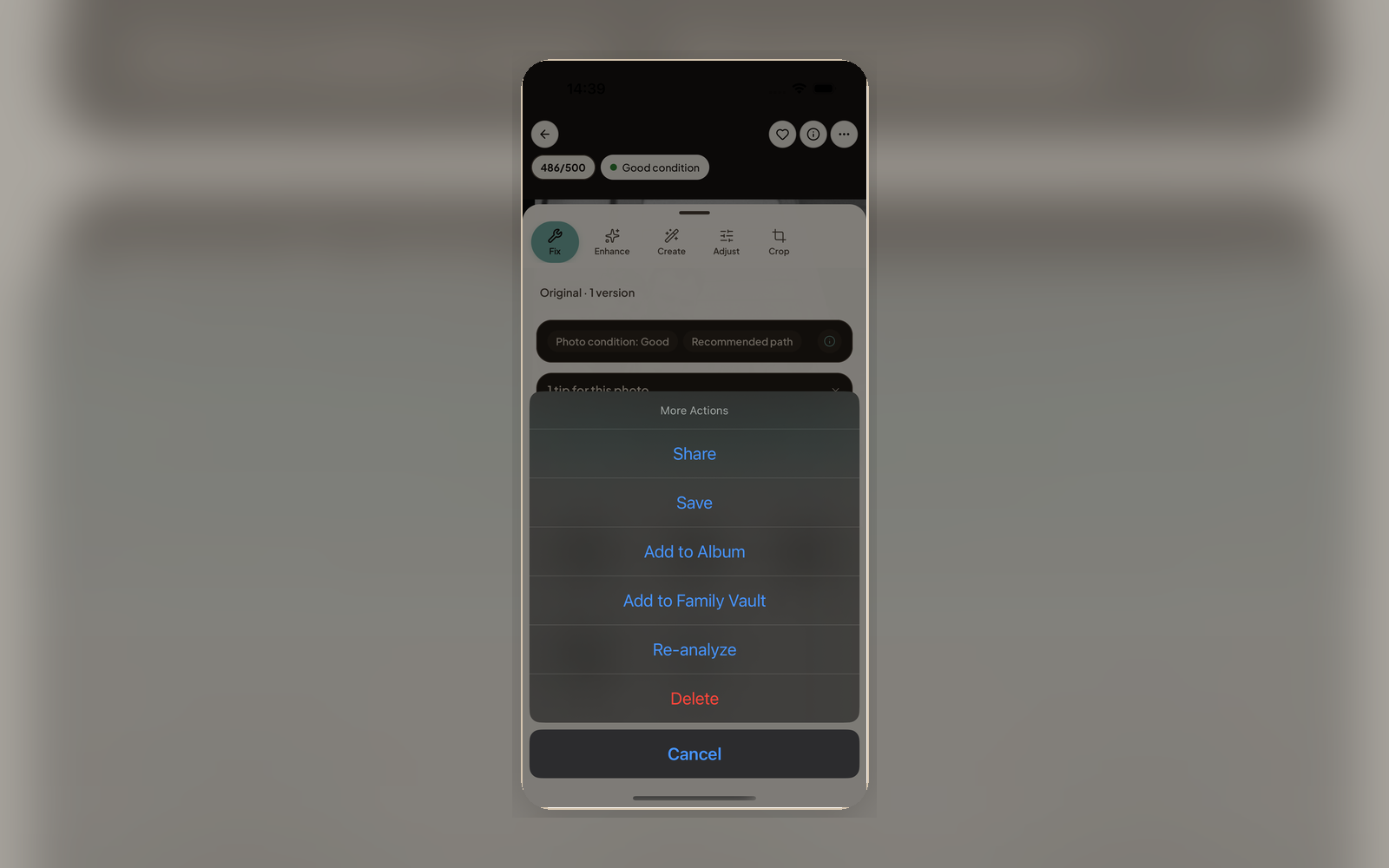
Share after the result is ready
Choose the restored version
Compare the restored version with the Original and choose the one to keep in use before sending anything to relatives.
Add context
Add the names, date, place, or short story that helps family understand why the photo matters.
Share privately
Send a private link for a single photo or save the restored photo into a Family Vault for a group of relatives.
Sharing with control
Passcode Protection
Add a passcode to a share link when the photo is sensitive or should stay within a smaller group.
Expiration Dates
Set links to expire after a specific date. The Archive copy stays private even after the link stops working.
Reactions and Answers
Whoever opens your link can react with a tap and tell you who is in the photo, where it was taken, or what year it was. No account needed. Their answers come only to you, other viewers never see them, and nothing joins your Archive until you confirm it.
Revoke Anytime
Delete a share link at any time to stop access while keeping the Original, restored version, and context in your Archive.
Send it to the people who were there
Compare the result, choose the restored version, add context, and send the finished photo through a private link or Family Vault.