Restore Old Photos
After Nostalgia checks the Source, it repairs scratches, tears, fading, and age wear with the aim of preserving faces and detail. The original photo stays beside the result.
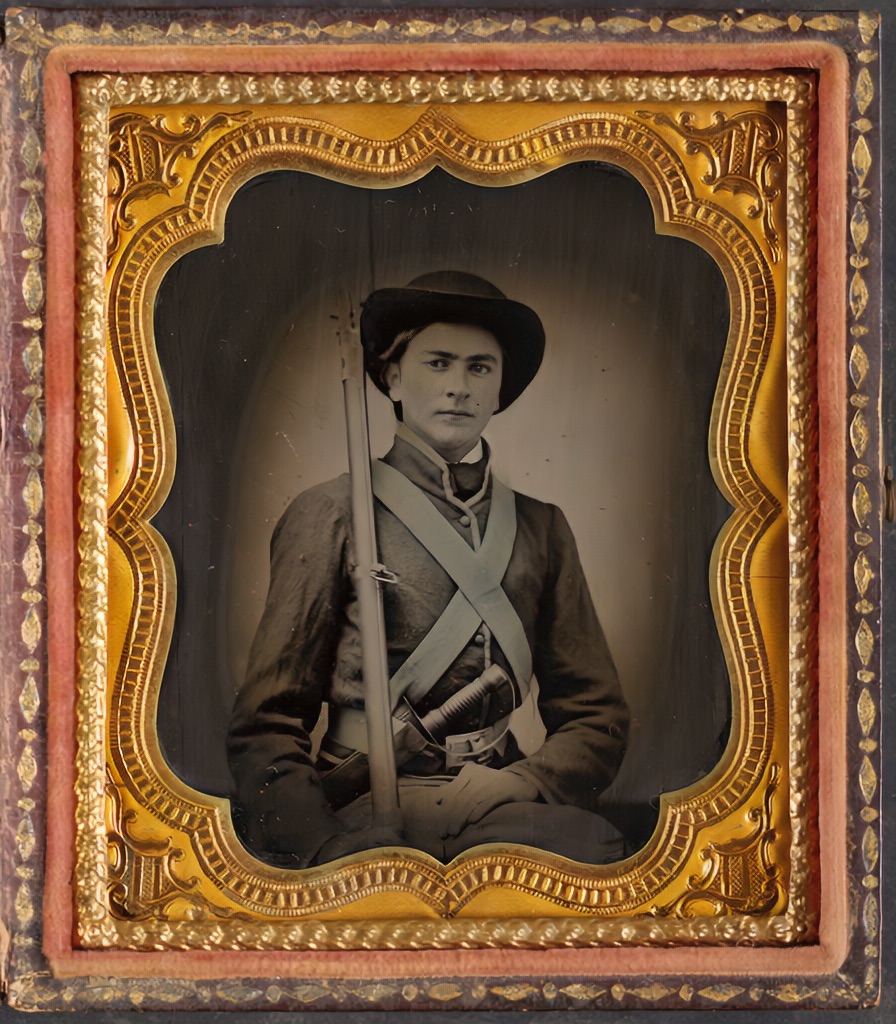 After
After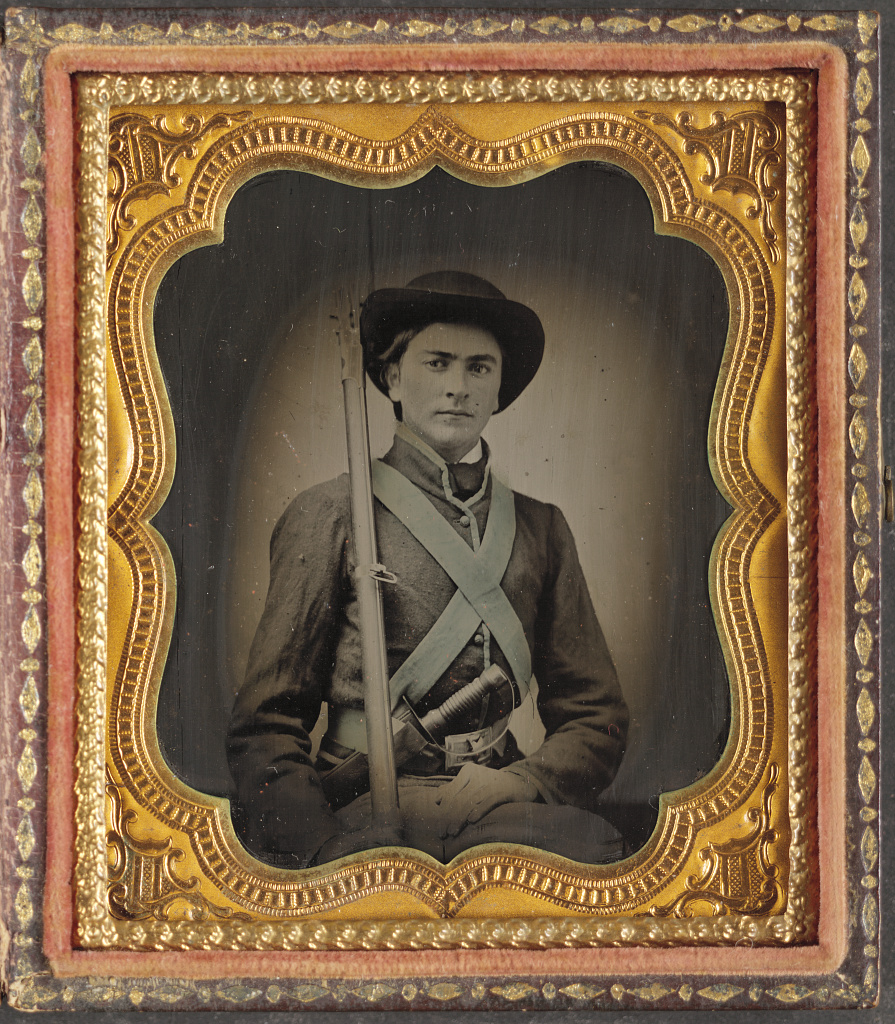 Before
Drag to compare the Source with this restoration result
Check, repair, save with context
Check the Source
Upload a scan or phone capture. Photo Insight checks quality, glare, blur, and visible damage before you start restoring.
Repair carefully
Run the recommended restoration first. If a rescan, crop, deblur, or deglare step would help more, you can try that first.
Choose the restoration
Compare the result against any Source version, choose your preferred restoration, then add names, notes, and private sharing.
What restoration handles
Scratch & Tear Repair
Surface damage is detected and filled in with context-aware inpainting, preserving the surrounding detail.
Face Restoration
When a portrait needs extra help, face-specific repair runs automatically to recover detail while keeping the photo looking natural.
Fading & Contrast Recovery
Yellowed or faded prints get balanced tone recovery that brings back shadow and highlight detail.
Preserves Character
The model is tuned for restraint. It repairs damage without removing the qualities that make old photos feel authentic.
Choose what to improve
The editor groups actions by purpose so you can find the tool you need. A persistent Photo Health banner keeps damage labels, quality grade, and conservation warnings visible before you use a restore.
Fix
Restore, denoise, deblur, and deglare. The first-pass tools that repair visible damage before anything stylistic.
Enhance
Enhance, face repair, and colorize. Follow-up passes that run only when the repair has room to improve further.
Create
Background removal, animation, and filters. Creative tools that sit after the archive-quality pass, not before it.
Adjust
Local exposure, contrast, warmth, and saturation tuning, the finishing controls that don't need a credit.
Crop
Straighten, rotate, and reframe. Often the single most useful fix before the restoration result is saved.
Info
A side panel with era, subject, EXIF, Photo Insight detail, and Versions, never buried in a menu.
This step belongs to the family archive
After the tool runs, Source versions, Restoration results, Photo Insight, captions, people, notes, and private shares stay together in Archive. The result is not a loose download; it becomes one more version in the archive.
Start with the photo that matters most
Upload a faded, scratched, or damaged photo, choose a Photo Insight recommendation, and compare the restoration result before you share.