A way to share a relative’s photos that survives them
Open a person’s record. Tap one button. Nostalgia spins up a private tribute vault and auto-fills it with every photo of them in your archive. Private by default and never a feed: invite the family by email, and share a view-only link relatives can open without an account only if you choose to.
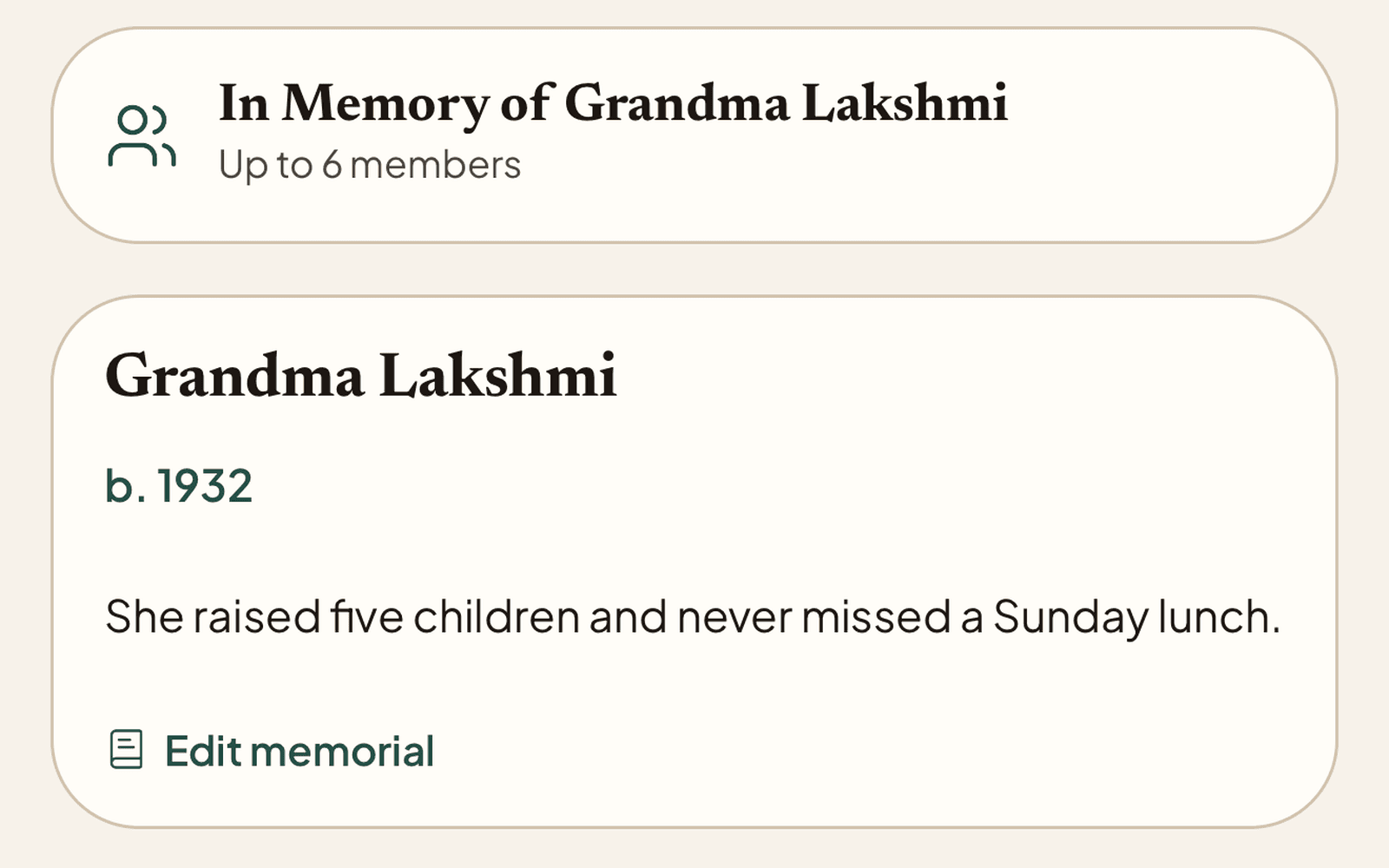
The memorial itself: their name, their years, and a few words the family keeps
From a person’s record to a shared tribute
Open the person
Go to any named person in your archive. Their detail page lists every photo they appear in, in order.
Create the memorial
Tap “Create memorial vault”. Nostalgia spins up a vault and auto-fills it with the confirmed photo set, no manual re-curation.
Invite the family
Invite cousins by email with viewer access. If you choose, add a view-only link the wider family can open without signing up; the memorial stays private until you do.
Memorial vaults begin from a named person
The fastest path is restore a meaningful photo, name the person, then create the memorial vault from that Person record. Existing archivists can open People and continue from there.
What memorial vaults handle
Auto-Population
Built from confirmed PersonAssetLink records. Only photos you’ve approved as showing this person make it in. Untagged photos are not pulled in by guesswork.
Two Levels of Sharing
Private invites for close family with role-based access (Owner, Editor, Viewer). An optional view-only link for relatives who don’t want an account: same vault, locked-down view, only if you turn it on.
Editable After Creation
The vault is yours. Add photos that aren’t auto-linked. Remove anything you don’t want shared. Add a story or eulogy as the vault description.
Survives Subscription Lapses
Vaults you’ve already created stay readable even if your plan downgrades. The tribute does not disappear because of a billing event.
The right way to share a relative’s photos
Not a feed post. Not a Dropbox folder. A private tribute the family can hold onto for as long as they want.