Continue across devices.
Phones are where printed photos often get scanned. Web is where larger batch review, captions, albums, and family-tree work feel easier. Nostalgia keeps the same Home, Library, Capture, Family, and You structure across devices so you can scan, review, keep, and share without starting over.
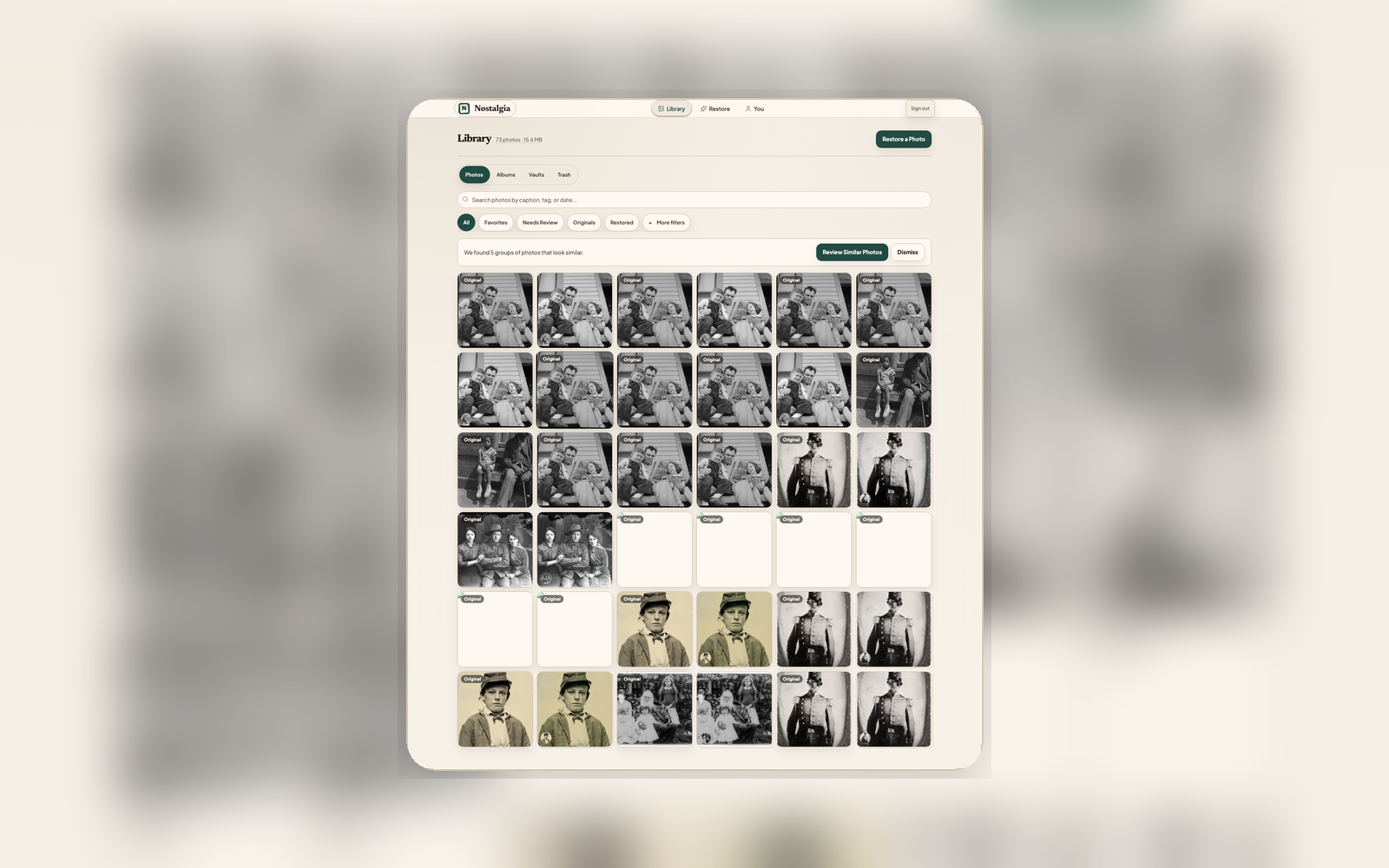
Move the work to the device that fits
Scan on mobile
Use the phone camera with scan guidance for printed photos. The selected scan set can continue into Photo Insight and background restore work.
Open on web
Use the larger workspace for batch triage, captions, albums, Family Vaults, and review. The same originals, restoration results, and full history stay attached.
Continue on phone when you’re away from the desk
Need to share a finished restore with a relative? Pick it up on mobile. Need to finish captions or a Family Vault? Continue on web. The same Home / Library / Capture / Family / You structure stays in place.
What syncs, and how
Archive and albums
Every photo, album, tag, favorite, and trash state stays identical across devices. Edits from one client propagate to the other automatically.
Active restorations
Start a selected stack on mobile, close the app, then open web. Progress & Review shows the same run without re-uploading or creating duplicate jobs.
Version history
Sources, restoration results, and the full history stay linked on both devices, so comparison and provenance do not depend on where the restore ran.
Asset deep links
Tap a completion notification and land in Restore Progress & Review with the relevant batch or result ready to review.
Family Vaults
Shared vaults and member permissions sync across every participant’s devices so family collaborators stay aligned without sending files.
Private by design
Sync runs over encrypted connections with your account as the only authority. No photo is ever shared across accounts unless you explicitly add it to a vault or share link.
Start on whichever device is nearest the photo
Sign in once, and your archive follows the work. Use iPhone and iPad for scanning sessions, Android testing builds when you have access, and the web for larger review and organization.