Who. When. Where. What. The story behind it.
A restored photo without context is just a pretty image. Every photo in your Nostalgia archive carries a structured Archive Note: five fields, always there, always editable. Share the photo and the note travels with it. Back-of-photo handwriting can seed a note for review when OCR has enough signal.
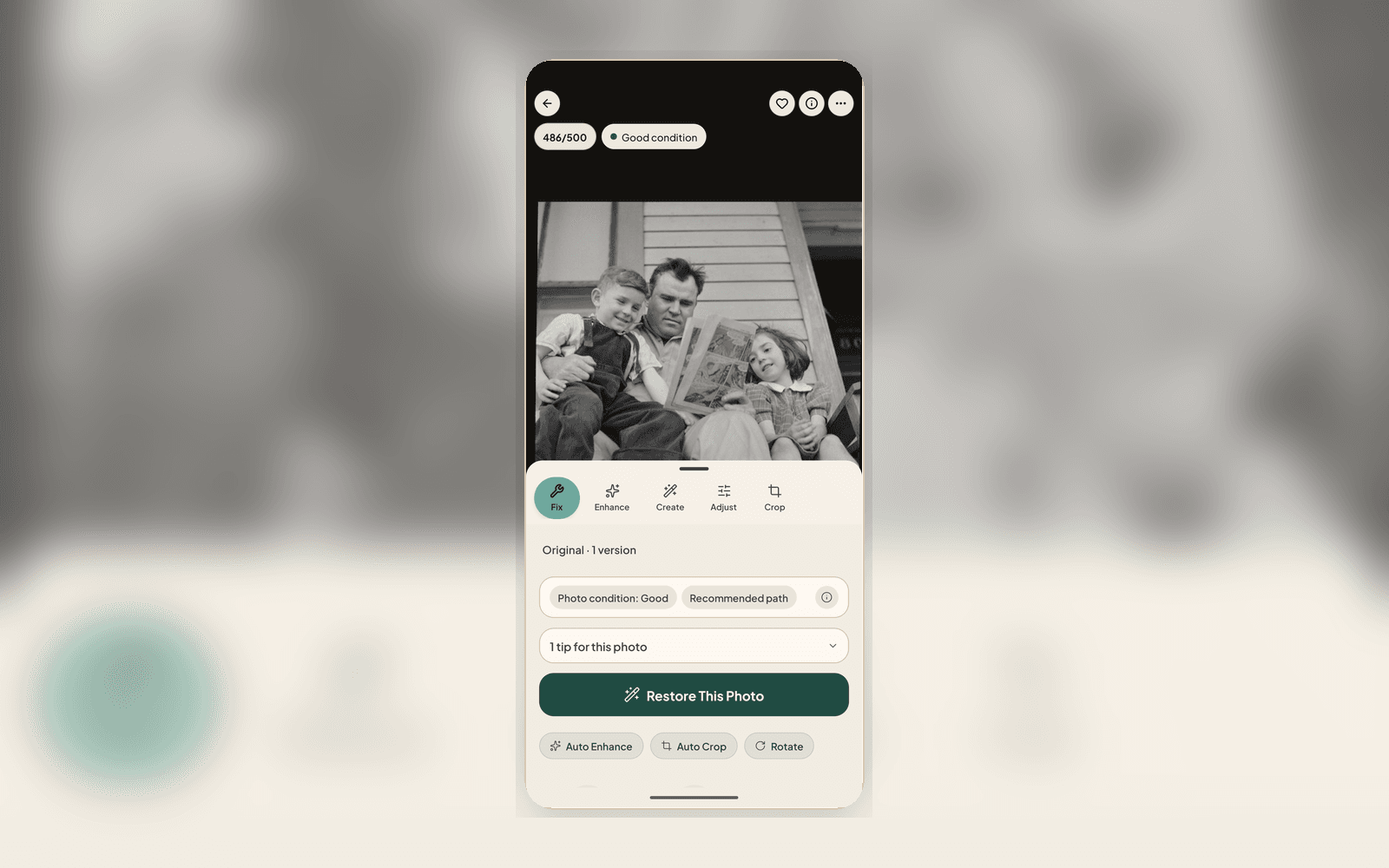
Five fields in the asset Info panel, visible on every photo in your archive
Add context once. Carry it forever.
Open any photo
The Info panel on every photo shows the Archive Note: five fields, no extra app. Empty fields are obvious so you know what to fill.
Or scan the back
If a print has handwriting on the back, scan it as a Photo Back. Nostalgia OCRs the writing where it can and offers an editable note suggestion before anything is saved. Relatives in your Family Vault can suggest Who, When, Where, and captions too — every suggestion waits for your approval.
Share with the story attached
When you share via Family Vault, Photo Story, or memorial vault, the note travels with the image so relatives understand what they’re looking at.
Notes are part of Archive follow-through
Restore one photo to create the archive record. Then open Captions & Notes from Archive to finish the who, when, where, what, and story fields before sharing.
What Archive Notes captures
Five Structured Fields
Who · When · Where · What · Story. Same on every photo. Powers search, timeline browsing, and per-person pages without you doing anything extra.
Back-of-Photo OCR
Scan a Photo Back, OCR runs, and the recognized text shows up with a “Use as note” affordance. Stops handwritten context from being lost the moment a photo leaves a shoebox. Read the full back-of-photo guide.
Searchable Across Your Archive
Every Archive Note feeds Archive search. Type “wedding”, “Brisbane”, or a relative’s name and the matching photos surface, even ones caption and story help wouldn’t have caught on their own.
Yours, Not Ours
Notes are private to your archive. We don’t train AI on them. Export them with the photo whenever you want a copy outside Nostalgia.
Restored photos are nicer to look at. Notes are what make them an archive.
Add the context once, and it’s with the photo every time someone in your family opens it again years from now included.