Photo Insight
Every upload gets a Photo Insight report before you use a restore. See damage labels, era estimate, capture quality, front date stamps, expected outcome, cost estimate, and one clear next best action before repair and after the restored version is ready.
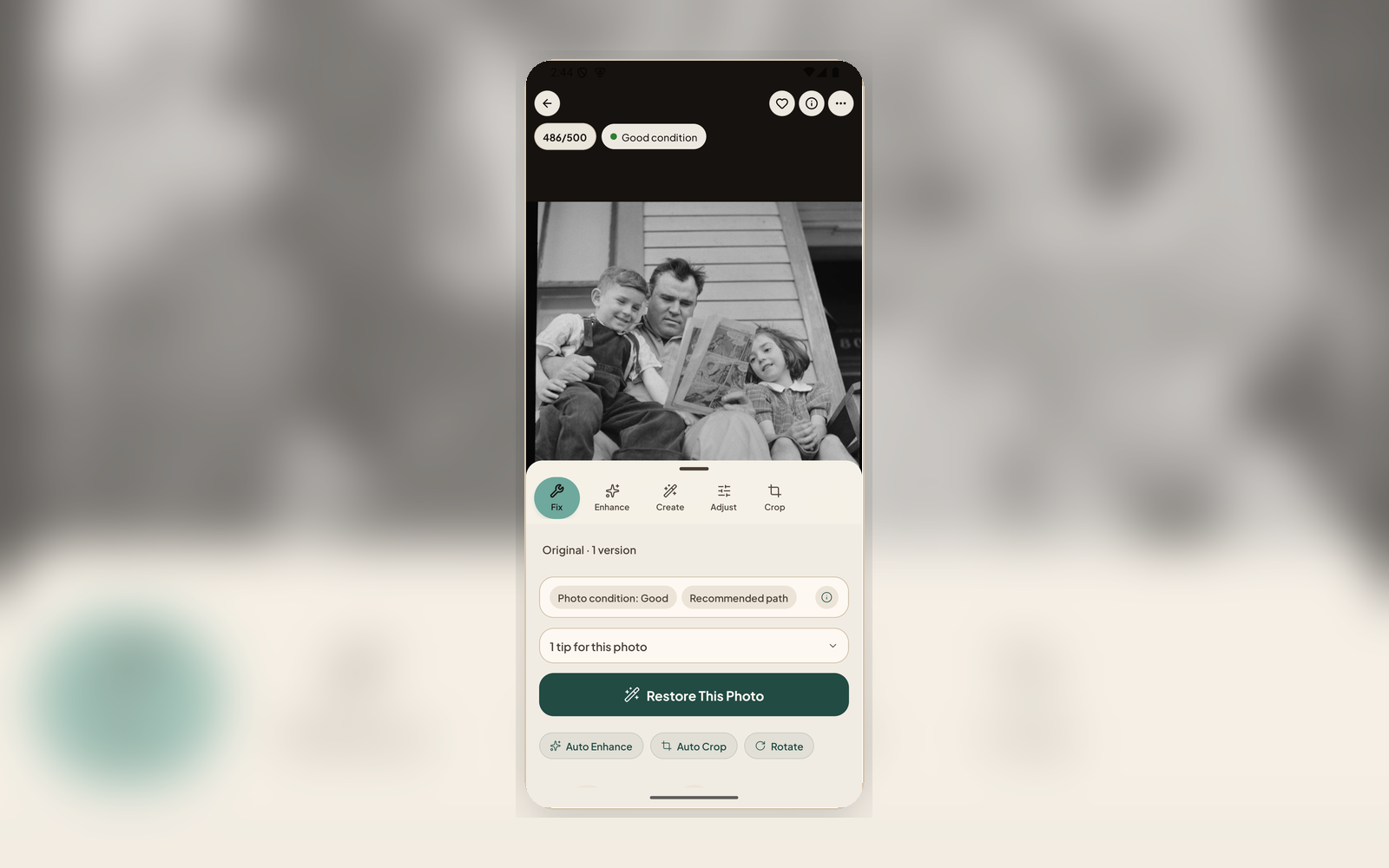
Know before you restore
Upload
Upload a scan or phone capture. Photo Insight runs automatically before any restoration begins.
Analysis Runs
The system detects specific damage types, estimates the era, grades capture quality, identifies faces and scene type, and checks whether a better scan would help more than AI.
Run the Recommendation
Start with the Photo Insight next best action: repair, crop, adjust, or rescan when needed. After each result, Nostalgia points to the next useful archive step instead of leaving a finished restore as the endpoint.
What Photo Insight recommends
Damage Assessment
Identifies fading, scratches, tears, creases, stains, water damage, mold, glare, blur, and color shift, each tagged as a specific damage label you can filter by in your Archive.
Next Best Action, Never a Dead-End
Photo Insight recommends the most useful next move: repair, crop first, rescan, review the result, or improve the current result. When a rescan won't actually help — a busy background it can't read — it routes you to a crop or to restoring anyway, so a recommendation is never a wall. Creative tools stay separate and require disclosure.
Archive Follow-Through
Once a photo exists, recommendations can also point to captions, people, similar-photo review, family-tree context, or private sharing when those are the next steps that make the photo useful.
Conservation Guidance
Flags photos that may need careful physical handling (mold, water damage, fragile prints, or framed photos with glare) before aggressive AI processing.
Capture Quality & Era
Grades your scan quality and estimates the photo's decade. Tells you when a better scan or crop would help more than extra AI, and tags each photo for era-based Archive browsing.
Editable Metadata
AI descriptions, tags, and front date stamps can become editable archive drafts. Once you correct a field, that user-owned value is protected from later enrichment.
Know what to run next, not just whether to restore
Upload a photo and choose the right Photo Insight recommendation before you spend credits experimenting, then finish the archive steps that make the result useful to family.