Progress & Review brings you back to finish.
Batch restores can run in the background, but processing is only the midpoint. Progress & Review shows what is newly scanned, ready for Photo Insight, still restoring, ready to finish, or waiting for your decision.
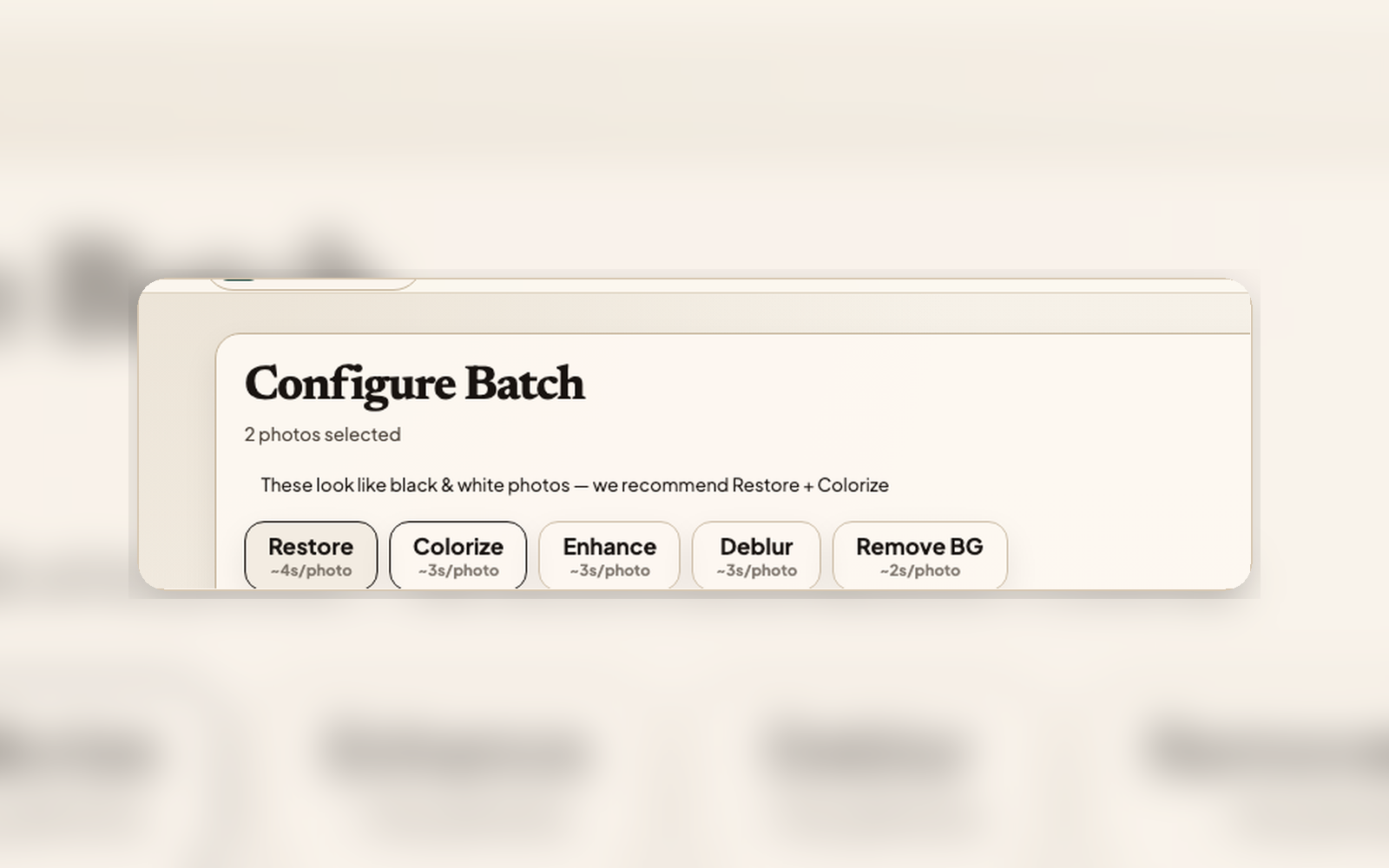
From background work to a finished archive entry
Start restore work
Start a single restore, a selected stack, or a scan session from mobile or web. Active work appears in Restore instead of getting buried under Archive browsing.
Let it run in the background
Progress updates keep the queue current while you move around the app. If a run fails or needs a better scan, the next action stays attached to that item.
Return to review
Completion notifications route to Progress & Review, where you compare with the Source, choose the restoration result, add context, or share privately.
What the queue is for
Workflow lanes
Newly Scanned, Insight Ready, Restoring, Ready to Finish, and decision-needed items each show why they are waiting.
Batch-aware review
For selected stacks, you can see which photos are complete, which failed, and which results still need a version decision.
Compare before keeping
Finished results open into review instead of becoming invisible files. Source versions and restoration results stay linked while you choose what to keep.
Cross-device updates
State changes reach every client you’re signed into. Close the web tab and you’ll still see the completion notification on mobile when notifications are enabled.
Failure visibility
If something goes wrong, the failed item stays in the queue with retry or rescan guidance instead of hiding behind a generic error.
Re-entry anywhere
Tap a notification and land in Progress & Review, ready to review, compare, or continue to the next step.
Finish the restore, not just the processing
Progress & Review keeps background batches, retries, comparisons, captions, and private sharing follow-through together.