Duplicate Cleanup
Family archives almost always collect multiple copies of the same photo: the original scan, a rescan after a better light, and a restoration result. Nostalgia groups them for review, recommends the strongest one to keep, and moves metadata only when you confirm the merge.
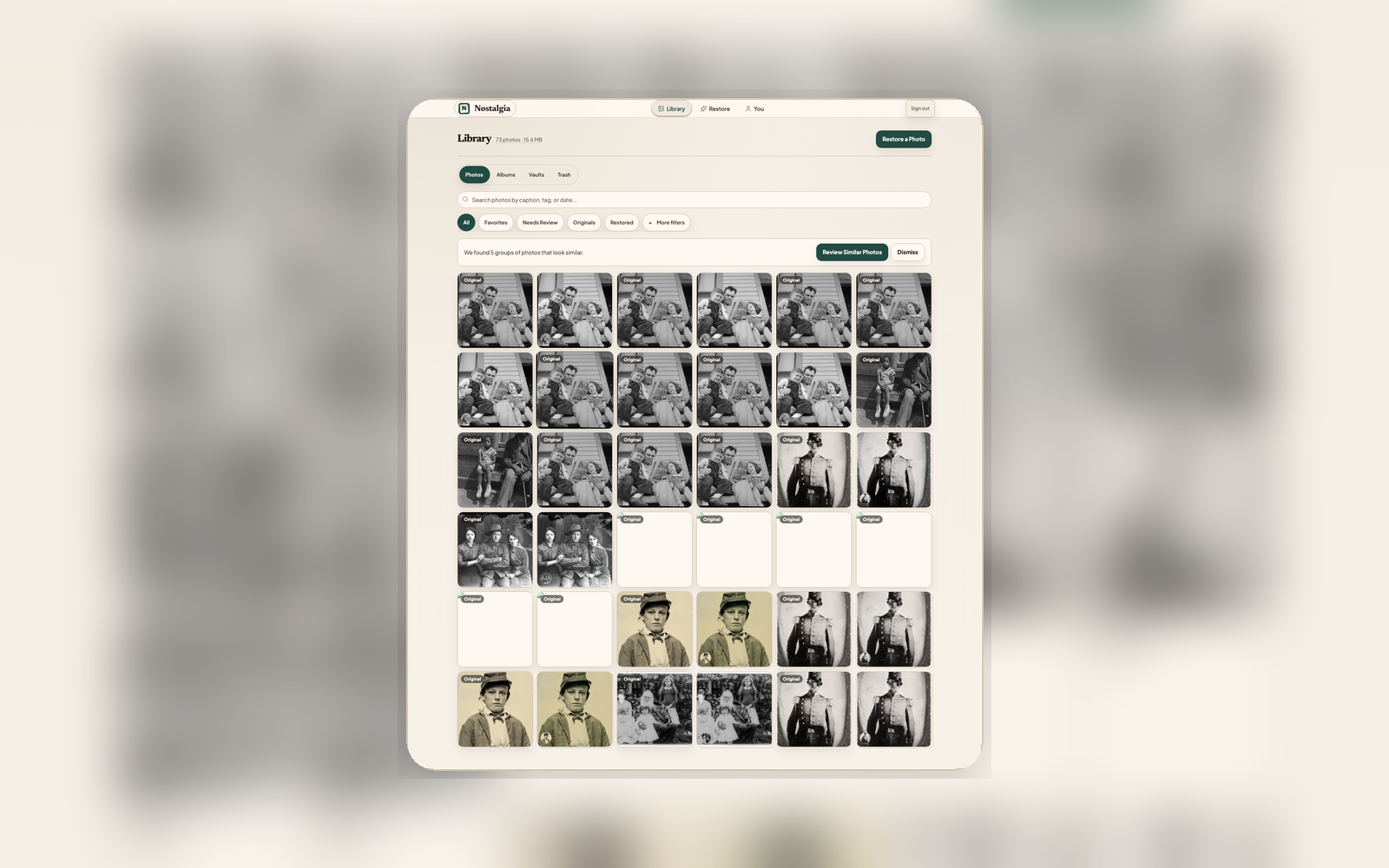
Group similar photos, keep the best one
Similar Photos is focused on duplicate hygiene: exact duplicates, same-print rescans, and linked restoration results. Broader semantic “similar moments” remain separate from this cleanup flow.
Detect
Every uploaded or restored photo is fingerprinted with a perceptual hash so visually similar images can be grouped without relying on filenames or EXIF data.
Compare
Nostalgia scores each photo in the group on capture quality and recommends which version to keep, usually the sharpest, best-lit, highest-resolution scan.
Merge
Accept the suggestion and the absorbed copies are soft-deleted into Trash, while their tags, albums, favorites, and restored variants transfer to the photo you keep.
What gets grouped and preserved
Exact duplicates
The same file uploaded twice, or two scans of the same print at the same resolution. The group is labeled clearly so you can keep one, keep all, or choose a different one to keep.
Same-print rescans
A rescan that caught less glare or better color balance is recognized as the same photo. Nostalgia suggests keeping the stronger capture.
Restored derivatives
Restoration results stay linked to the original they came from, so merging never accidentally collapses a restored result into its source scan.
Metadata transfer
Tags, captions, album memberships, favorites, and version history all follow the photo you keep so you never lose organization work when you clean up.
Undo-friendly
Merged copies land in Trash with a 30-day recovery window. If the wrong photo was kept, restore the alternate and redo the merge.
Scan-review integration
During scan sessions, possible duplicates are flagged inline before they clutter the Archive - so you clean up at the front door instead of after the fact.
Keep the Archive browse-first
Similar Photos is on by default for every account. Review groups in Progress & Review, then return to a cleaner Archive.