AI Captions
Start with a caption draft, then edit it with real names, dates, places, and family context before it becomes part of the archive. When the caption is blank, Nostalgia can apply the AI draft by default and mark it clearly.
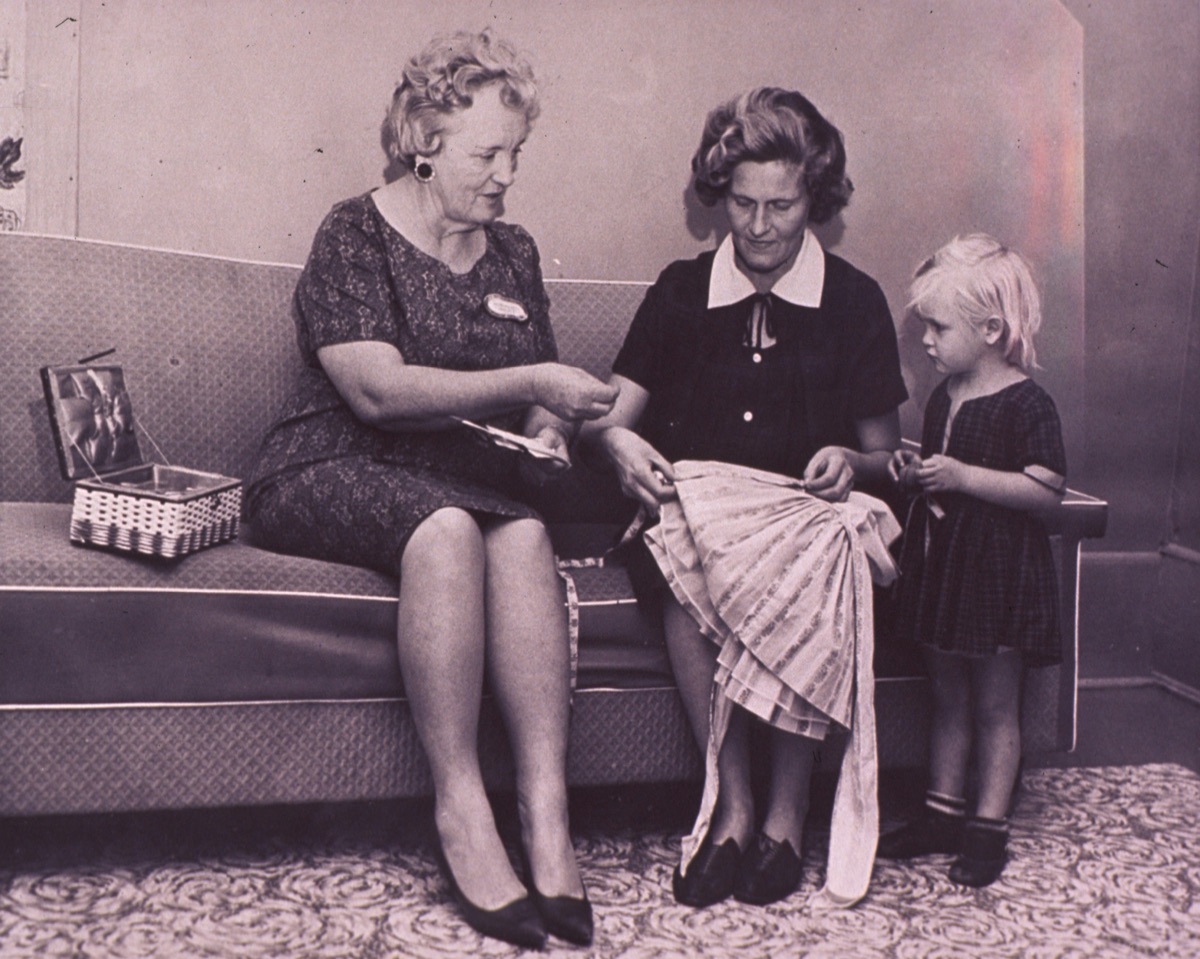
AI-generated caption overlaid on the original photo
Three steps to a written memory
Upload or Restore
Start from any photo in your project. Captions work on originals, restored, and colorized versions.
Draft Caption
Nostalgia uses the scene, subjects, clothing, and setting to draft a caption with an estimated date. The source label makes clear that it started from AI.
Use Anywhere
Copy the caption for albums, share pages, social media, or family group chats. Edit it to add your own details.
What captions include
Scene Description
A warm, narrative description of what is happening in the photo: who is there, what they are doing, and the setting.
Estimated Date
AI estimates when the photo was likely taken based on clothing, technology, and visual cues in the image.
Personal Tone
Captions are written in a warm, family-friendly voice designed for albums, memorials, and sharing with relatives.
Editable Output
Every caption is a starting point. Edit, extend, or rewrite it to add names, places, and personal context only you know.
User-Owned Edits
Once you edit a caption, date, or tag, the source switches from AI draft to user-owned so future archive enrichment does not replace it.
Let AI write the first draft of your family story
Upload a photo, start from a caption draft, then add the names and details only your family knows before saving it to the archive.