How Nostalgia compares
Most tools restore a photo and stop. Nostalgia restores the photograph, keeps the Source beside the result, and lets you ask the relative who would know. These pages say what each tool does well, then where Nostalgia fits a family archive. We do not train AI on your photographs unless you separately opt in.
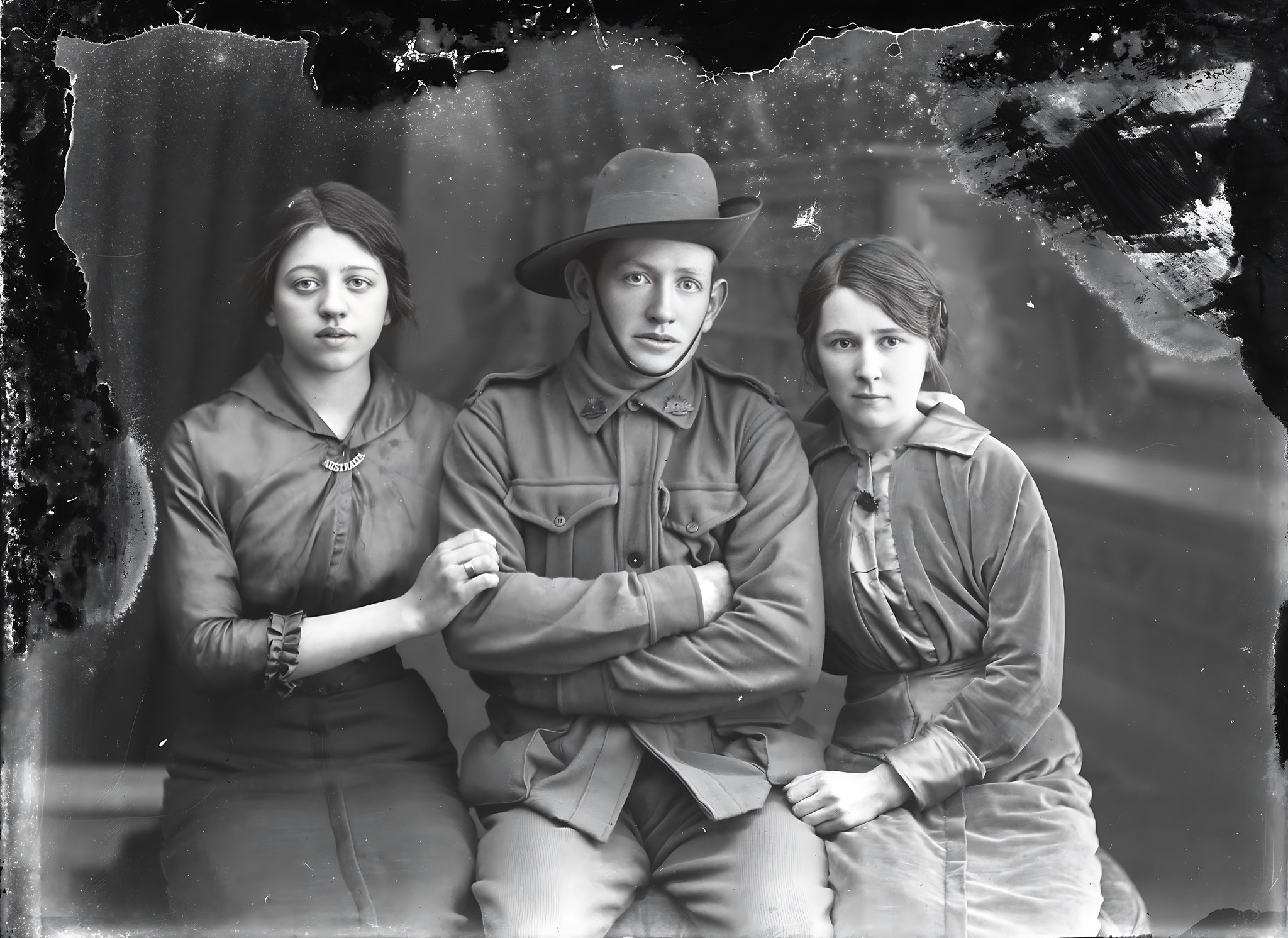 Restored
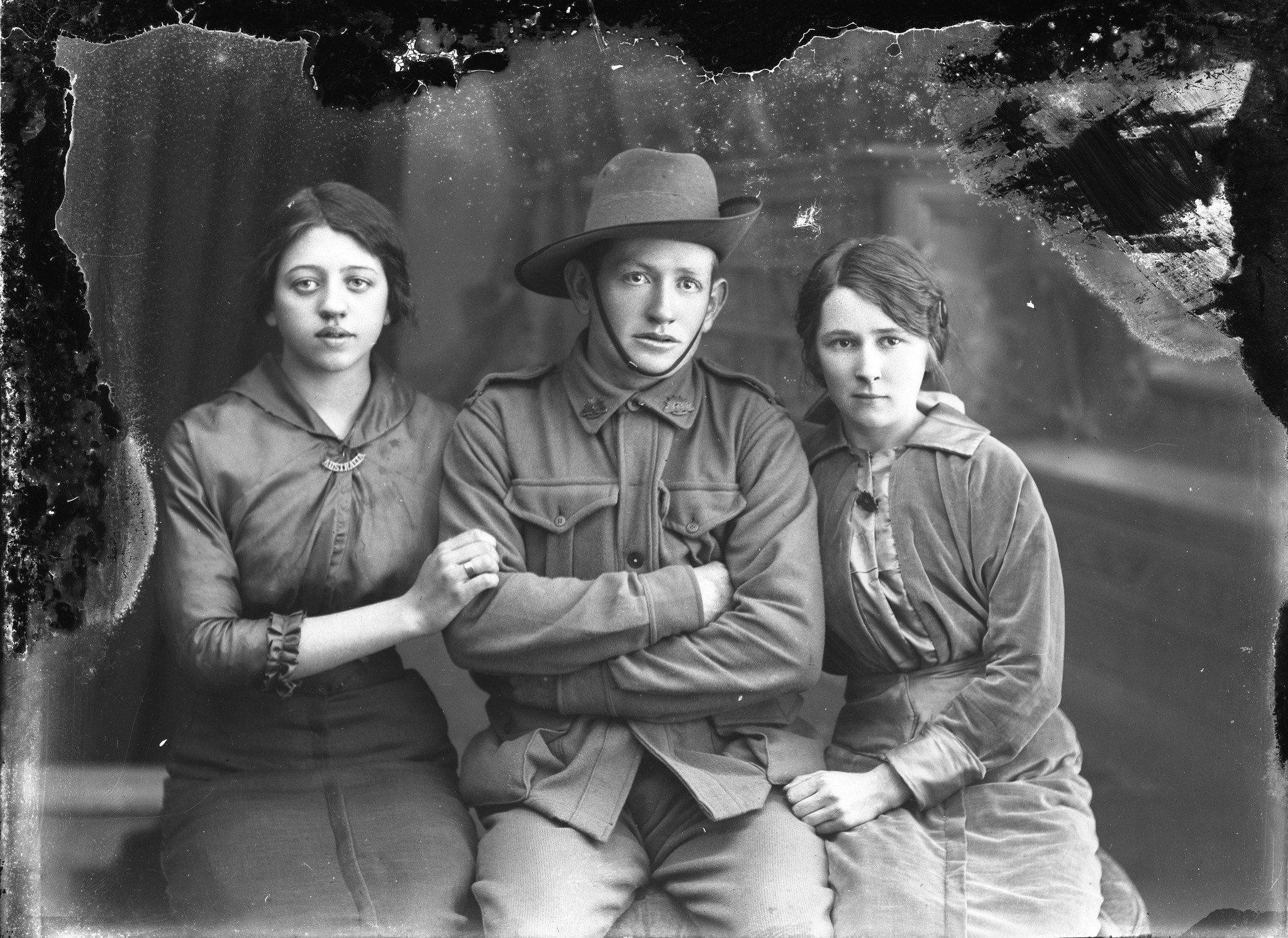 Source
Judge the photograph before you compare feature lists.
A dramatic face enhancement can look impressive and still be the wrong choice for an irreplaceable family record. Nostalgia makes the review step part of the product.
- Source
- The accepted Source file stays beside every result.
- Chosen restoration
- You decide which reviewed result still looks like your person.
- Context
- Names, notes, dates, and family answers stay with the photograph.
Pick a comparison
Each page acknowledges what the competitor does well, then explains where Nostalgia’s archive workflow makes more sense for inherited family photos.
Nostalgia vs Remini
AI photo enhancement appRemini is a popular AI photo enhancement app, strong on quick face fixes and viral effects. If you came here looking for a Remini-style filter, that's not what Nostalgia is.
Read the comparisonNostalgia vs MyHeritage Photo Enhancer
Photo tools inside a genealogy platformMyHeritage is a strong genealogy platform with photo tools bundled in. If you already keep your tree there and you're happy with the photo features inside that subscription, you may not need anything else.
Read the comparisonNostalgia vs Photomyne
Photo scanner and album digitizerPhotomyne is a strong scanner. They pioneered the multi-photo album-page capture workflow, and many archivists use it as the digitization step.
Read the comparisonNot sure which tool fits your workflow?
The fastest way to know if Nostalgia is the right archive for your inherited photos is to restore one, review the result, and see whether the archive workflow fits.